When using Classic 3D, the workflow for shadows should be to add a Point, Directional, or Spotlight, a small amount of Ambient light, and a White 3D solid to the floor plane. Then select the Floor Plane solid layer, press the 'a' key twice, set the layer to Receive Shadows Only, and adjust your lighting.
Using a copy of the text layer with Effects is less efficient, may get fouled up by adding effects, requires a lot more work positioning the layers, and ignores the perspective you get from a comp camera.
If you want to do that, you have to match the anchor points of both text layers to the bottom of the layer. That is accurately accomplished using a sourceRecAtTime expression for Anchor Point and matching the position of the layers with a simple pickwhip expression.
// Anchor Point expression for both text layers:
lyr = sourceRectAtTime();
x = lyr.width/2 + lyr.left;
y = lyr.height + lyr.top;
[x, y]

// Position expression for "shadow text" layer
thisComp.layer("Text Layer").transform.position

// Source Text expression for "shadow text" layer
thisComp.layer("Text Layer").text.sourceText

//Position Expression to offset a Floor layer if needed:
thisComp.layer("Text Layer").transform.position + [0, 1, 0]
If you need a floor layer as well as the shadow text layer it needs to be one pixel below the text layer shadow layer so use the last expression.
Here is the difference between using a Cast Shadows-only layer with lights and a copy of the text layer as a shadow.
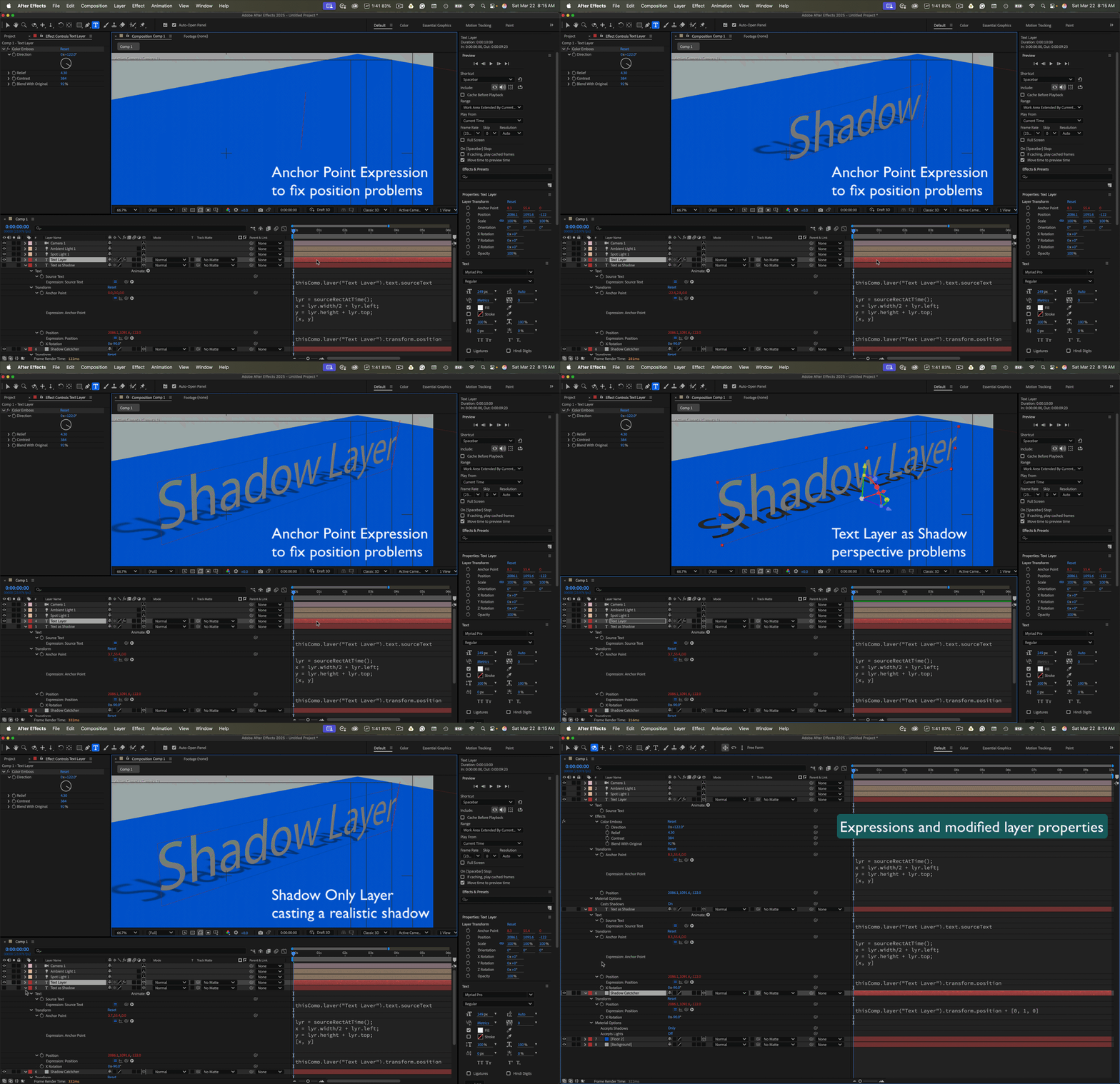
I have included an AE 24 sample file. Try turning on and off the layers.
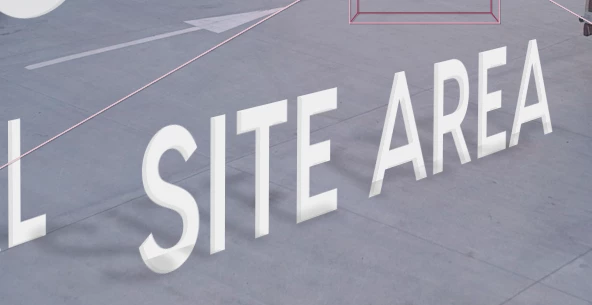
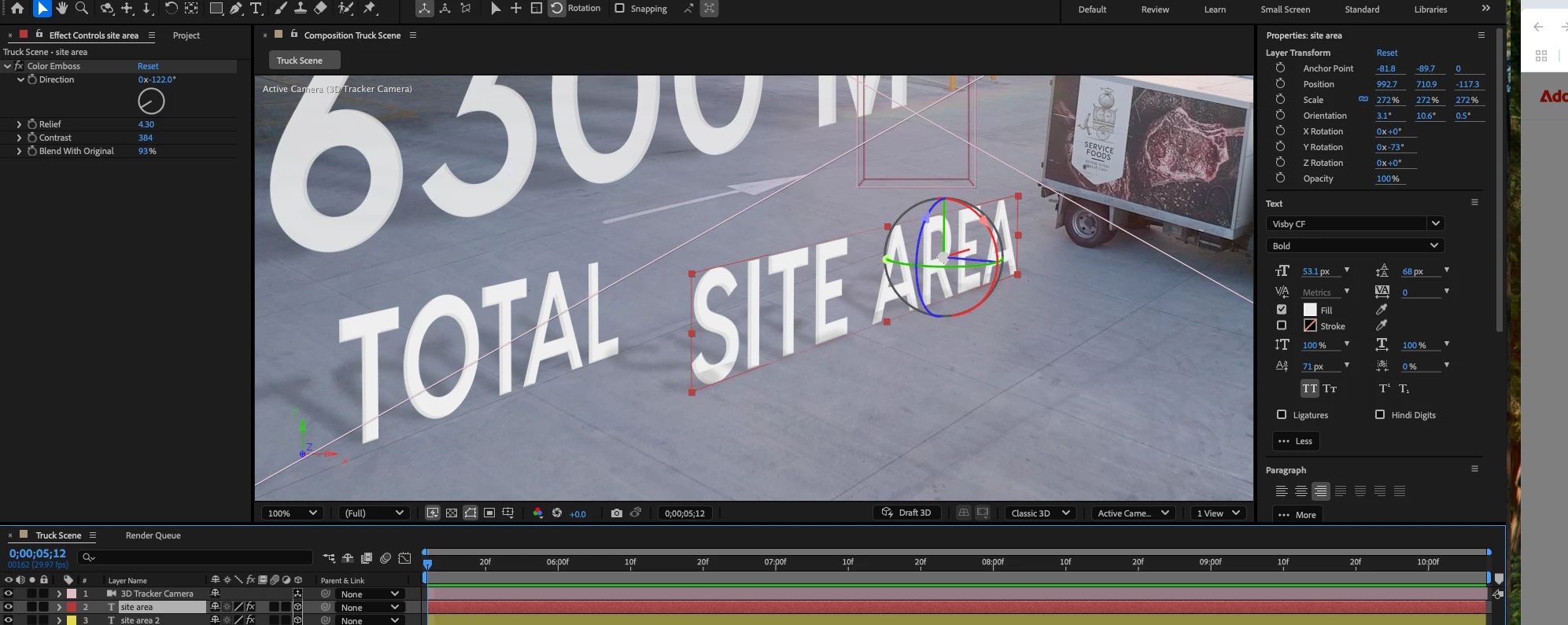
One more note: I almost always use Anchor Point expressions on 3D text layers. They make finding the bottom of a text layer perfectly accurate.



 AdChoices