

Easying keyframes- seeking guidance
Hi,
I am struggeling with something , Please seinors help me. So I know I have to apply easy ease, or easy ease in, out, to the keyframes- to make keyframe's motion smooth. linear makes it look robotic. right?
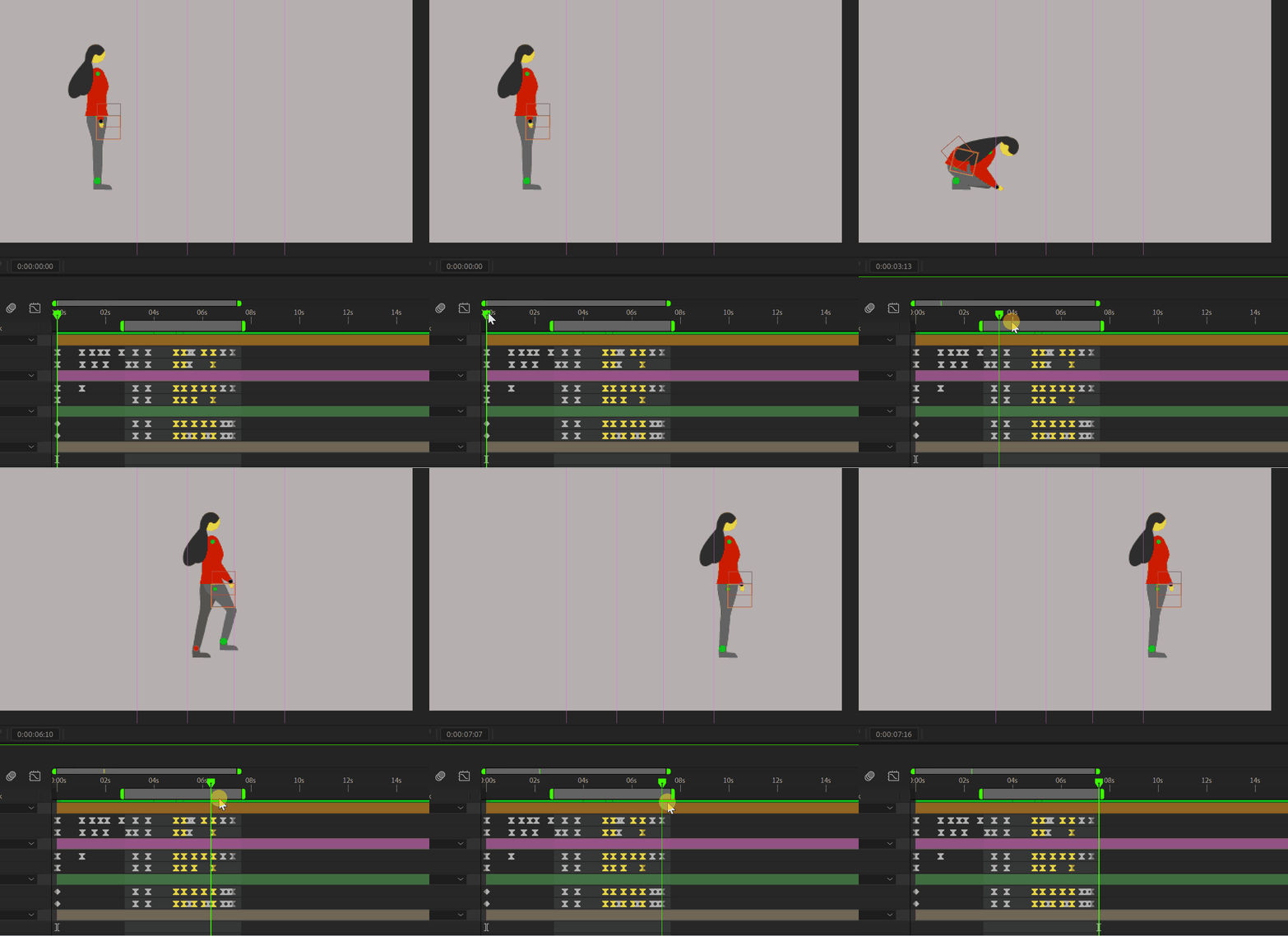
so what if I have 12/20/40 keyframes of position and rotation of a character doing something with its hand. do I need to make them all easy ease?? or suppose I have a perticular part where I need to make the motion swift or slow, only then I would select ''all those assosiated keyframes'' and apply easy ease to those ONLY and I would leave the rest of the keyframes as it is (linear)?
I am losing my peace over it. Please guide me. In the attached example do I need to make all the keyframes F9 (easy ease) ? Or only the part where I feel like here motion should be fast and make those keyframes easy ease and go to the graph editor and tweak them.. Thank you.


 AdChoices