


Participant
Oct 8, 2020 7:12 PM UTC
Question

Edge of shape layer being cut off?

Hi, 
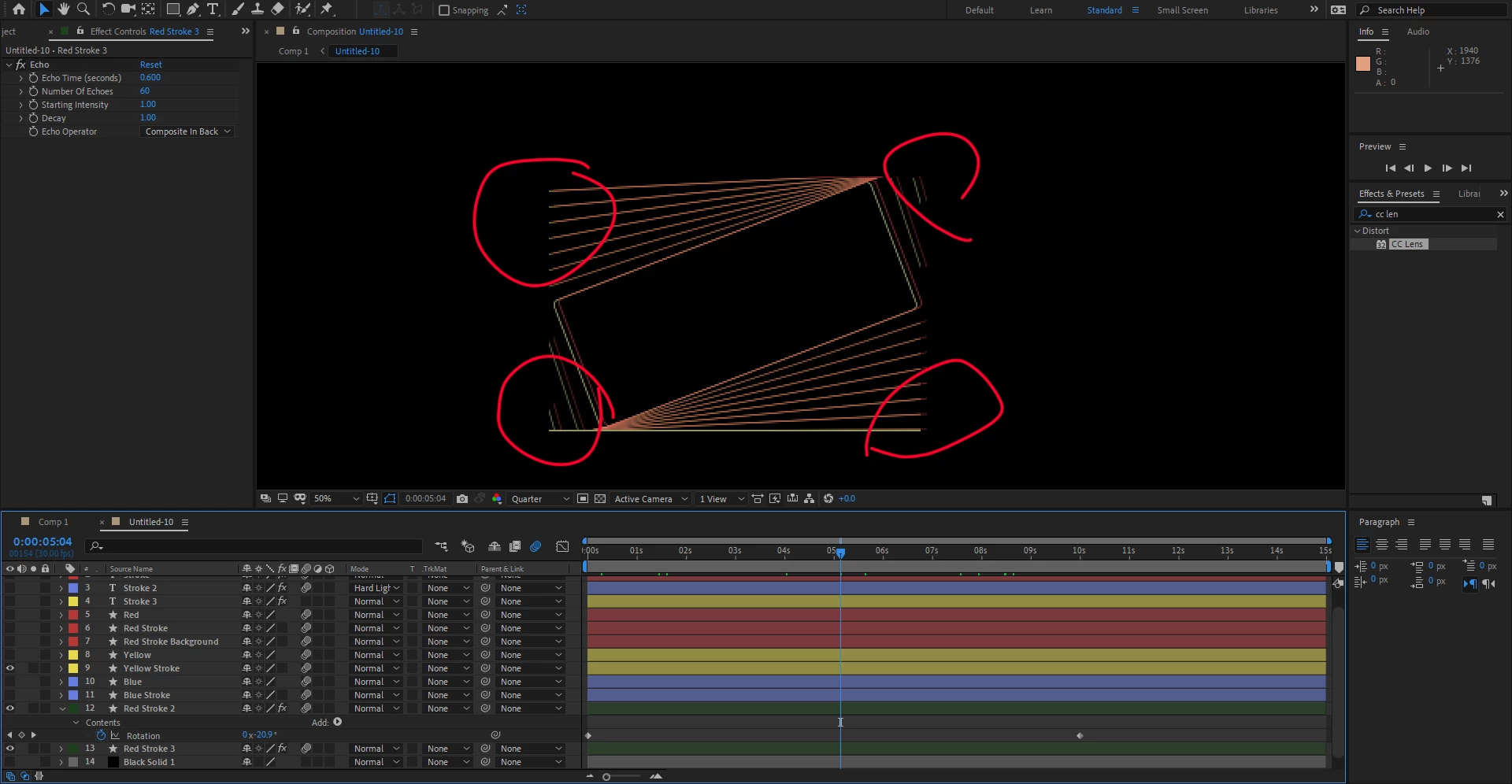
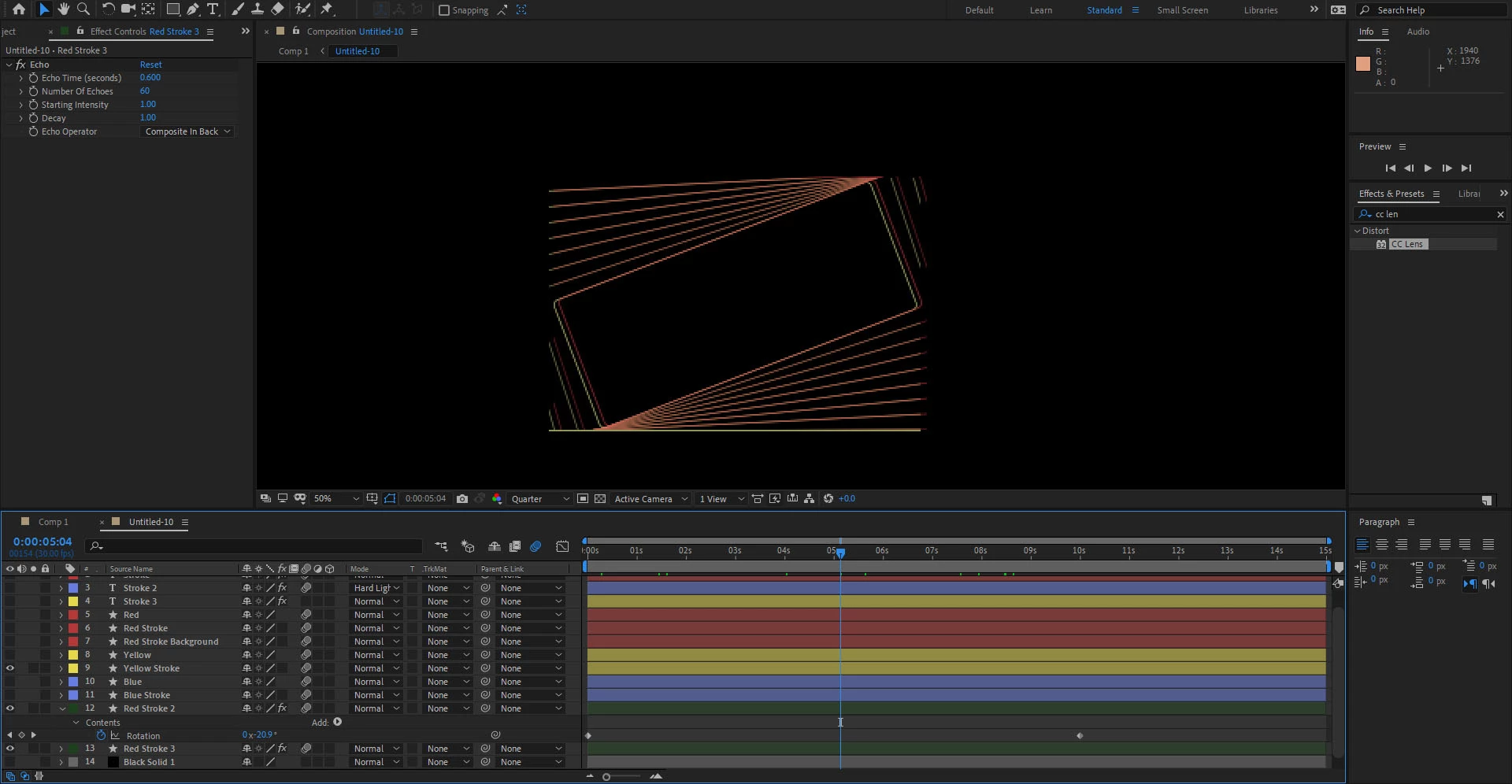
I have an echo effect on a shape layer and I'm trying to create a trailing echo effect.  For some reason the edges of the echos are being cutoff.  I've circled what I'm talking about in the images attached below.  Does anybody know how to fix this?
6 replies

Participant
Oct 18, 2024 1:03 PM UTC

The Grow Bounds effect worked for me. Put the effect before everything else and up the pixels to something like 2000px.

Translate
Inspiring
Sep 1, 2024 3:10 AM UTC

I found a solution to something similar. I had a couple FX added to a shape layer, including Fast Box Blur. The Wiggle FX on an adjustment layer above was cutting off just that shape layer just before the edge of the comp. I fixed it by de-selecting Repeat Edge Pixels in only the Fast Box Blur.

Translate
Participant
Mar 19, 2025 9:33 AM UTC

This has just solved my problem, much appreciated.


Translate
Community Expert
Oct 9, 2020 3:35 AM UTC

You are showing us the echo settings for layer Red Stroke 3 and the keyframes for layer Red Stroke 2. We have no way of knowing what is going on with Red Stroke 2 or even if that layer is the problem. Solo the layer you are having problems with, select that layer, and press 'uu' so we can see exactly what is happening with that layer and we can probably help you figure out what is going on.  Unfortunately, your screenshots don't tell us anything useful.

Translate
Participant
Jul 29, 2024 5:28 AM UTC

so condescending, thanks for the ideas Rick.


Translate
Jose Panadero
Community Expert
Community Expert
Oct 8, 2020 10:55 PM UTC

Probably you are reaching the boundaries of the shape layer. Try to precompose your Shape layer and then apply the Echo effect over the precomposition.

Translate