This topic has been closed for replies.

3 replies

Jose Panadero
Community Expert
Community Expert
June 5, 2022

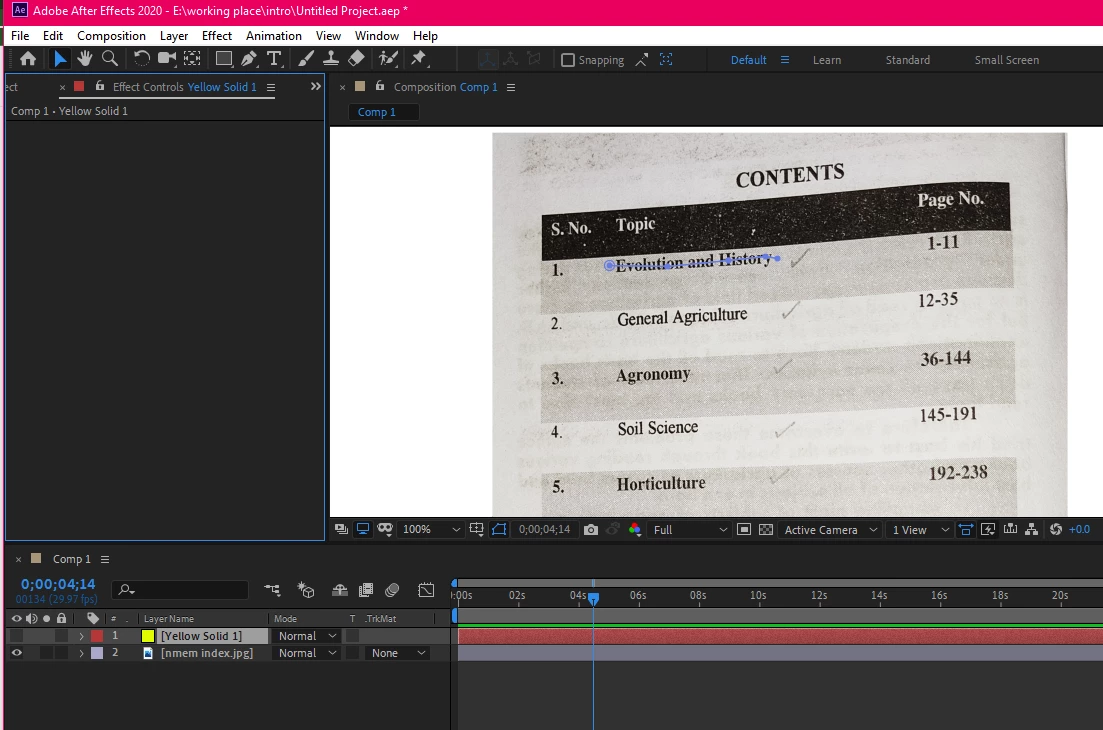
As @Jqke is telling you, you must be using the Stroke based on Layer Styles, not the one included in Effects > Generate Stroke. This is whey you are not seeing the effect applied to your layer. Also, you have deavtivated the visibility of your layer, don't forget to activate to view the effect.

Community Expert
June 4, 2022

Maybe try resetting preferences:

To restore the default preference settings, press and hold the following keys while the application is starting.

  • Ctrl+Alt+Shift (Windows)
  • Command+Option+Shift (Mac OS)
Jqke
Legend
June 4, 2022

The Stroke effect or layer style? Please send a recording of the issue.

~Jake