Answered
effect control panel AE shows nothing
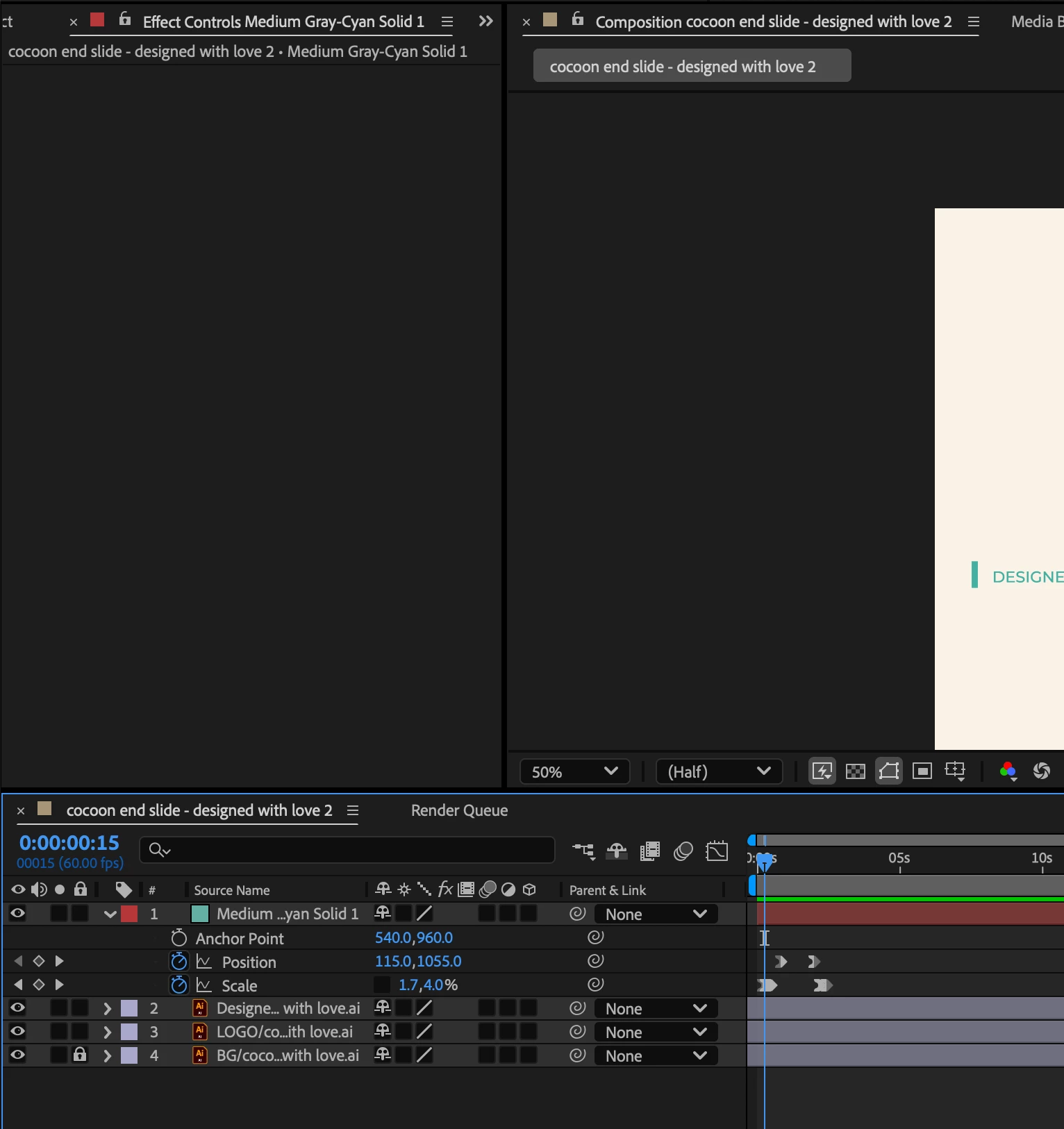
Any Idea what is wrong with it? I honestly so frustrated with Adobe changing the layout so often. If you work with many of their programs it becomes truly painful experience.

Any Idea what is wrong with it? I honestly so frustrated with Adobe changing the layout so often. If you work with many of their programs it becomes truly painful experience.
Hey there are a few possible reasons for this issue. First, ensure that an effect has been applied to the selected layer, as the panel only displays effects that are currently active. If no effects are applied, try adding one from the Effects & Presets menu to see if it appears. Additionally, confirm that the correct layer is selected in the Timeline Panel if not, select another layer and then reselect the one you’re working on.
Another possibility is that the Effect Controls panel is simply disabled; to fix this, go to Window > Effect Controls and ensure it is checked. If the issue persists, it could be a UI glitch, which can often be resolved by resetting the workspace through Window > Workspaces > Reset "Standard", or by restarting After Effects.
In some cases, corrupted preferences may be causing the problem, and resetting them by holding Cmd + Opt + Shift (Mac) / Ctrl + Alt + Shift (Win) while launching After Effects may resolve the issue.
Already have an account? Login
No account yet? Create an account
Enter your E-mail address. We'll send you an e-mail with instructions to reset your password.


 AdChoices