

Answered
Effects Control Panel Missing From Widow Drop Down Menu 2023
My effects control panel is missing from my Window menu:
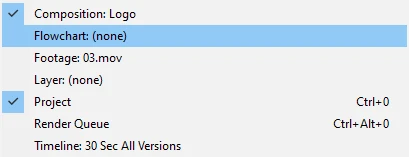
It seems to have just happened randomly. I was applying effects and seeing them yesterday. Today it's an issue.
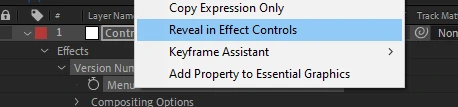
So I can't open it with the Window dropdown, so I tried revealing a specific effect I have on a layer by rght-clicking and selecting Reveal in Effect Controls. By the way the effect is a renamed drop down layer controller. But if I apply any effect to the layer and try revealing it, it still crashes.
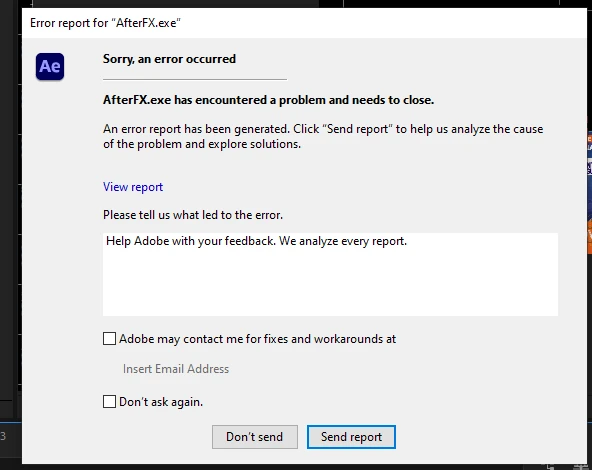
Crash.
 AdChoices