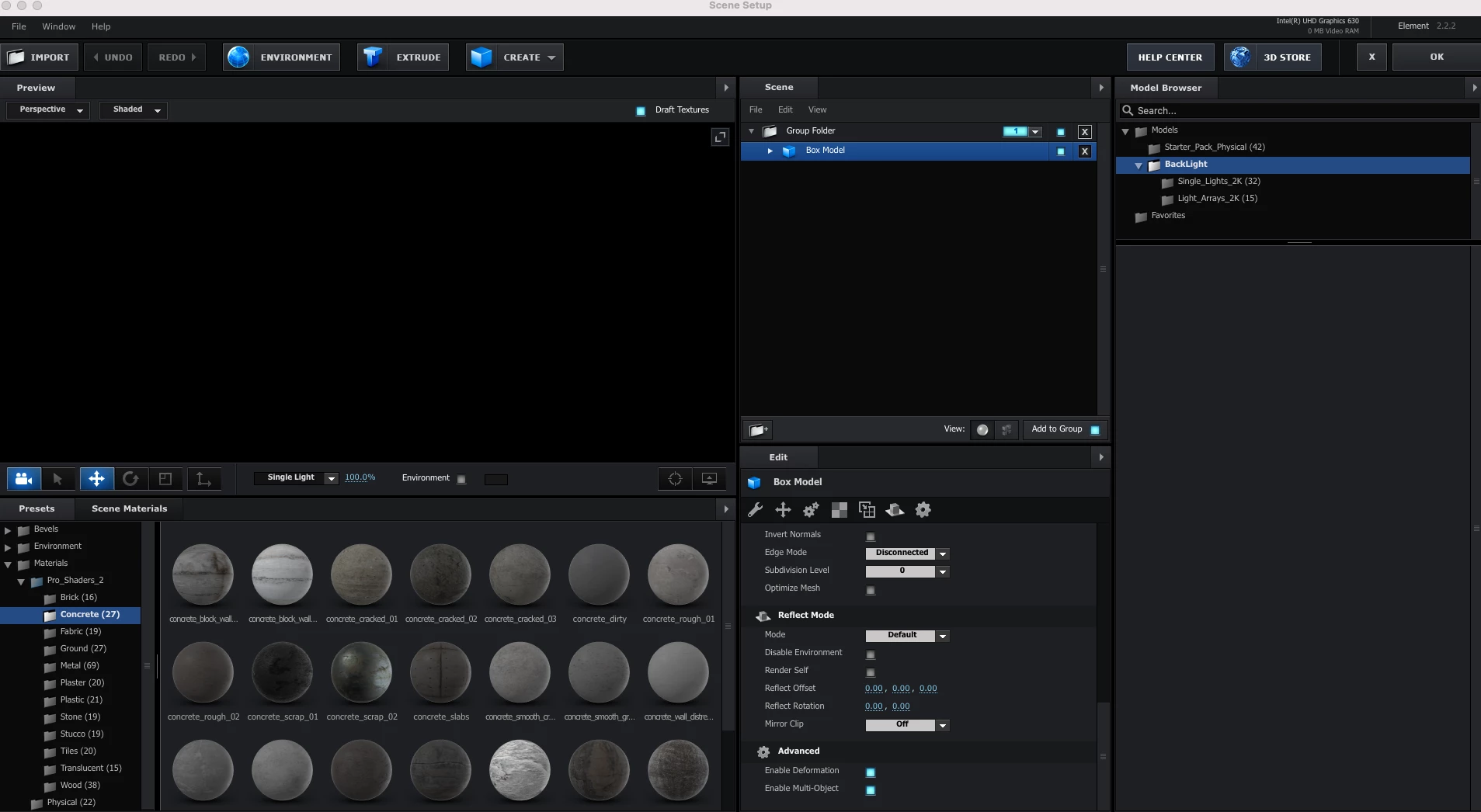
4 replies

Participant
Apr 16, 2024 6:33 PM UTC

Have you found the solution 

Translate
Participant
Jun 8, 2024 1:32 PM UTC

Open Element 3D -> Window -> Layout 1


I reinstalled driver and after effects and elemt 3d and nothing worked. 

I made a new project with nothing in it and the preview would still not show...


Just a minute ago I was kinda desperate and pressed all kinds of buttons in Element 3D.

After clicking Window -> Layout 1 everything reappeared on my scene.


I hope it stays this way... I really need this to hold up until the project is done...

Translate
ShiveringCactus
Community Expert
Community Expert
Sep 22, 2021 8:43 AM UTC

When Andrew Kramer released his tutorial for a 3D Earth, he supplied massive 6K images - my set up couldn't handle these, but when I scaled them down to 2K, everything worked.  

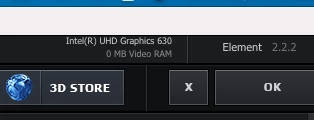
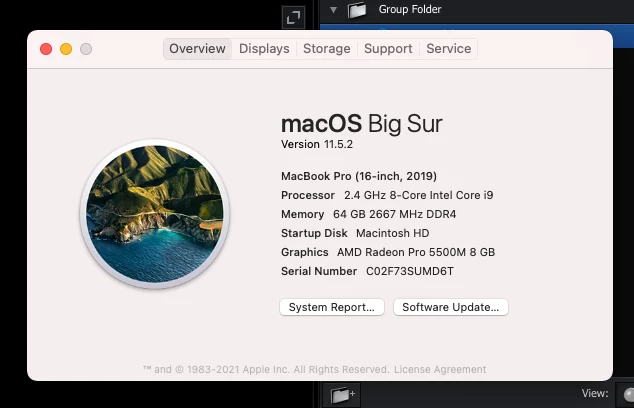
Having said that, you're right, Element is using the Intel board and not the AMD.  I know how to configure a Windows PC to set which graphics card to use for which program, (it's in the graphics card control panel).  I don't know if Mac offers a similar set up, but googling "Mac AMD Control panel" might be a place to start.


Translate
ToolfarmJP
Community Expert
Community Expert
Sep 22, 2021 2:55 AM UTC

I would not think Element 3D supports Intel graphics. You use the alternative graphics.


https://www.videocopilot.net/assets/public/misc/Element-GPUs.pdf

Translate