abdurr87331869
Participant
June 23, 2021
Answered

Element 3D stretch all the imported model

  • June 23, 2021
  • 1 reply
  • 1904 views

Hi, everyone I don't know what's going wrong with element 3d I import many models in AE via element 3D in element 3D the model looks very good but in AE effect composition it stretches up. The scale value is the same for x,y,z means there is no issue with scale. Note with all models I am facing this same issue. For reference please check the screenshot you will get the idea, please need your help in this issue. Thank you
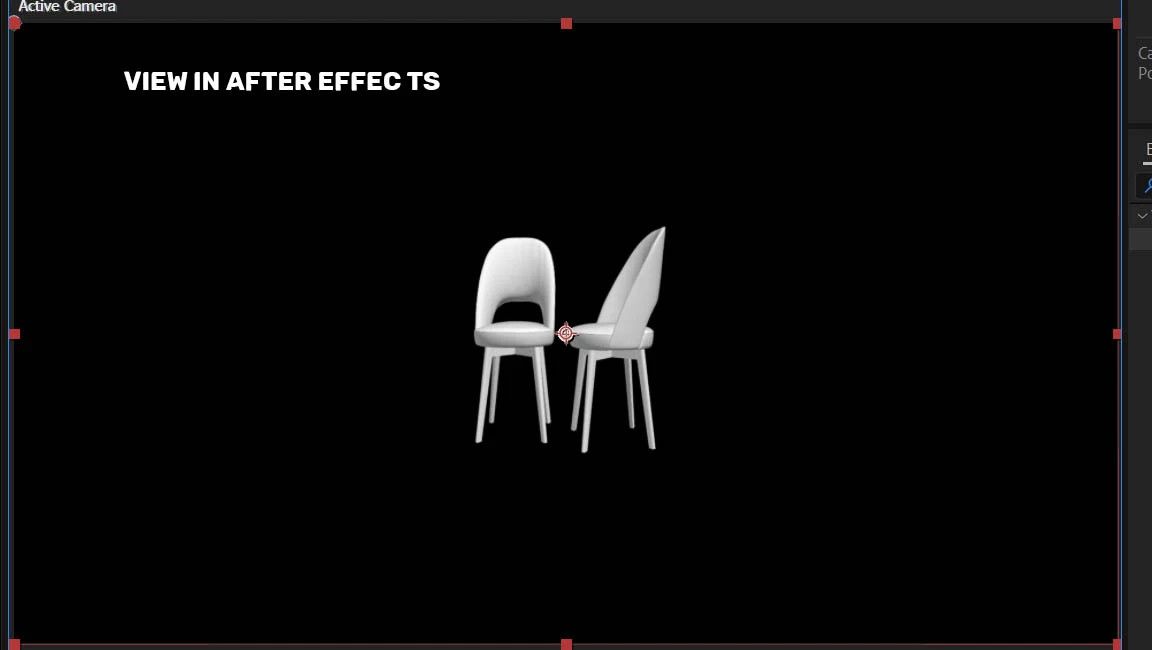
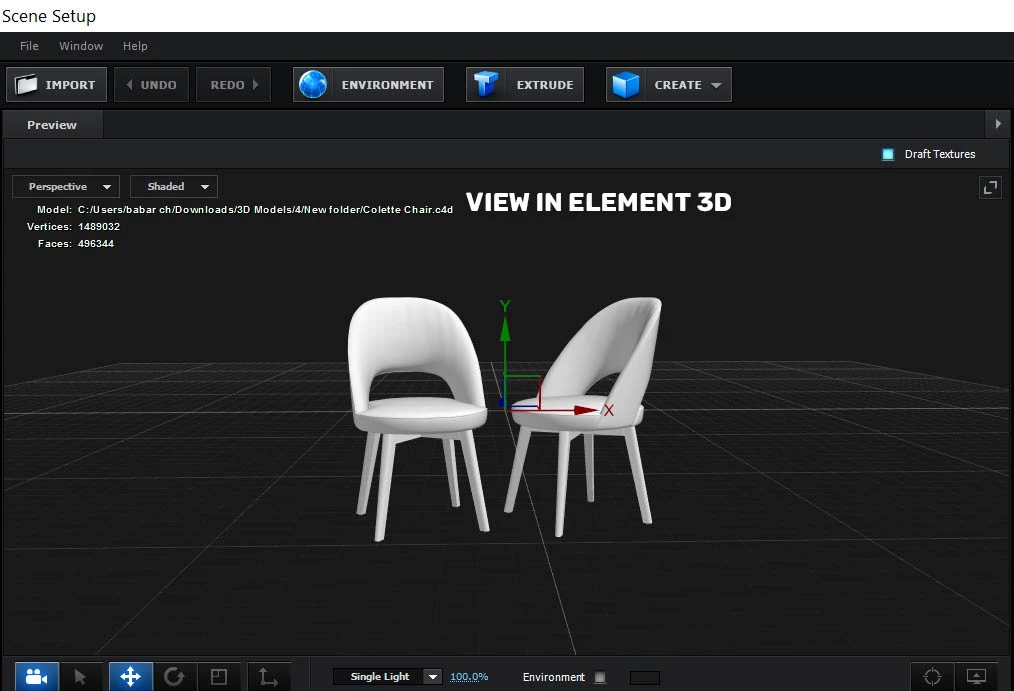
 

This topic has been closed for replies.
Correct answer Andrew Yoole

Check your composition and layer settings to ensure you are working in square pixels with a Pixel Aspect Ratio of 1:1.


Check the scale of your Element layer is 100, 100.


Check your Element layer is a 2D layer, not a 3D layer.

1 reply

Andrew Yoole
Andrew YooleCorrect answer
Inspiring
June 23, 2021

Check your composition and layer settings to ensure you are working in square pixels with a Pixel Aspect Ratio of 1:1.


Check the scale of your Element layer is 100, 100.


Check your Element layer is a 2D layer, not a 3D layer.

abdurr87331869
Participant
June 23, 2021


This is the comp and element 3d settings

Andrew Yoole
Inspiring
June 23, 2021

Problem solved - you are working with a composition Pixel Aspect Ratio of 1.5.


Change the Pixel Aspect Ratio to Square Pixels.