
Enabled hardware ProRes encoding, then weird errors after restarting application
This was weird. I was trying to rememeber where to set my default output module, and while in Preferences > Output I noticed "Enable ProRes hardware accelerated encoding, if available."
First off, Adobe, how about removing the "ifs" and instead only enable this option if hardware accelerated encoding is available? Is ProRes hardware encoding available on this computer? I don't know, but After Effects knows.

After enabling the option, I was told to restart After Effects.
Upon relaunching After Effects, the app told me I was using Adobe products on other computers and that I needed to sign out of one of them first. It also offered me a link to click to manage my account. Ok, not true, but Ok... click the link but Safari warns the server does not exist. There seems to be a typo in the address it sent me to, there is no "accounts.adobe.com"
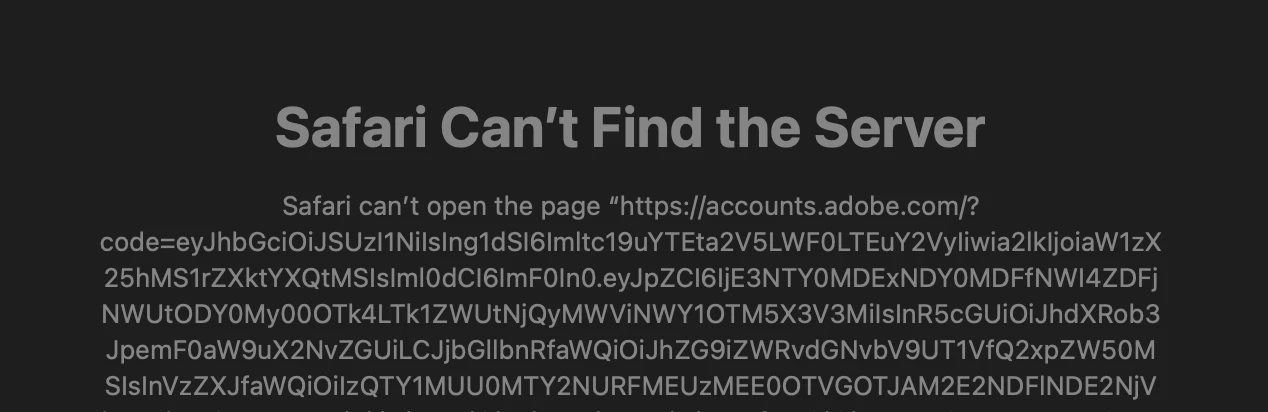
Eventually I give up on the web site, because this machine I'm using *IS* activated, so I clicked Continue in After Effects (it said after you sort out licensing, click Continue (sorry, no screenshot of this)). That led to this error:
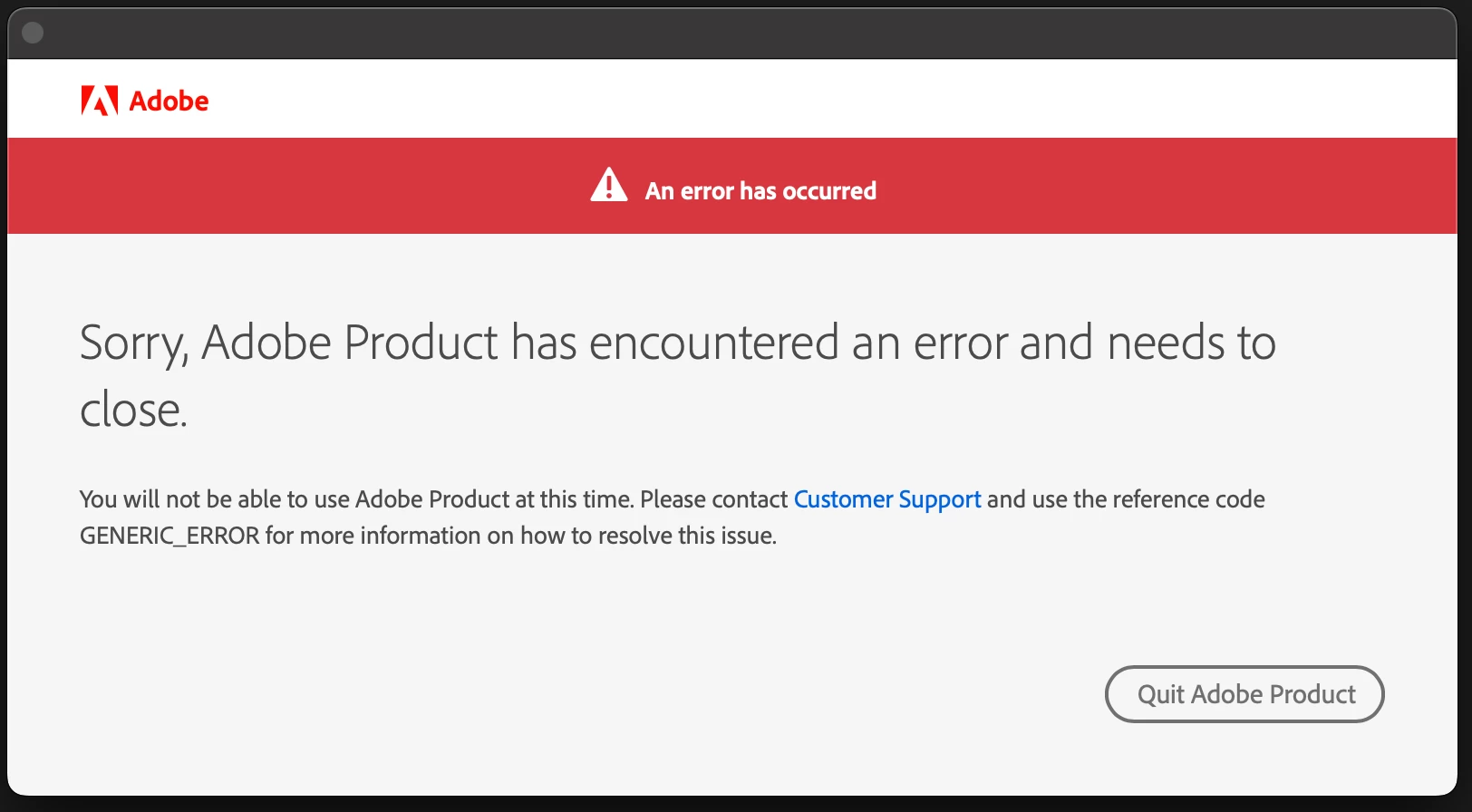
"Adobe Product"?
I click "Quit Adobe Product", which dismisses the error, but After Effects is now happily running. It did not quit.
So now that I have ProRes hardware enabled encoding enabled, I re-render the comp I just-rendered before all this.
Hardware encoding OFF: 1 min, 18 sec
Hardware encoding ON: 1 min, 36 sec
🤔 🤔

Some things went wrong here. Let me know if you'd like me to test anything.


 AdChoices