


Participant
February 19, 2021
Answered

Equal spacing between layers when each layer is a different size?

  • February 19, 2021
  • 3 replies
  • 2913 views
Hello everyone
 
I am working in Adobe After Effects (version 17.7.0 Build 45) and I have the following:
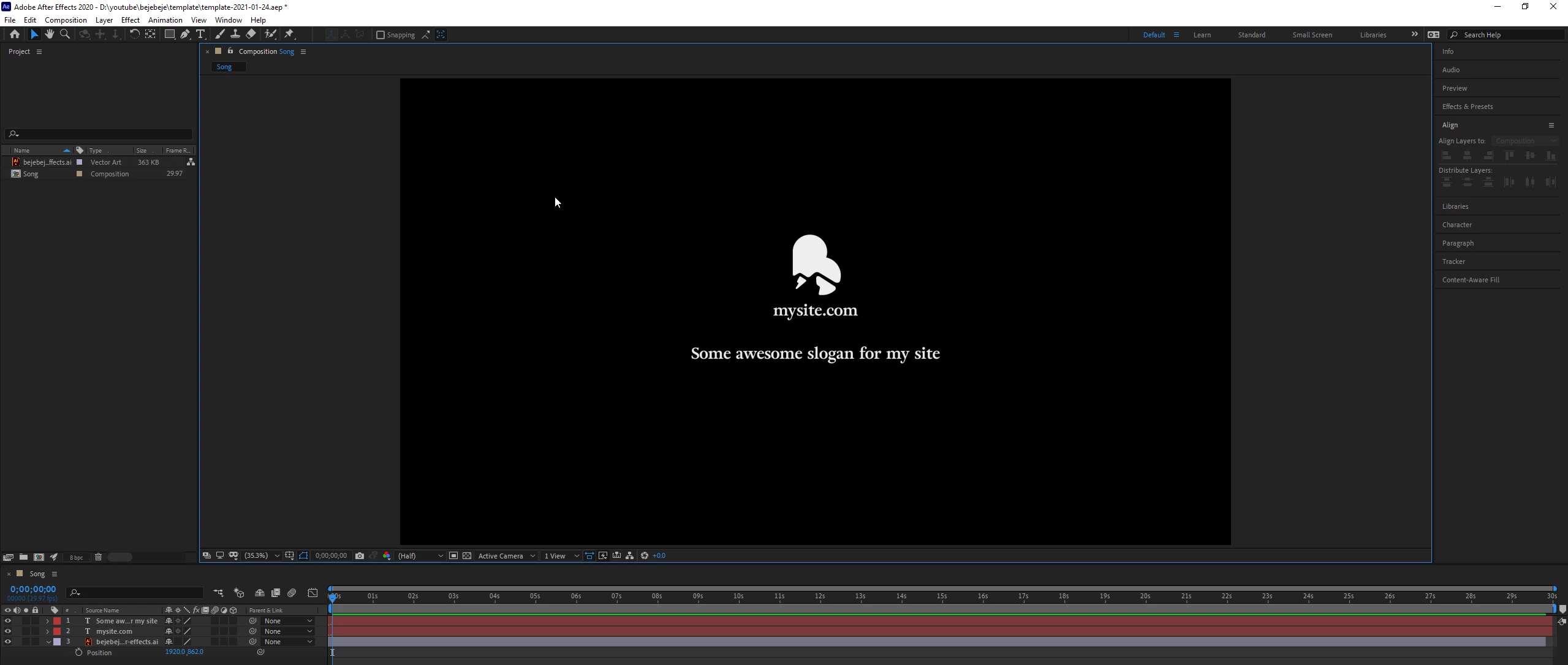
 
How can I get equal spacing between the three layers when each layer is a different size? Let's say I want 60 pixels between each layer?

In other design software, it is easy, when I drag and drop, it tells me. Here's Figma for example:
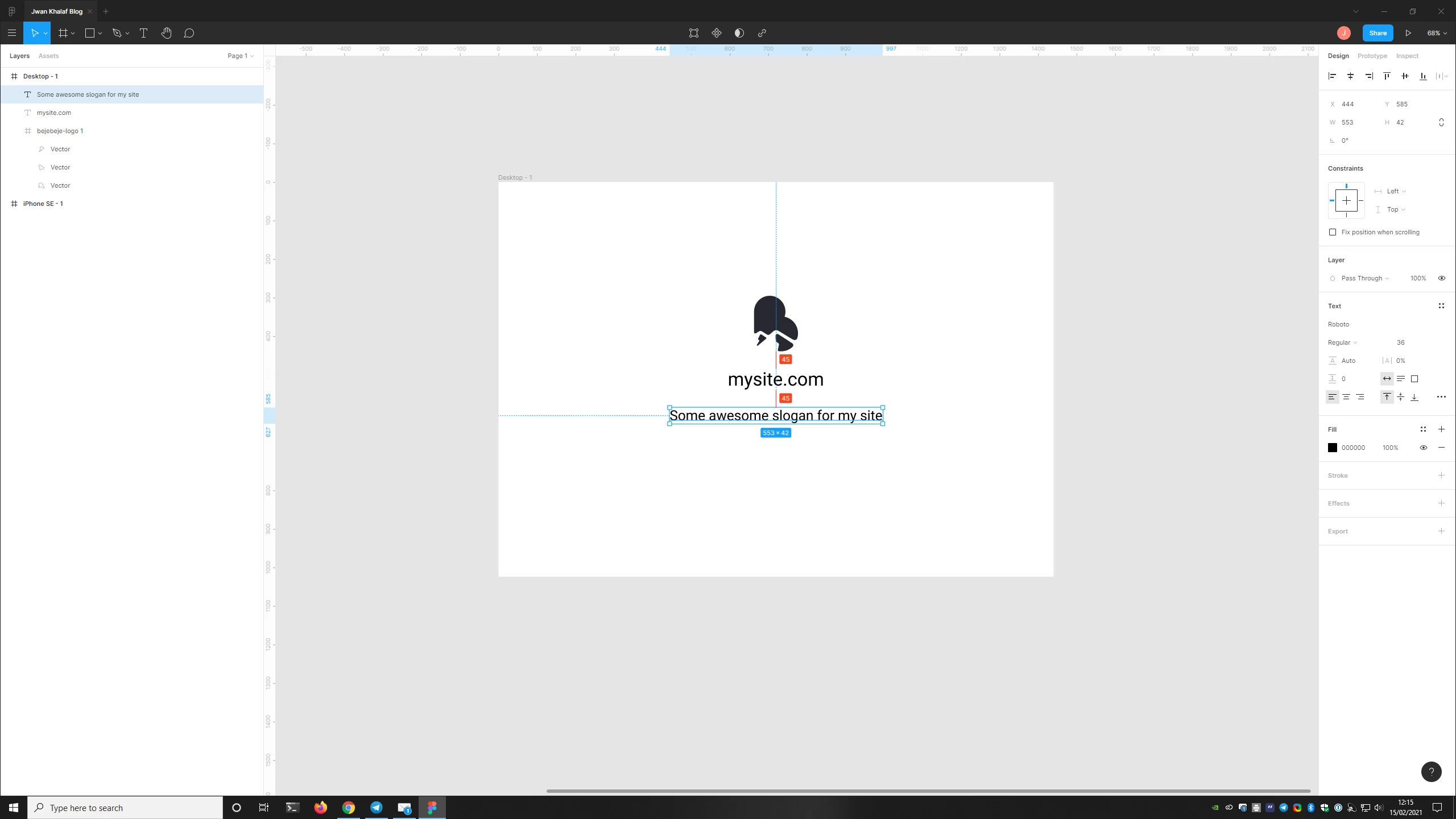
 

How can I get the same in Adobe After Effects? I already know about the Align tools in Adobe After Effects, but they do something different. For example, I couldn't say "I want 60 pixels between each layer".

Correct answer Rick Gerard

Put the anchor point exactly on the bottom of each layer.

Determine the total height of each layer.

Add a simple expression to each layer.


You have an Illustrator file that could be imported as a composition retaining layer size. You also have two text layers. The anchor point is at the bottom of a text layer by default. You can easily move the anchor point to the bottom of your AI layer. As long as the AI layer was imported as a comp retaining layer size so the layer is the same size as the graphic you can add this expression to the bottom layers and have them stack on top of each other.


ref = thisComp.layer(index - 1);
thisLyrHeight = sourceRectAtTime().height * (thisLayer.scale[1] / 100);//Compensate for scale
y = ref.position[1] + thisLyrHeight + 60;// Spacing is 60 pixels
[ref.position[0],  y]


This expression will separate any layer from the one above it by 60 pixels as long as the anchor point is at the bottom of the layer.


3 replies

Rick GerardCommunity ExpertCorrect answer
Community Expert
February 19, 2021

Put the anchor point exactly on the bottom of each layer.

Determine the total height of each layer.

Add a simple expression to each layer.


You have an Illustrator file that could be imported as a composition retaining layer size. You also have two text layers. The anchor point is at the bottom of a text layer by default. You can easily move the anchor point to the bottom of your AI layer. As long as the AI layer was imported as a comp retaining layer size so the layer is the same size as the graphic you can add this expression to the bottom layers and have them stack on top of each other.


ref = thisComp.layer(index - 1);
thisLyrHeight = sourceRectAtTime().height * (thisLayer.scale[1] / 100);//Compensate for scale
y = ref.position[1] + thisLyrHeight + 60;// Spacing is 60 pixels
[ref.position[0],  y]


This expression will separate any layer from the one above it by 60 pixels as long as the anchor point is at the bottom of the layer.


Mylenium
Legend
February 19, 2021

Enable the rulers, drag out some guide. Basics!


Mylenium

kriskristferson
Participating Frequently
May 22, 2025

Thank you very much for the basic introduction to After Effects. You never fail to inspire!!

Martin_Ritter
Legend
February 19, 2021

You can just look at the position property and add the difference manually.

You can also write an expression for that - but if you only need this once in a while, it is just a matter of manual alignment.


*Martin