
Answered
Error: AEGP Plugin CINEWARE SceneLayer: Cineware AliveThread - Execute failed
Hello. I've got an error when I'm trying to open a file in After Effects from Cinema 4d.
1. Opening After Effects, creating a new project. Layer-new-Maxon Cinema 4d file
2. Opens Cinema 4d, create an object, press "control S" on the keyboard to save it.
3. I go back to After Effects, in the "project" window choose my project from Cinema, make a precomposition. I'm waiting.
4. After a long wait for the download, an error window pops up (attached a screenshot with this error bellow)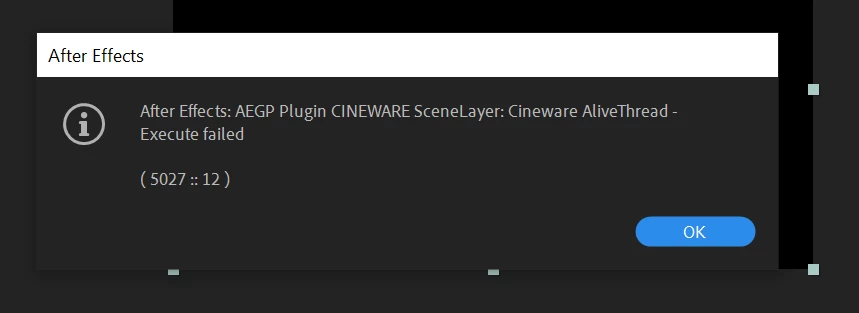
5. How to solve the problem?
I'm using Widows 10 and AE 17.1.3 and Cinema 4D lite (22.123)
Thank you!


 AdChoices