
Participant
April 11, 2023
Answered

Error while accessing the preference files. Please verify permissions and try again.

  • April 11, 2023
  • 3 replies
  • 6812 views


Hello,


The message below appears when I try to open my After Effects app.
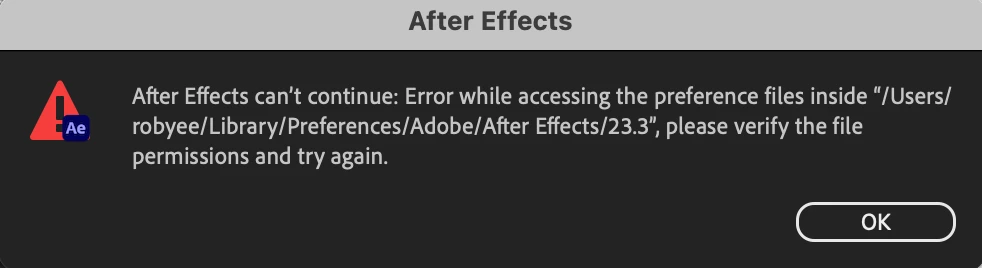


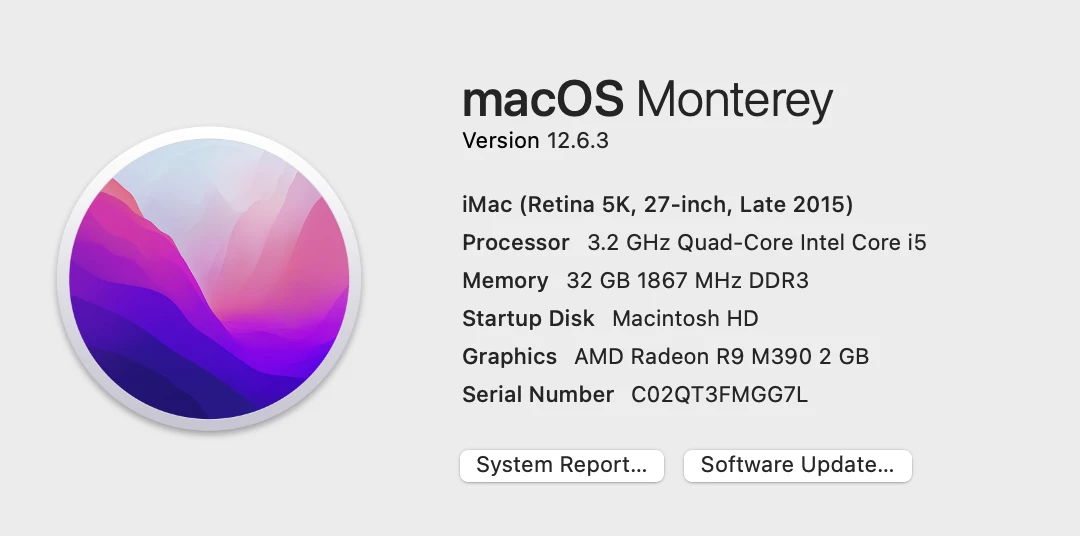
This is the system I'm running:
I've looked up solutions and gone into Library/Preferences/Adobe/After Effects and select 'get info' on the folder, it appears to have read & write permissions.
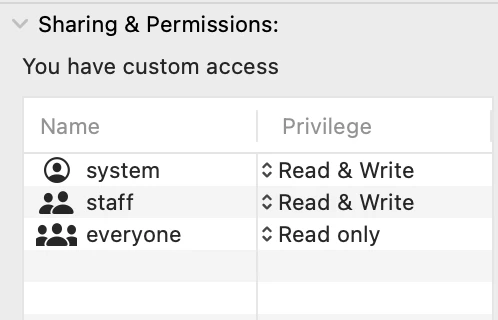
 

The only way it appears different, is on other folders, such as Adobe Illustrator it will say my user name instead of 'system'.

Does anyone have a solution for opening AE?


Thanks

Rob

Correct answer jenkmeister17177426

That sounds like AE wasn't installed under your Mac User account. You might just want to delete the folder and run AE under your user account to recreate the preferences. Otherwise, you can also just add your user account to the Get Info permissions section, but there may be other issues given it looks like AE was installed with a different account.

3 replies

Participant
July 3, 2025

mines say the same thing


Participant
April 11, 2023

Hi Jenkmeister,  

I deleted the folder, unistalled and reinstalled and it seems to be working now.  Thanks for your help!

jenkmeister17177426Community ManagerCorrect answer
April 11, 2023

That sounds like AE wasn't installed under your Mac User account. You might just want to delete the folder and run AE under your user account to recreate the preferences. Otherwise, you can also just add your user account to the Get Info permissions section, but there may be other issues given it looks like AE was installed with a different account.

Participant
July 2, 2025

well this is what it keep showing forv me 

nishu_kush
Legend
July 8, 2025

Did you try the suggestion provided by jenkmeister?

Let us know if that helps.


Thanks,
Nishu