
Inspiring
November 3, 2020
Answered

Error with a proxy: "Cached Preview needs 2 or more frames to playback."

  • November 3, 2020
  • 3 replies
  • 1751 views

I have what I think is a pretty straightforward test project. I have two comps with one nested in the other. The containing comp has footage under the graphics precomp. The precomp is 3D layer.
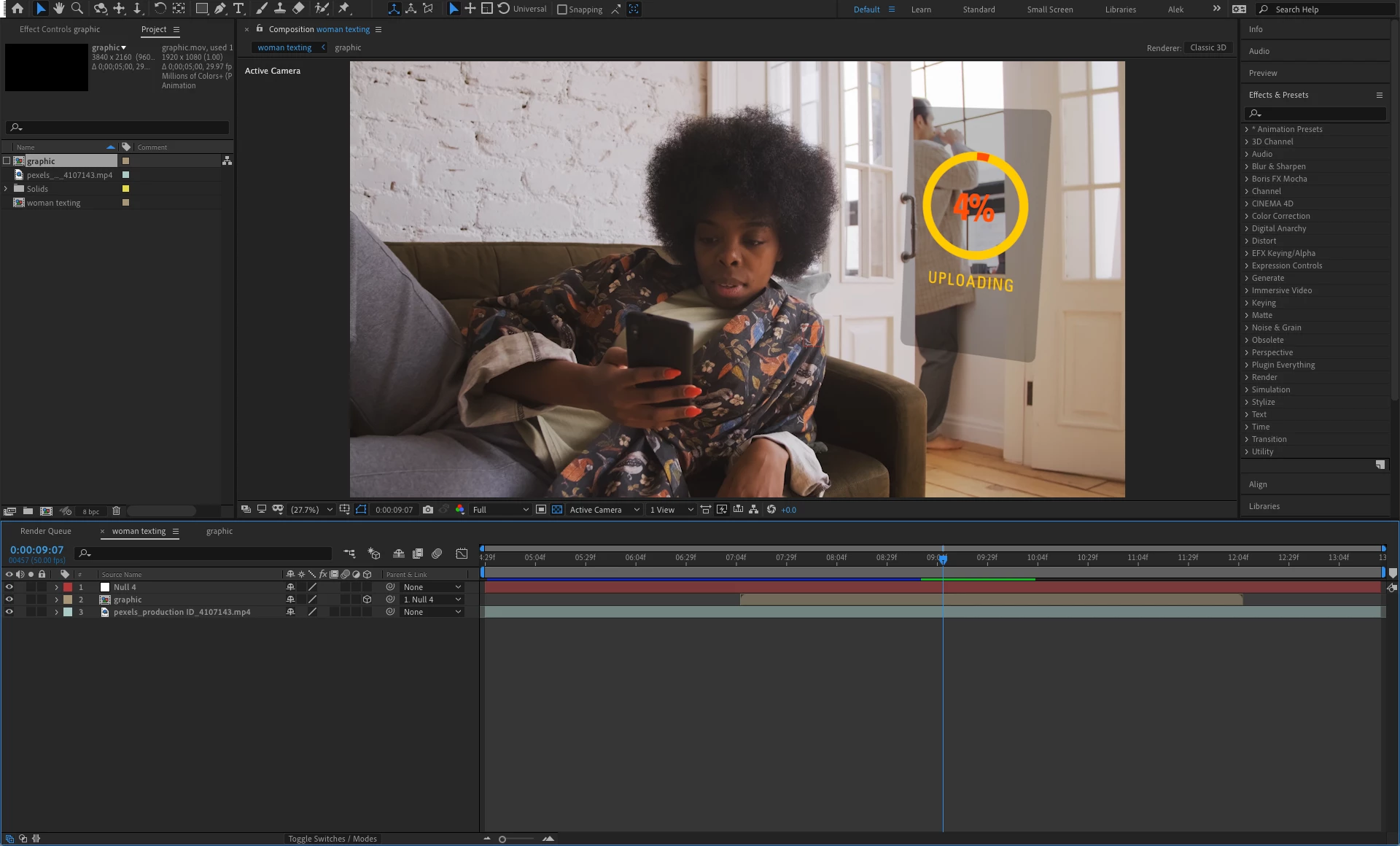
I am reading the User Guide cover-to-cover, and on page 95 I'm learning about pre-rendering comps. The guide says, "An alternative to replacing the composition with the movie is to use the rendered movie as a proxy for the nested composition."


I'm curious about the alternative, and there are no links or instructions. I found the section on proxies (starting on pg 126), and I learned how to make one. So I performed these steps...

1) I right-clicked on the "graphics" comp in the Composition panel and selected Create Proxy > Movie...

2) This put the file in the Render Queue and I clicked "Render."


Now this happens when I try to play the video from the containing comp with the proxy enabled...
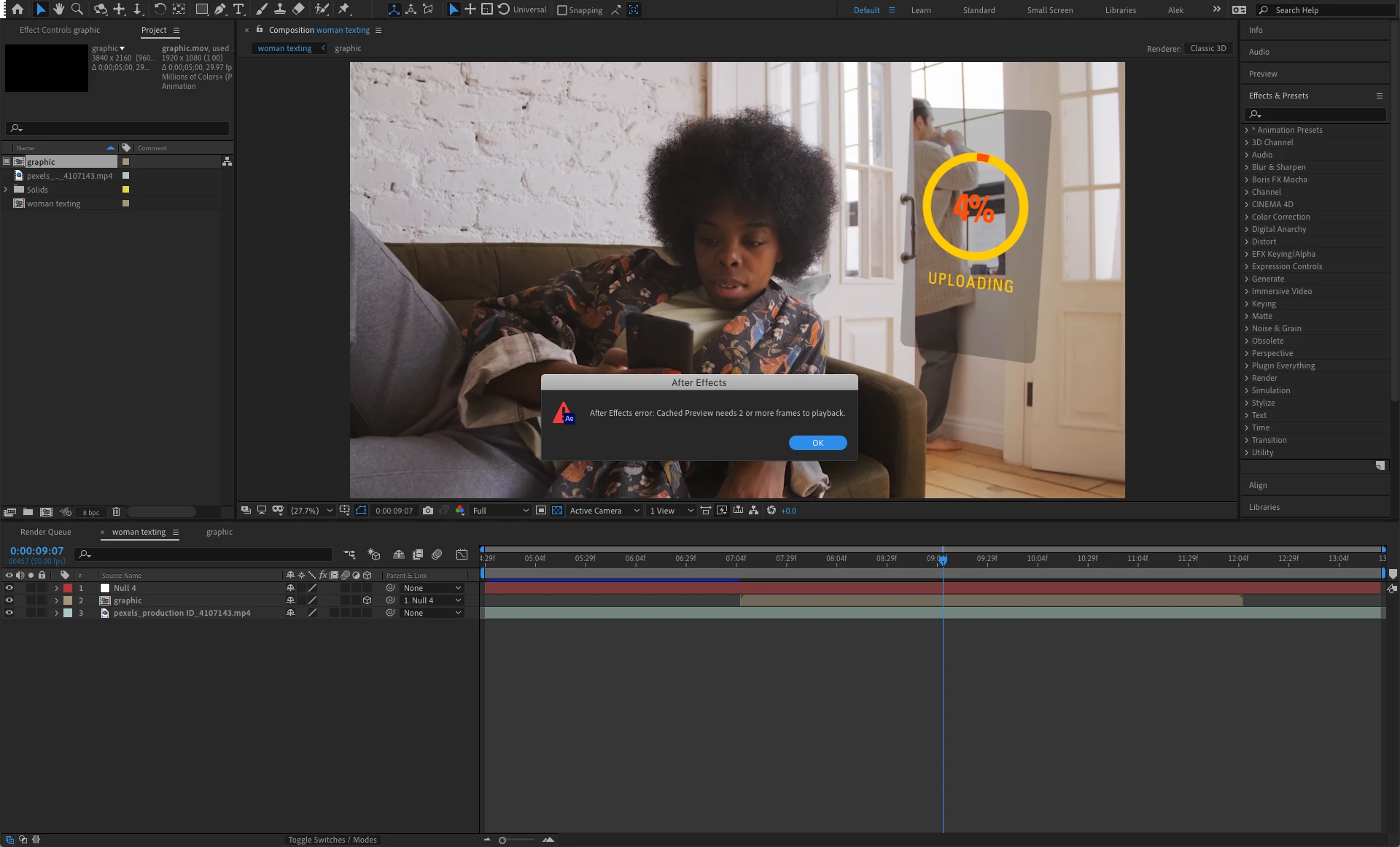
What is happening, and how do I fix this?


My system today:

Mac Pro 3.33GHz 12-core (mid-2010)

32 GB RAM

Sapphire Pulse Radeon 580 RX (8 GB VRAM)

macOS Mojave 10.14.5

This topic has been closed for replies.
Correct answer Alek_V

Version 17.5.1 Build 47 fixes the bug!

3 replies

Alek_VAuthorCorrect answer
Inspiring
November 18, 2020

Version 17.5.1 Build 47 fixes the bug!

Marcus Iahn KRX
Participating Frequently
February 17, 2021

Hello.

I am uing the latest version, 17.7.0 Build 45 and this bug is still here.

It's so boring...

Warren Heaton
Community Expert
Community Expert
November 3, 2020

Which version of After Effects are you running?


Does the 2-frame error message go away if the Proxy is disabled?


Have you tried to purge the RAM cache from the Edit pull down menu?

Alek_VAuthor
Inspiring
November 3, 2020

Hi Warren. Thanks for your help!


I'm running the latest version, which is v17.5.0.


Yes, the error message goes away when I disable the proxy.


I didn't try purging the RAM cache from the Edit menu. Just tried it. I get the "2-frame" error unless I either disable the proxy or switch to a quarter resolution Preview.

Warren Heaton
Community Expert
Community Expert
November 3, 2020

To answer an earlier question, yes, Comp Proxies are supposed to make previews faster as AE is just loading the frame from the rendered proxy file rather than rendering the frame of the layered Comp and loading it into RAM.


So, something is causing an unexpected 2-Frame playback error.   (It, of course, should only appear if you've set the Work Area to one frame.)


I was thinking it could be a version 14.5 bug, but I just tried setting a Comp Proxy on my end and it's working as expected.


It looks like you're using the Lossless with Alpha Output Module (which is usually fine when setting Comp Proxies that need to maintain the Comp transparency).  You could try Apple ProRes4444 with Alpha instead.  Or, if you don't need transparency, you could try Lossless instead or switch to Apple ProRes422 HQ.  It might also be worth trying Apple ProRes422 Proxy which is the lightest weight of the ProRes options, but while it will have good picture quality it has a low peak signal-noise ratio (PSNR) and Comp Proxies should be disabled when rendering high-resolution output with ProRes422 Proxy.


You could also try disabling the Comp Proxy in the Project panel, import the rendered movie file, and then place it in front of the nested Comp that it's a proxy for in the containing Comp (also, hide the visibility of the nested Comp).  Then, see how that behaves when you do your preview.


In addition to purging memory in After Effects, you can also purge memory in Terminal.  Sometimes relaunching AE and/or restarting can resolve the 2-Frame error message when it appears when it shouldn't.


OussK
Community Expert
Community Expert
November 3, 2020

Creating proxy must not affect the render preview, anyway try to show us your render preview settings, also try to reduce the quality of your preview to half or quarter and see if this can help you 

Alek_VAuthor
Inspiring
November 3, 2020

OussK, thank you for your reply.


Isn't the purpose of a proxy to make render previews faster?


As you suggested, I changed the preview quality to half and quarter. With half, I still get the "Cached Preview needs 2 or more frames to playback" error message, but with quarter the preview works. Why would reducing the preview quality eliminate this particular error message?


Here are my preview settings (let me know if you meant something else)...