



VengeMedia
Participant
March 5, 2021
Answered

Essential Graphics - Edit Range missing

  • March 5, 2021
  • 2 replies
  • 951 views

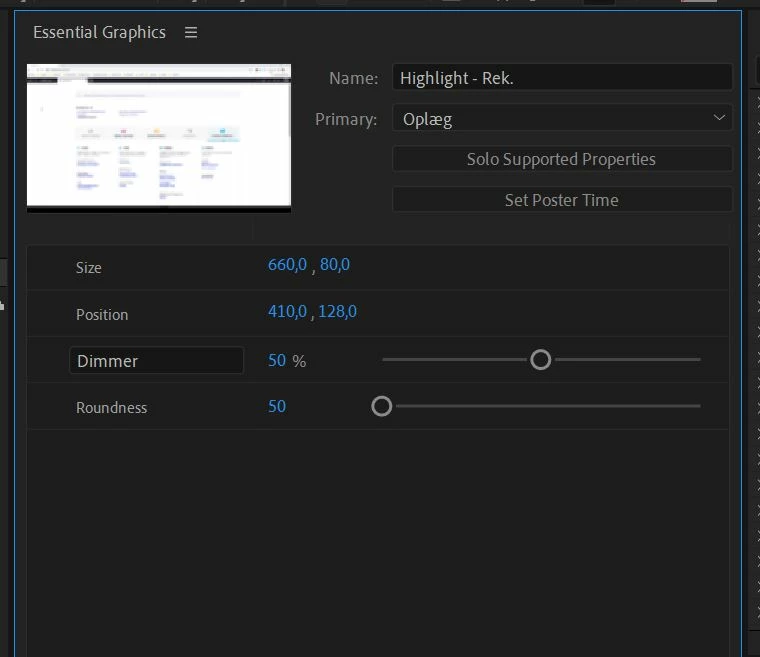
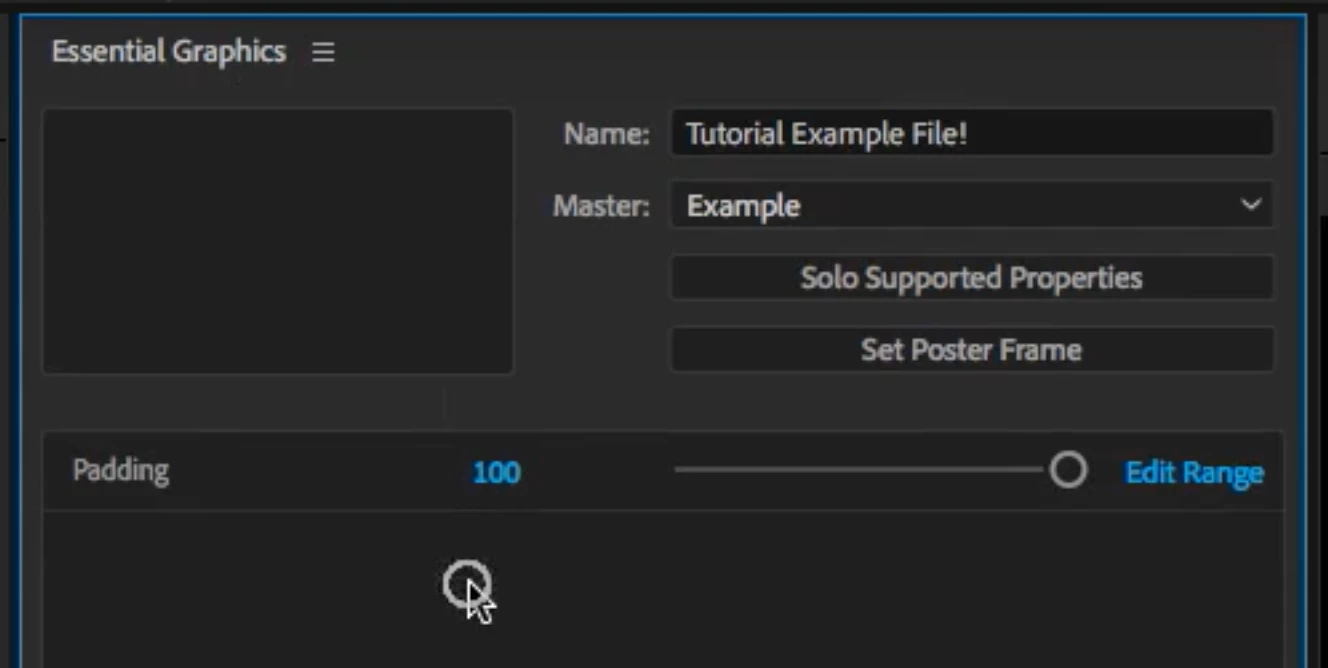
I'm trying to create a mograph with Essential Graphics, but I can't edit range. I've been watching tutorials, and the "edit range" option should be right next to the sliders in the Essential Graphics panel, but they are not. See screenshots. What am I missing? Is it a bug with the latest version of After Effects?

This topic has been closed for replies.
Correct answer OussK

If you drag the parameter directly to the essential panel you will not get the range option, you should create a slider control then parent the parameter you want to that slider then use the slider inside the essential graphics panel 

2 replies

Inspiring
November 14, 2023

This is such an annoying thing. You'd thing it should just work.

I'm also not able to see the keyframe toggle in Premiere. Even when I animate in Aftereffects it doesn't show (not sure if making mogrt in earlier version is the problem but if I'm exporting it, it should work right?)

OussK
Community Expert
OussKCommunity ExpertCorrect answer
Community Expert
March 5, 2021

If you drag the parameter directly to the essential panel you will not get the range option, you should create a slider control then parent the parameter you want to that slider then use the slider inside the essential graphics panel 

VengeMedia
Participant
March 5, 2021

Ah, that worked 🙂 Thanks.