


Essential properties - Postion bug when using a comp from Pr
Hello,
I'm currently using AE 23.0.0 (Build 59)
I run into a strange bug when replacing a media via the essential properties panel.
I got a square pre-comp (1920x1920) with a centred media (1920x1080) that I need to change in the main comp.
The media inside the pre-comp is directly put as an Essential Graphics properties, with the Default Scaling set to Scale to Fit.
The bug appears when I use a sequence from Pr (which I dragged and dropped from Pr inside Ae), and that I use this sequence to replace the media. There is no bug when I export this sequence in Prores for example and use it to replace the media.
My media is then chopped in two part, approximately 95% size for the part1 and 5% for the part2, but the part 2 is placed before part 1. Like if the media position is pushed to the right but rather than crop the media it places this cropped part before. I thought it was only a preview bug, but it appears in the renders. I tried to purge the cache, to restart Ae and even the PC, but it still appears. I'm running W10 pro. I attached an image for a better comprehension.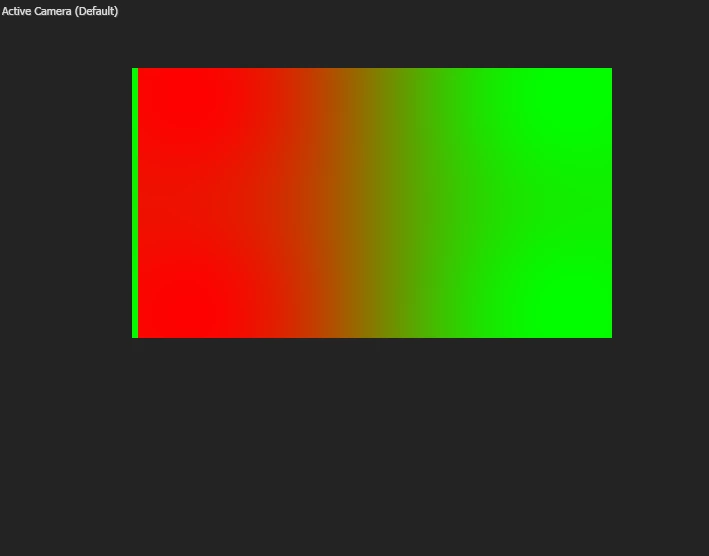
 AdChoices