Participant
Nov 17, 2020 1:48 PM UTC
Question

Export WebM with Transparency (Alpha)

Hello everyone,

I have a problem with rendering a project.

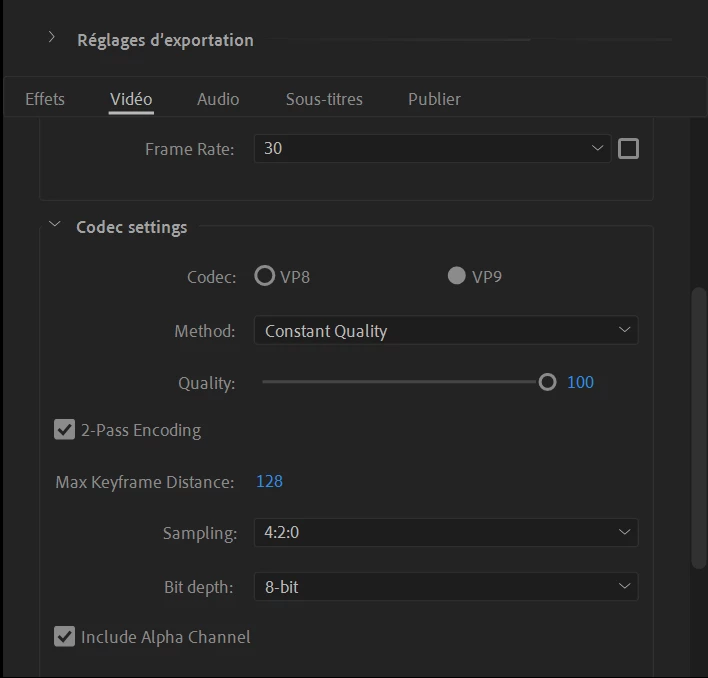
I want to export my comp to a .webm (for streamlab) to keep the transparency (alpha). I see my transparency in AE and I check the box "include alpha channel" in Media Encoder but the result is with a black background and no transparency.

When i render in .mov i see the transparency and even by trying to convert the .mov file into a .webm file it doesn't work and the transparency dissapear.

Any ideas how to fix this ?

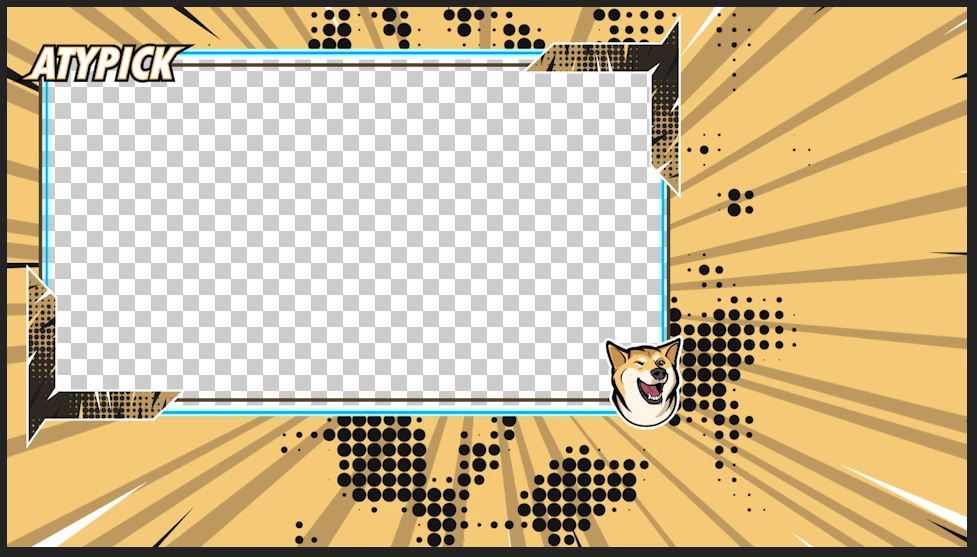
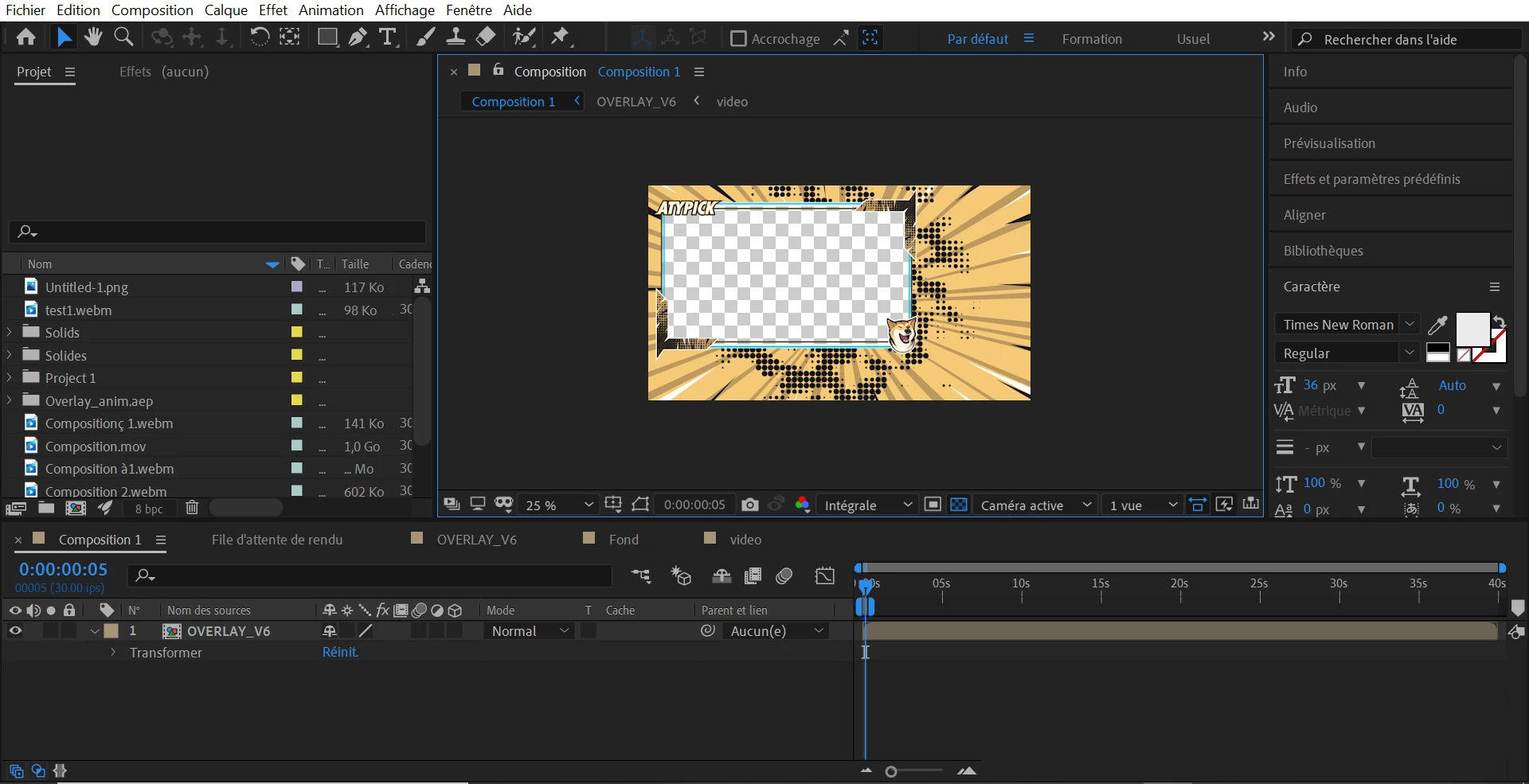
Here is some capture of my files (AE view, Media Encoder settings, .mov, .webm)
    

8 replies

Community Expert
Mar 13, 2021 5:08 PM UTC

Almost all media players display transparency as black. Transparency is not usable unless the app you are using to playback the video supports it. It takes another 8-bit channel and most media players are RGB only. 

Translate
Participant
Mar 13, 2021 3:38 PM UTC

I have the same problem and I think I'm going crazy. If you have solved the problem can you share it with the world please?

Thank you anyway, I don't feel so lonely anymore xD

Translate
CCLB77Author
Participant
Mar 13, 2021 4:13 PM UTC

Hello, yes i have solved this (well kind of).

I export my video in Quicktime with the alpha channel checked. (Like that i have a quicktime video with transparency.)

Then i open this quicktime video in a new comp in after effect and i export it in webm with alpha channel checked.


Translate
CCLB77Author
Participant
Mar 13, 2021 4:15 PM UTC

The thing is that it seems to not appear transparent in the viewport with VLC for exemple but when you put it in streamlab, the transparency do work!

Translate