Participant
November 17, 2020
Question

Export WebM with Transparency (Alpha)

  • November 17, 2020
  • 2 replies
  • 19611 views

Hello everyone,

I have a problem with rendering a project.

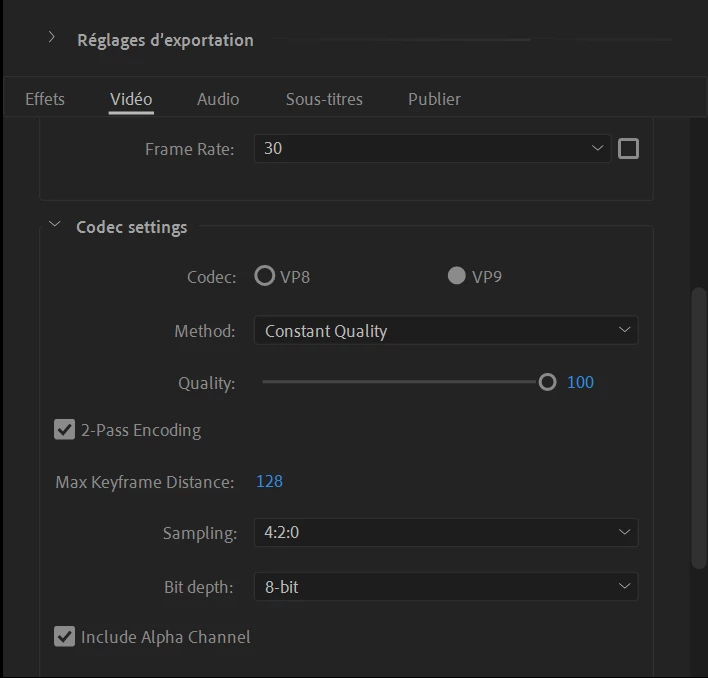
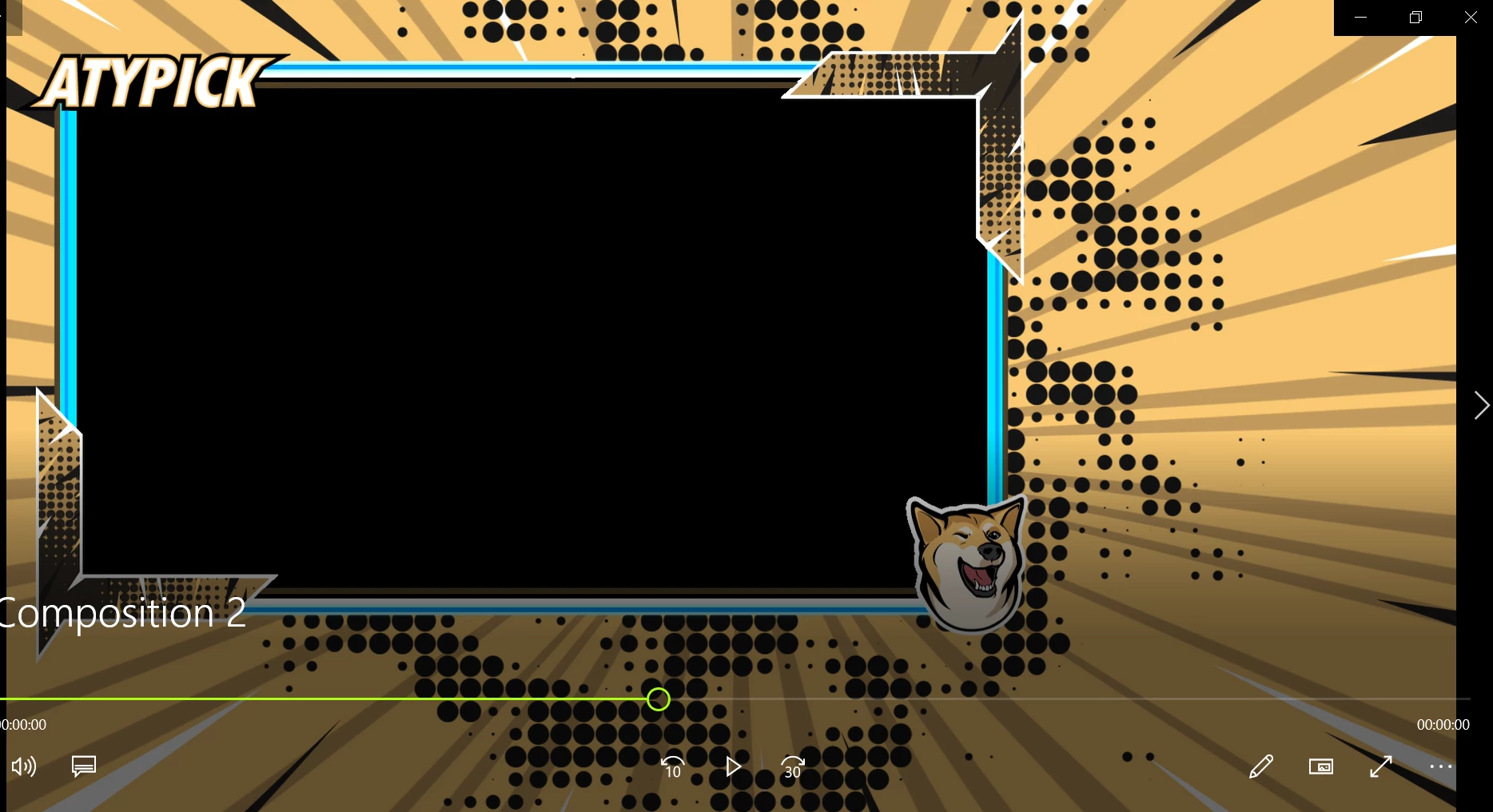
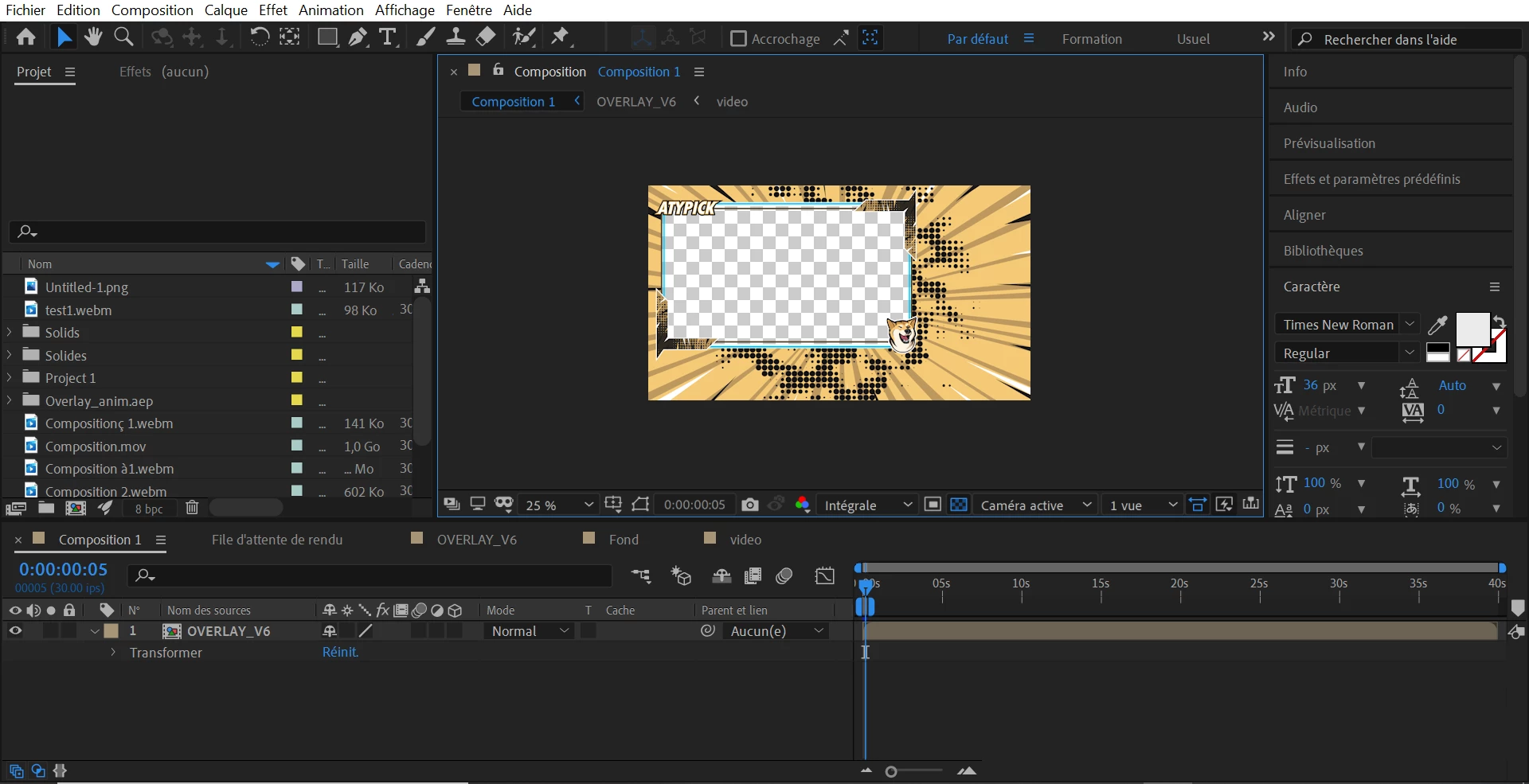
I want to export my comp to a .webm (for streamlab) to keep the transparency (alpha). I see my transparency in AE and I check the box "include alpha channel" in Media Encoder but the result is with a black background and no transparency.

When i render in .mov i see the transparency and even by trying to convert the .mov file into a .webm file it doesn't work and the transparency dissapear.

Any ideas how to fix this ?

Here is some capture of my files (AE view, Media Encoder settings, .mov, .webm)
    

2 replies

Community Expert
March 13, 2021

Almost all media players display transparency as black. Transparency is not usable unless the app you are using to playback the video supports it. It takes another 8-bit channel and most media players are RGB only. 

Participant
March 13, 2021

I have the same problem and I think I'm going crazy. If you have solved the problem can you share it with the world please?

Thank you anyway, I don't feel so lonely anymore xD

CCLB77Author
Participant
March 13, 2021

Hello, yes i have solved this (well kind of).

I export my video in Quicktime with the alpha channel checked. (Like that i have a quicktime video with transparency.)

Then i open this quicktime video in a new comp in after effect and i export it in webm with alpha channel checked.


Participant
April 2, 2025

Are you using media encoder or straight from AE? I don't have the ability to export from AE to WebM, and in ME I do, but I have no check box for alpha channel, just alpha channel only, Then I end up with the content I want missing, and a black background.


Found it yall
SOLUTION:
You CAN'T export as a webm file natively, you have to download this free plugin from adobe exchange, called:
https://exchange.adobe.com/apps/cc/11631/webm

Install that, restart after effects and media encoder, then next time you try to select codex, "webm" should be an option.