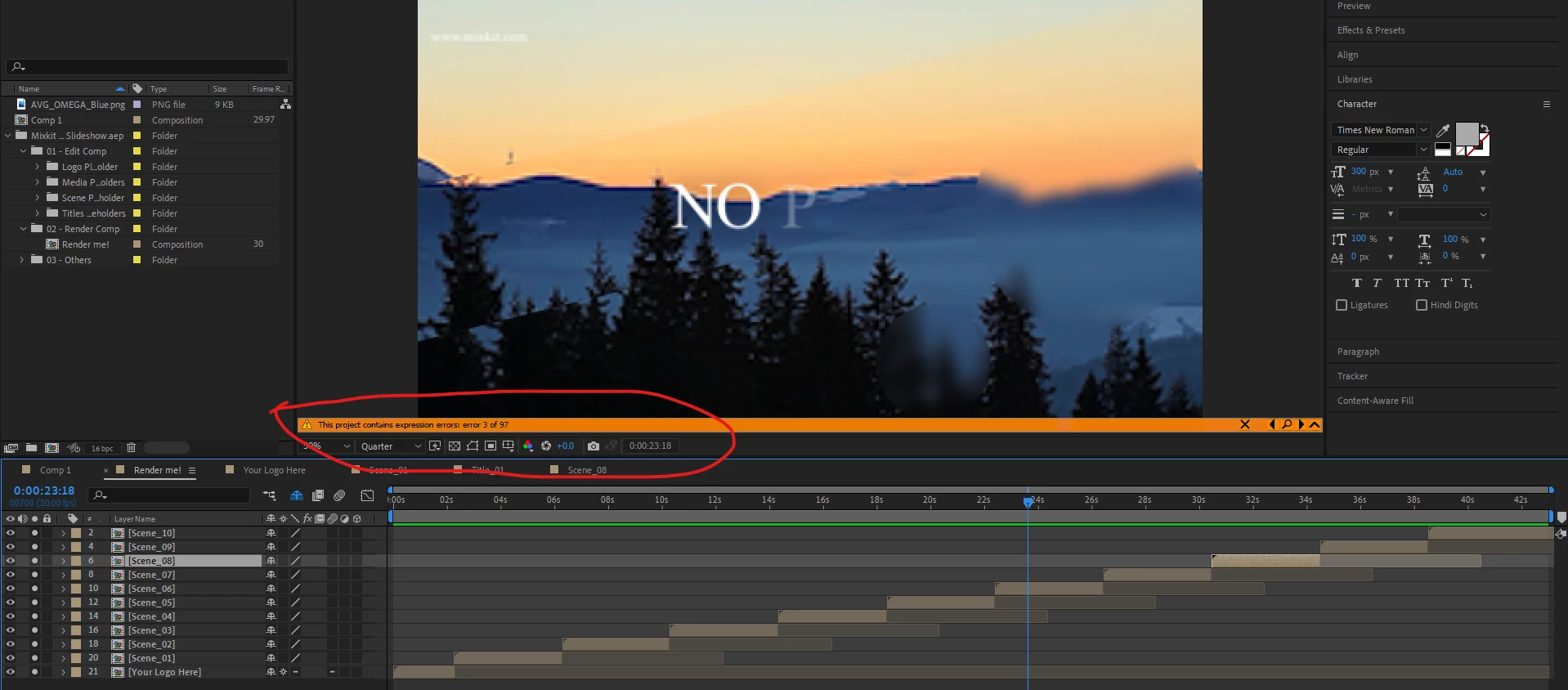
It's possible that the expressions in this template use old and incorrect syntax that's not compatible with the new, modern JavaScript expression engine. If this is the case, you have two options:
1) First, confirm that switching to the old engine makes all the errors go away by going to File > Project Settings > Expressions and changing the engine from "JavaScript" to "Legacy ExtendScript."
2) If doing that makes the errors go away, then you can keep working, but it would be ideal to stick with the modern engine. There is a script included with After Effects to update legacy expressions. To use this, you should switch back to the JavaScript engine by undoing step one then...
3) Go to File > Scripts > "Upgrade Legacy Expressions.jsx"
The default option is to update all expressions in all compositions. Choosing this option will give you a warning saying that your project will be backed up. If anything goes wrong you can always go back to the backup version.
If switching to the Legacy ExtendScript engine in step one doesn't make all (or most of the errors) go away, then Mylenium's suggestion is likely correct.

 AdChoices