
Question
Expression for text width/scale depending on another text width/scale
Hey guys,
i am pretty new to expressions (Just know some basics) and i ran into a problem.
I am creating a template right now and the user should be able to enter two titles: One main title and a subtitle.
I want the subtitle to have the same width as the main title.
Is there any way to get this done automatically?
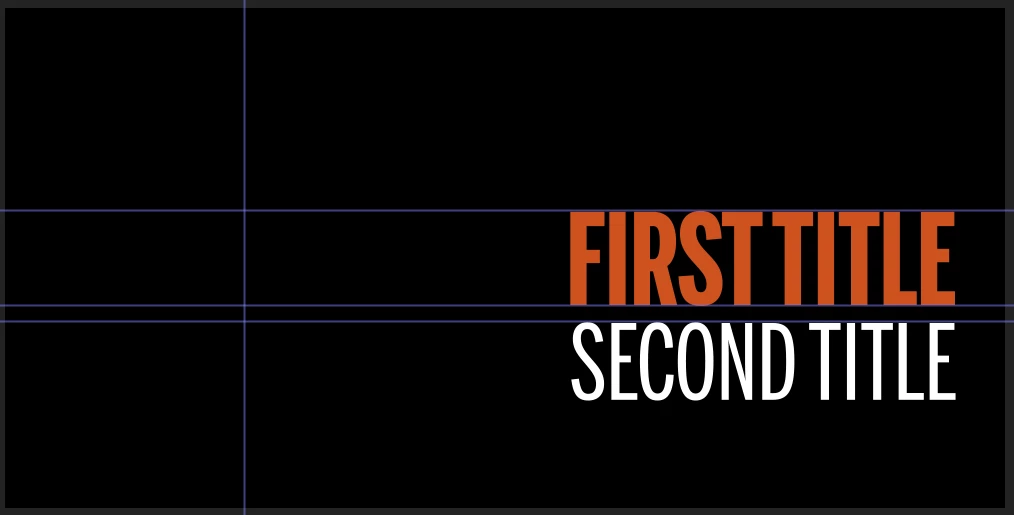
So for example the user writes into the first title: The Doggo Loves Walkies, and into the second title: The True Story Of The Doggo.
The second title should then scale up or down, depending on the width of the first title so that they line up on both sides.
Sorry for the bad explanation...I hope you understand what I mean... 
Let me know if my idea is stupid and there is a much easier way to get this done.
Thank you already!


 AdChoices