
KonnerF
Participant
November 24, 2016
Question

Expressions rendering different in media encoder

  • November 24, 2016
  • 3 replies
  • 2743 views

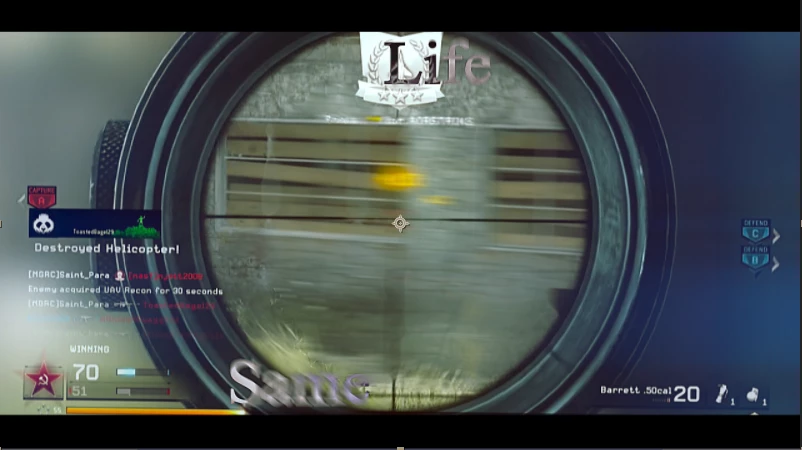
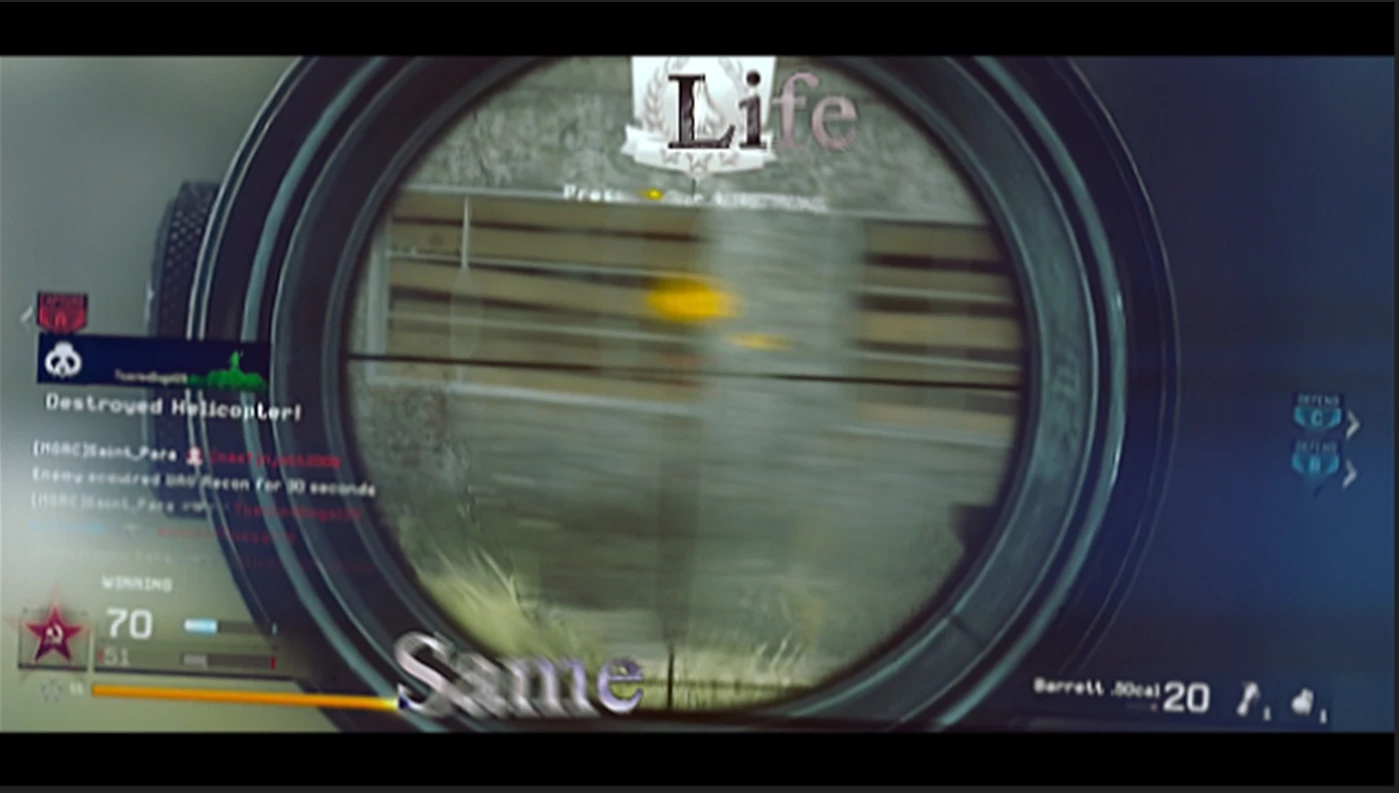
Hey guys, Im using an expression linking amplitude in S_shake to scale in the transform effect. I made my video (which is my first render in 2017 version) and it turned out perfect. I went to render it out and it seems the expression broke so it was only showing the expression going at 1 value which messes up the video quite a bit. Can anyone help? i have two pictures here to show what is going on.

This is the version in AE notice the small amount of rotation in this.
This is the rendered version that i dont want. notice the rotation:
This topic has been closed for replies.

3 replies

Ezekie83
Participant
October 30, 2018

Same here. Using a simple expression

if(comp("EINSTELLUNGEN").layer("Settings Fuß").effect("F3")("Checkbox")==1) 100 else 0

In 2018 everything worked fine. in 2019 the expression gets ignored. This problem shows up only in MEdia Encoder. Rendering the comp in AE works fine.

Participant
November 30, 2018

I have the same problem.

Expression: Opacity

a = comp("nb_numbes").layer("TUNER").effect("Slider Control 10")("Slider");

value = (a==3) ? 100 : 0;

If I render the composition in AE, everything works correctly and the Opacity is either 100 or 0, depending on the value of "a". If I render the same composition in the Media Encoder, the opacity value is always 100.

Did you find any solution?

Tim Kurkoski
Adobe Employee
Adobe Employee
November 30, 2018

Please see this thread on the Adobe Forums for more information, including a workaround suggested by John Colombo of adding property indexes to the expressions:

https://forums.adobe.com/thread/2567171

Participant
October 23, 2018

Same problem here. I have a very basic expression in my project. Usually encoder doesn't have any problems with that. But with the new version, encoder ignores the expressions. If I export lossless from ae directly, it works fine...

Roei Tzoref
Legend
November 25, 2016

we need to isolate the problem. what if you render a lossless version in Ae? render a short segment with QT Animation - is it like AE or still different? if it looks good like your preview then we have established this is something with the connection to AME.  so then maybe it's something in the render settings that's not passing through (by default Add Composition to AME is current settings, not best settings - this means master switches are respected but also other things) so try Queue in AME and see if the result is better.

what ever you find try to isolate your problem. fresh project, fresh composition, just the Sapphire effect. maybe even just the transform effect with the expression. if you can reproduce the steps in an all native Aep then you can upload it here and I can take a look too.

KonnerF
KonnerFAuthor
Participant
November 25, 2016

so i replicated it, when rendered in media encoder same effects happened, rendering it loseless now and uploading the aep