



Question
Extendscript has an issue with .close() function
I’m trying to add a feature to my panels so they can be closed using the ESC key. The code below is just a basic test. When I run it and press ESC, it works the first few times. However, after about 5 to 10 presses, I start getting the attached error.
I’ve tried several workarounds, including using scheduled tasks, but the error always shows up after a while. It also completely ignores my try-catch block.
Can you explain why the error happens on the .close() line, and if there is a better way to close a window using the ESC key?
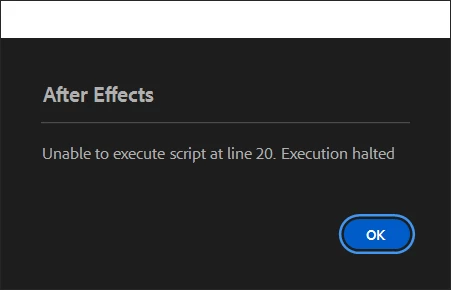
Reference code for test:
var palette = new Window("palette");
palette.text = "Dialog";


var button1 = palette.add("button", undefined, undefined, {
    name: "button1"
});
button1.text = "Button";

button1.onClick = function () {
    palette.close();
};


palette.cancelElement = button1;

try {
    palette.addEventListener("keydown", function (k) {
        if (k.keyName == "Escape") {
            palette.close();
        }
    });
} catch (e) {
    /* Ignore registration errors */ }

palette.show();
 AdChoices