



Extremely slow frame render rate... hardly workable. Any suggestions?
Hi there,
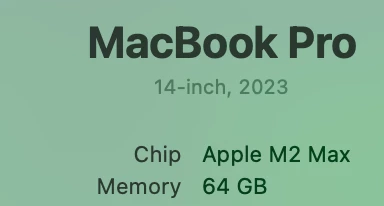
relativley new to animation and yet my company has asked me to create an explainer video for them. I'm desperately trying to work on this but my AE on my Macbook Pro is hardly workable. I've attached a screenshot of my Mac Chip and memory specs, and I truly don't know if my computer is up to this or not.
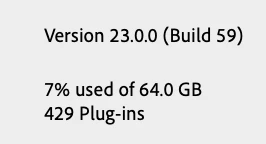
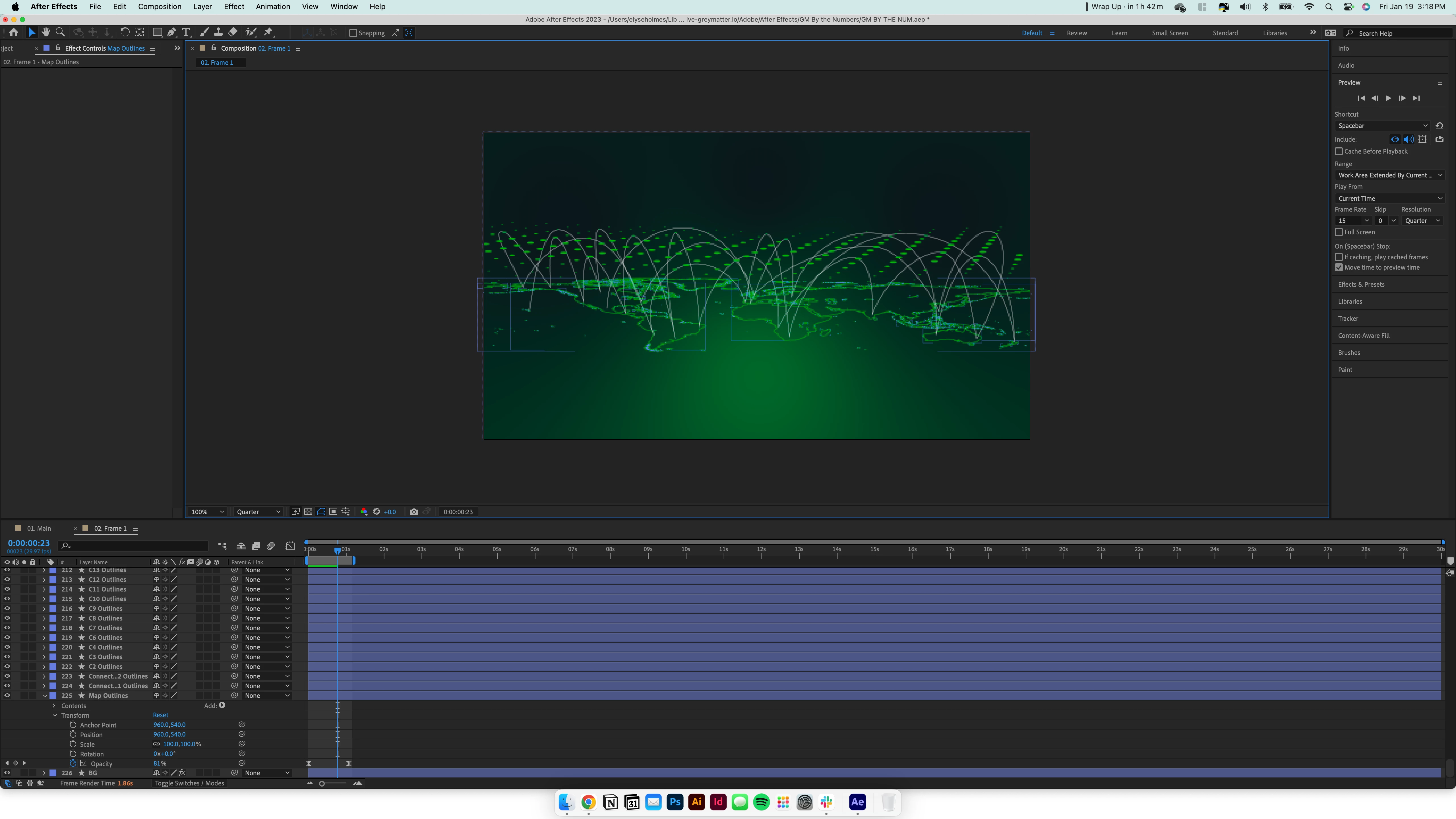
I also attached a screenshot of my After Effects version. I've not added anything special to it, just downloaded it and began working. I will say that I am working from hefty illustrator files that I am converting into shape layers, and there's a lot of shape layers lol. You can kind of see a sliver of what I'm trying to work on in the AE screenshot.
I can't even scroll through my layers without it being choppy and sometimes getting the spinning wheel. How on earth am I supposed to animate this thing? Any suggestions on how to fix this?
 AdChoices