



dparsons85
Legend
March 9, 2021
Question

Eyedropper doesn't work with colors in Librarary

  • March 9, 2021
  • 1 reply
  • 762 views

I used Photoshop to save a couple color swatches in a Creative Cloud Library for easy access in After Effects. The problem is the Eyedropper in After Effects never reads the colors correctly and I have to manually type in the hexadecimal color code. Here are the results of trying to use the Eyedropper on a Fill effect:
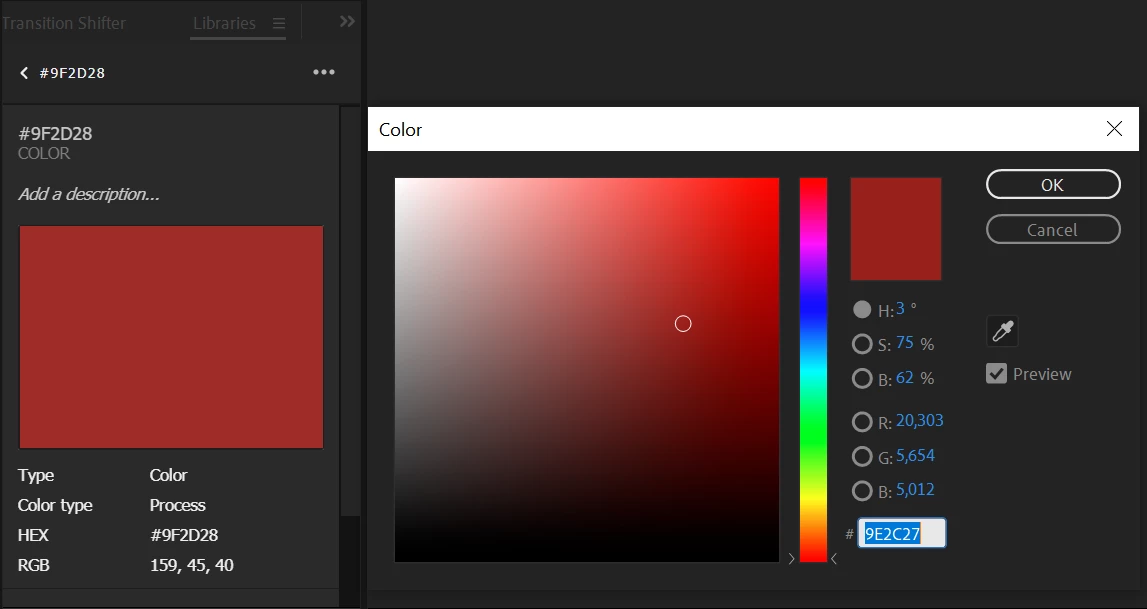
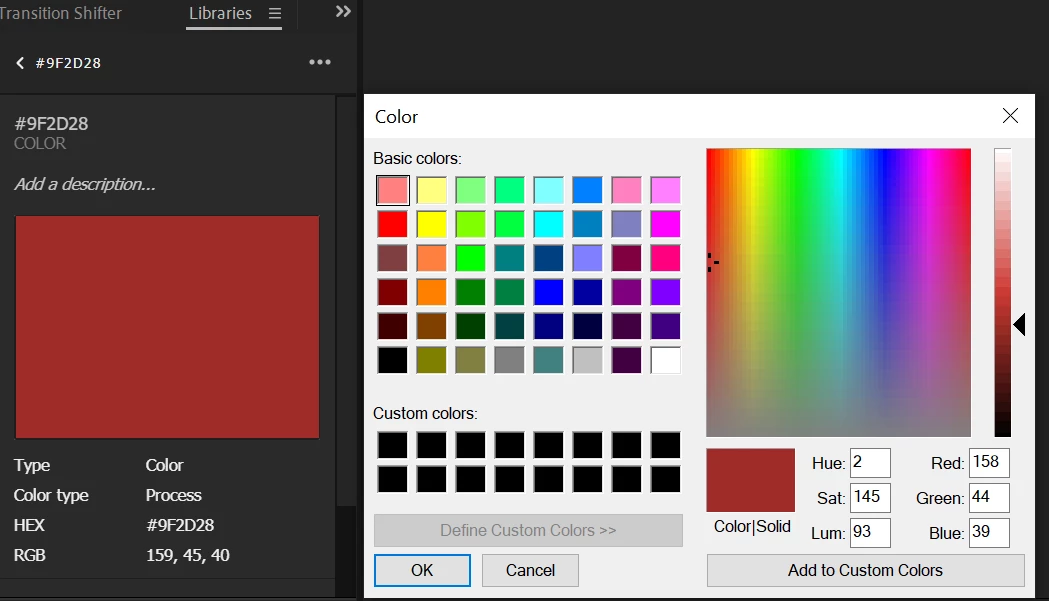


As you can see the hexadecimal color code and RGB values do not match up. I even tried turning on Use System Color Picker in the Preferences but that didn't work either.


Any idea on how I can get this working? 

This topic has been closed for replies.

1 reply

Community Expert
March 9, 2021

You have to match the color management settings and you should open up your Preferences/General tab and make sure that the System Color Picker is NOT selected. You can get to your Preferences panel by pressing Ctrl/Cmnd + ;

dparsons85
Legend
March 9, 2021

Unfortunately it doesn't make a difference whether I have 8bpc or 16bpc selected, they're both wrong (same incorrecte hexadecimal color code)


Community Expert
March 9, 2021

I'm not talking about the bit depth of the comp, I'm talking about color management. The same color space in all adobe apps. You should also have a calibrated monitor. I use a spider and calibrate my monitor once a month. All of my apps are using the same color profiles everywhere. I don't have time to dig up screenshots or instructions for you now, but color management is critical. It either needs to be off for everything or on and perfectly matched.