
Participant
March 25, 2024
Question

Faded AI File when Imported into AE

  • March 25, 2024
  • 1 reply
  • 127 views

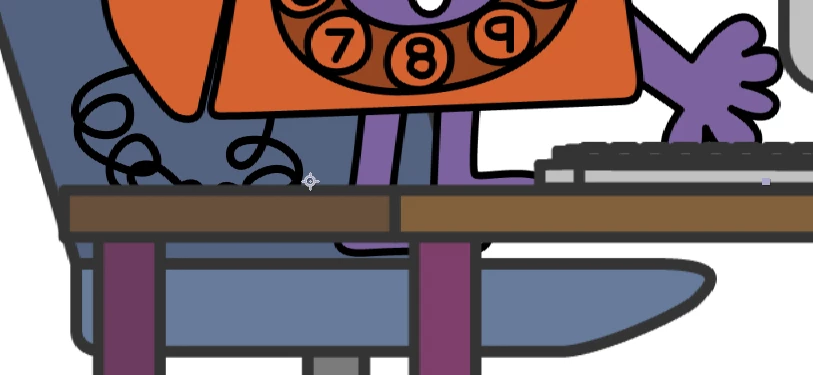
Originally the file was in CMYK, but even after switching the AI file(s) to RGB and reloading it in AE, the colours are still faded. 

Any suggestions on how to fix this? 

I've included a screenshot of my file colours below - note how all of the outlines are supposed to be the same shade of black.
This topic has been closed for replies.

1 reply

Mylenium
Legend
March 26, 2024

Just switching a file from CMYK to RGB creates muddy colors due to that "Rich Black" thing and other perceptive rendering factors. You need to actually check the colors in AI and ansure they're clean RGB colors. That and of course the conversion itself could already be botched by employing wrong procedures and using wrong color profiles/ no color management.


Mylenium