January 13, 2026
Answered

falta memória ram

  • January 13, 2026
  • 3 replies
  • 272 views

Programa trava e diz que está sem memória ram. Já configurei todas aspreferências possíveis e nem nem a animação mais comum renderiza. a uma semana atrás estava ótimo inclusive trabalhando com advanced 3d

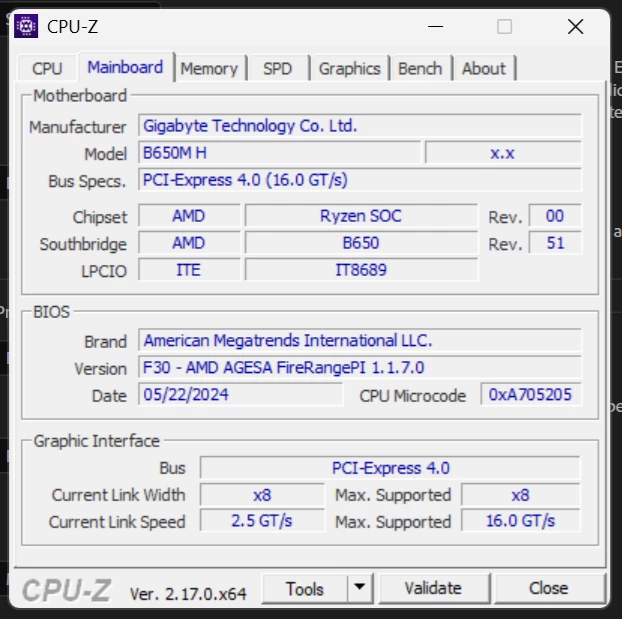
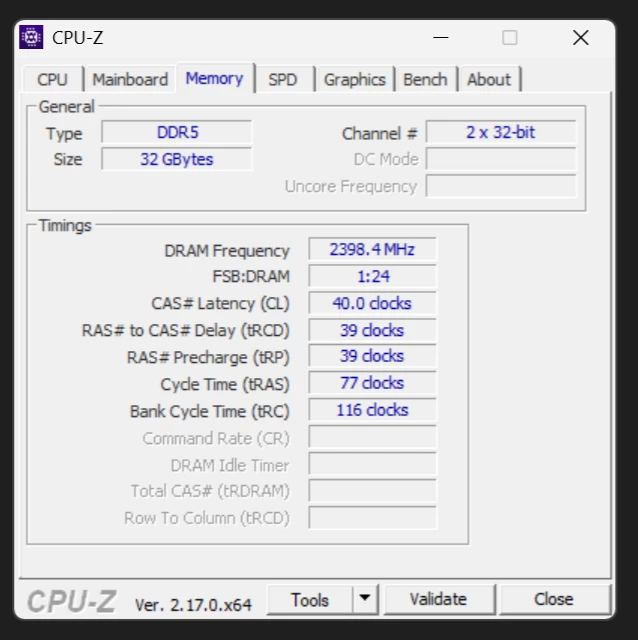
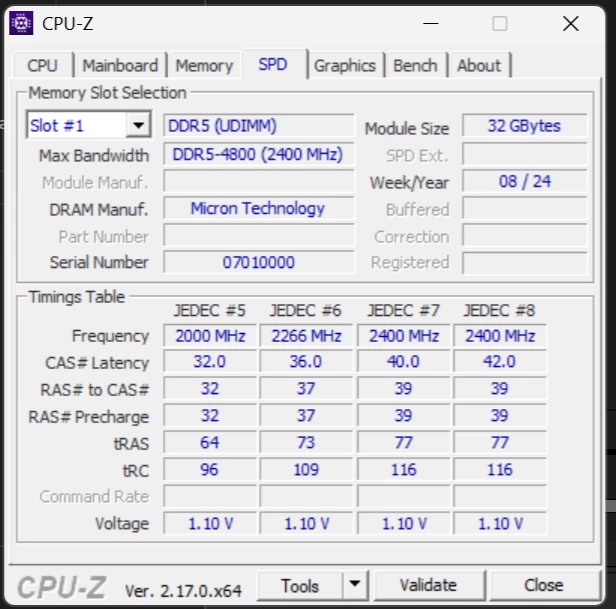
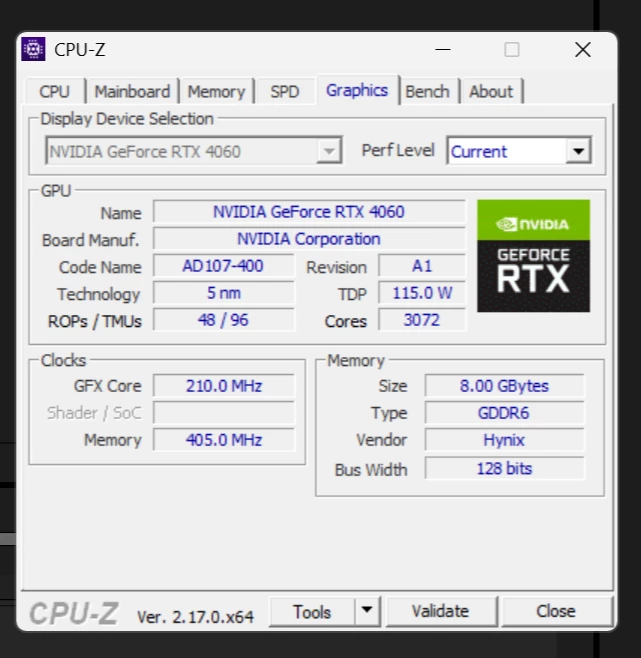
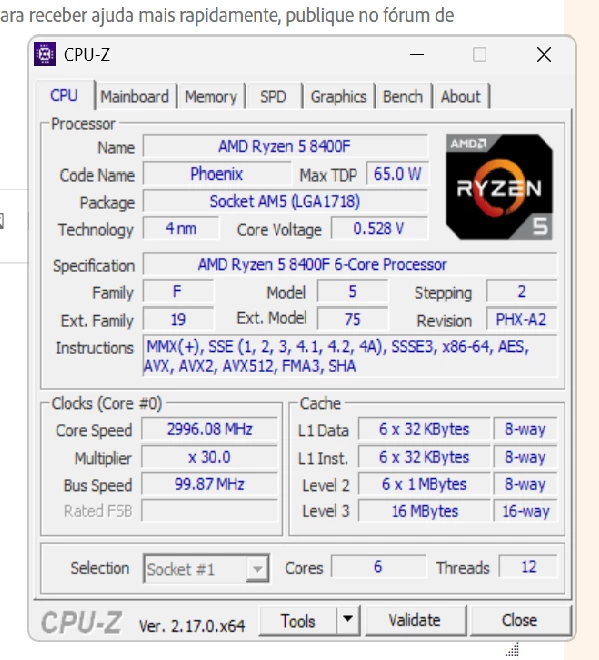
 aqui estão as configurações da minha máquintela_01.pngtela_02.pngtela_03.pngtela_04.pngtela_05.png
Correct answer João Carlos Rela

Thanks for sharing the details. Do you mind trying the expert's suggestion? You can uninstall and clean the residual files using the Adobe Cleaner tool but feel free to contact us via chat so that the technician can do it for you.

Let me know how it goes.


Thanks,
Nishu


Hey Man, very thanks it worked. I uninstall and clean the residual files using the Adobe Cleaner tool.

3 replies

ToolfarmJP
Community Expert
Community Expert
January 15, 2026

You launch Task manager and check out what program works heavily and close it.

January 15, 2026

Yes, i launched and is just AE, no more programs runing. 


ShiveringCactus
Community Expert
Community Expert
January 14, 2026

I had this issue. It was very strange.  A fellow Community Expert recommended I contact the Support chat.  They ended up uninstalling After Effects and all of Adobe before reinstalling.  Once done, everything was back to normal.

nishu_kush
Legend
January 13, 2026

Hi there,


Thanks for reaching out. Could you share more details? Are there any error messages? When exactly does the error occur? Is there a specific action command that triggers the error? Is it happening in all the projects or a particular one?

Let me know. Moving this thread from Bugs to Discussions for troubleshooting.


Thanks,
Nishu

January 14, 2026

Hello Nishu,

I've attached the error messages below. The error occurs in any project, from the simplest to the most complex; the bug happens the third time I press play on the timeline.

nishu_kush
Legend
January 14, 2026

Thanks for sharing the details. Do you mind trying the expert's suggestion? You can uninstall and clean the residual files using the Adobe Cleaner tool but feel free to contact us via chat so that the technician can do it for you.

Let me know how it goes.


Thanks,
Nishu