
Inspiring
January 7, 2022
Question

File explorer window looks different after using keyboard shortcut for replace footage function

  • January 7, 2022
  • 2 replies
  • 226 views

Hi,

if I select a piece of footage in my Project panel, right click and choose Replace Footage, this is the file explorer window (Good!):
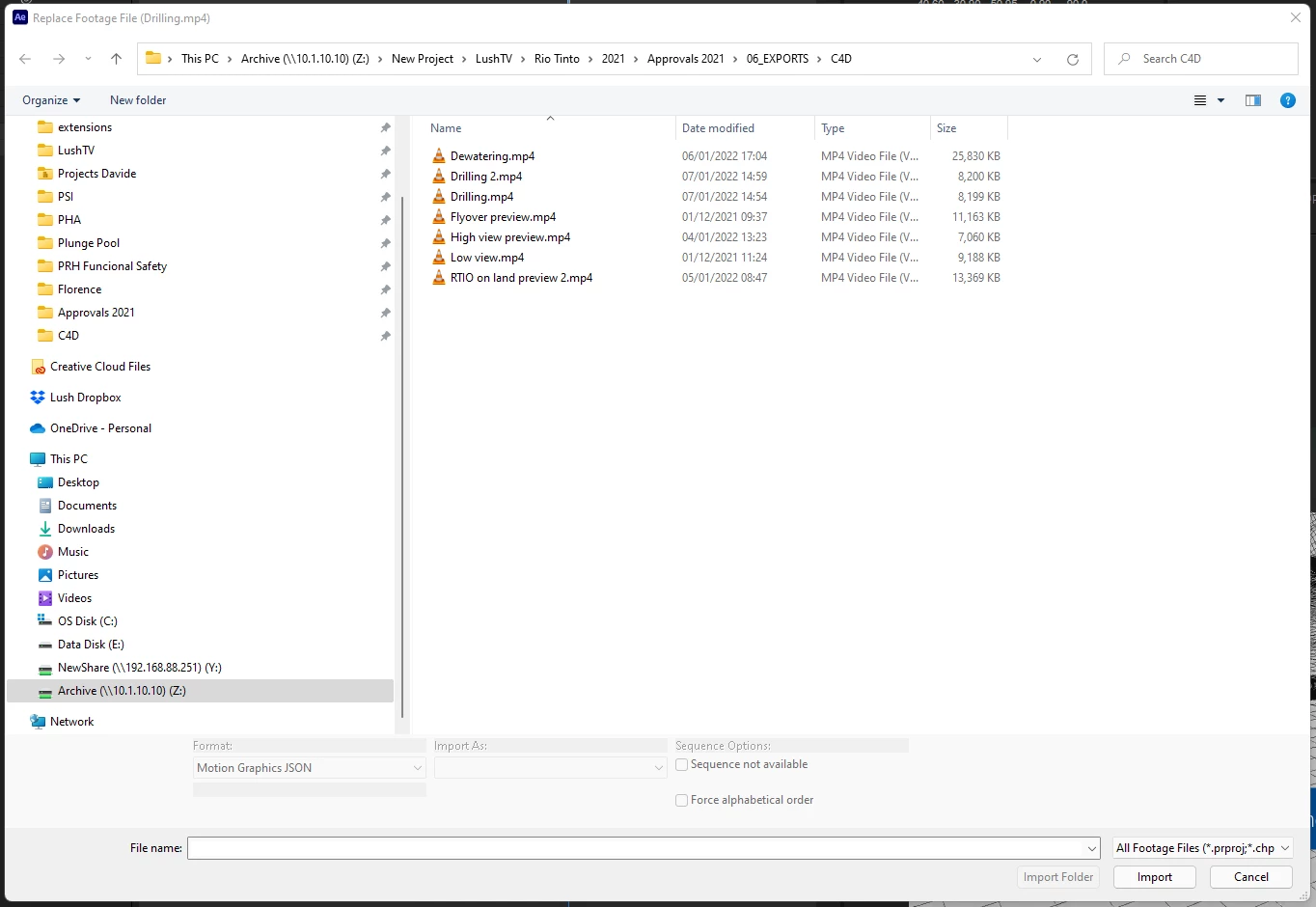
but if I assign a shortcut to it, this is what happens (Bad!):
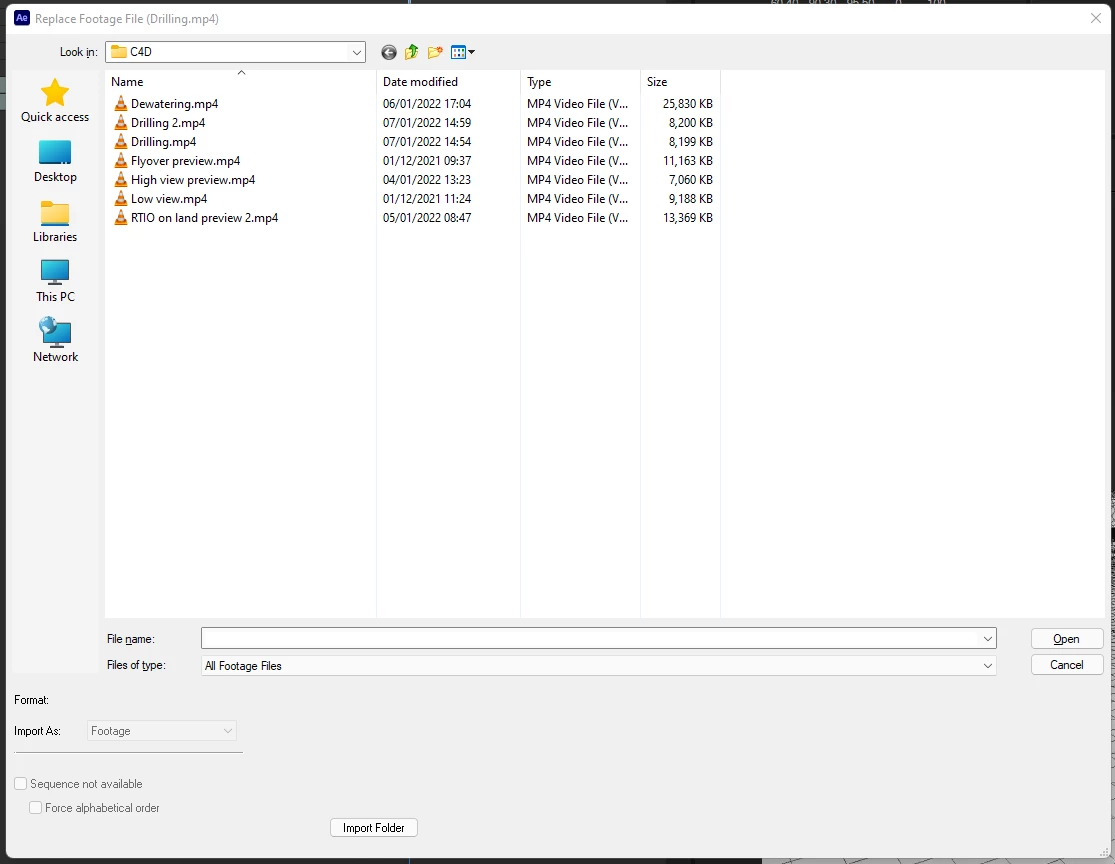
How can I fix this?


This topic has been closed for replies.

2 replies

gupta shivangi
Legend
January 7, 2022

Hi there,

We understand this is not an expected result. Which version of AE are you using? We'd like to test the issue at our end too.

Regards,

Shivangi

Inspiring
January 10, 2022

Hi Shivangg,


I'm experiencing it on both of my machines.

First one (which I use with a remote desktop connection):

After Effects 22.1.1 (Build 74)

The main one is:

After Effects 22.0.0 (build 111)

Processor Intel(R) Core(TM) i9-9900K CPU @ 3.60GHz 3.60 GHz
Installed RAM 32.0 GB
System type 64-bit operating system, x64-based processor
Pen and touch Pen support

Edition Windows 11 Pro
Version 21H2
Installed on ‎07/‎10/‎2021
OS build 22000.376
Experience Windows Feature Experience Pack 1000.22000.376.0


Shortcut is Alt+H. I have an italian keyboard at the moment, but everything else is in English.
Let me know if you need anything else.

Cheers,

Davide


gupta shivangi
Legend
January 10, 2022

Thanks for sharing the info. I'll test the issue at my end and update you shortly.


Shivangi

Mylenium
Legend
January 7, 2022

Interesting... Looks like it's invoking the dialogs from a different loop in the program's code, one using the default simplified system dialogs the other the customized import dialog. I don't think there would be any way to fix this, but it's surely annoying.


Mylenium