Known Participant
Jun 25, 2025 12:43 PM UTC
Answered

Final frame in animation still has motion blur

Thefinal frame of my animation is still showing a motion blur. How do I remove this efect on the final frame?

Rick GerardCorrect answer
Community Expert
Jun 25, 2025 7:17 PM UTC

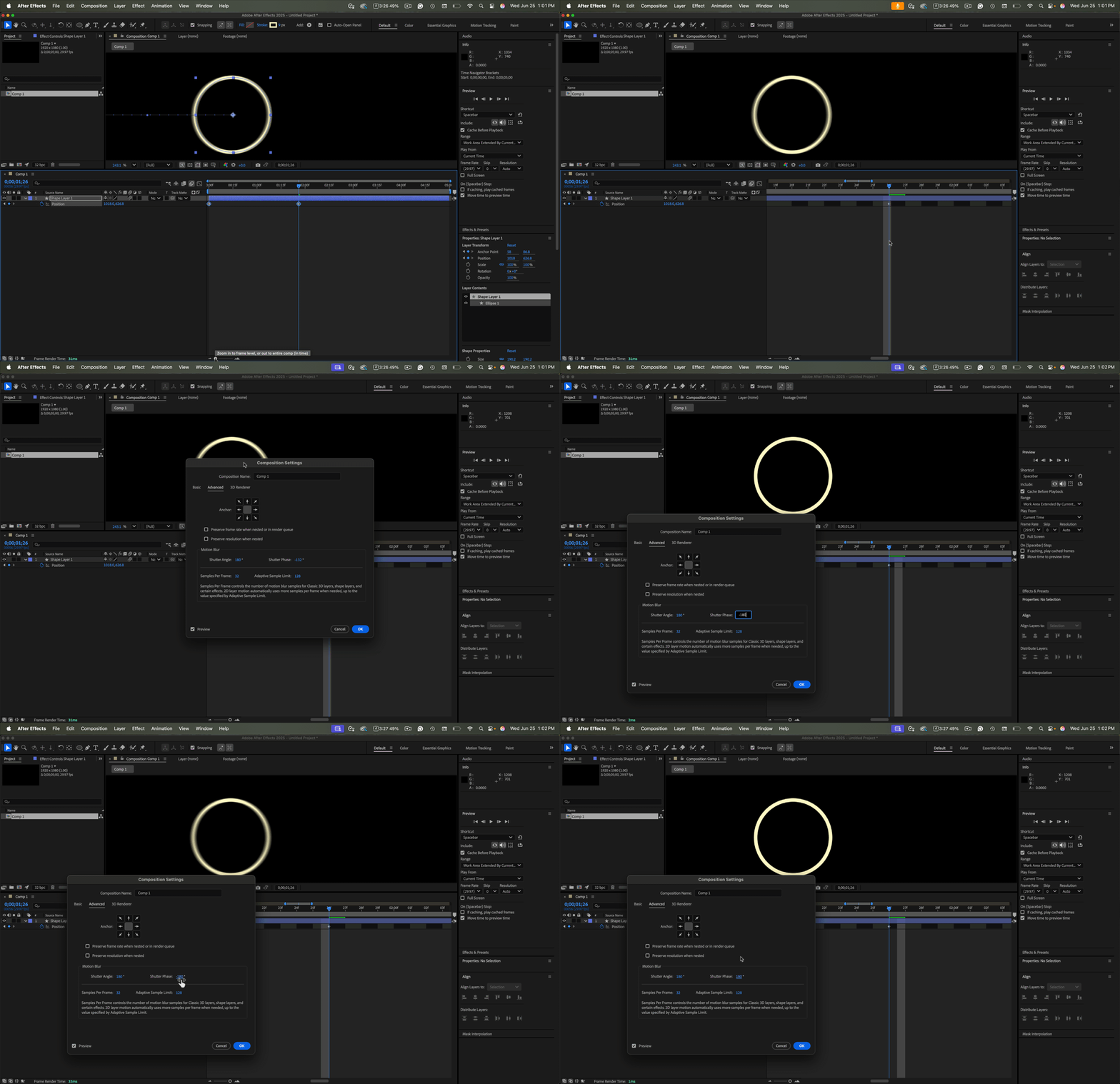
Open the Composition Settings/Advanced Tab and check the Shutter Angle and Shutter Phase. You can also see the shutter phase by zooming into the timeline. For motion blur to stop on the last position keyframe, the shutter phase must be set to a positive value. If you reset all preferences, the default value is -90º for Shutter Phase, and the Shutter Angle is 180º because this closely mimics a motion picture camera with normal settings. I typically have my shutter phase set to zero degrees. I often zoom in on the timeline to check Shutter Phase and Shuuter Angle because it is quicker than opening Composition Settings/Advanced (Ctrl/Cmnd + K).


6 replies

nishu_kush
Legend
Jun 25, 2025 1:47 PM UTC

Duplicate thread merged.


Thanks,
Nishu

Translate
nishu_kush
Legend
Jun 25, 2025 1:47 PM UTC

Hi Roger,


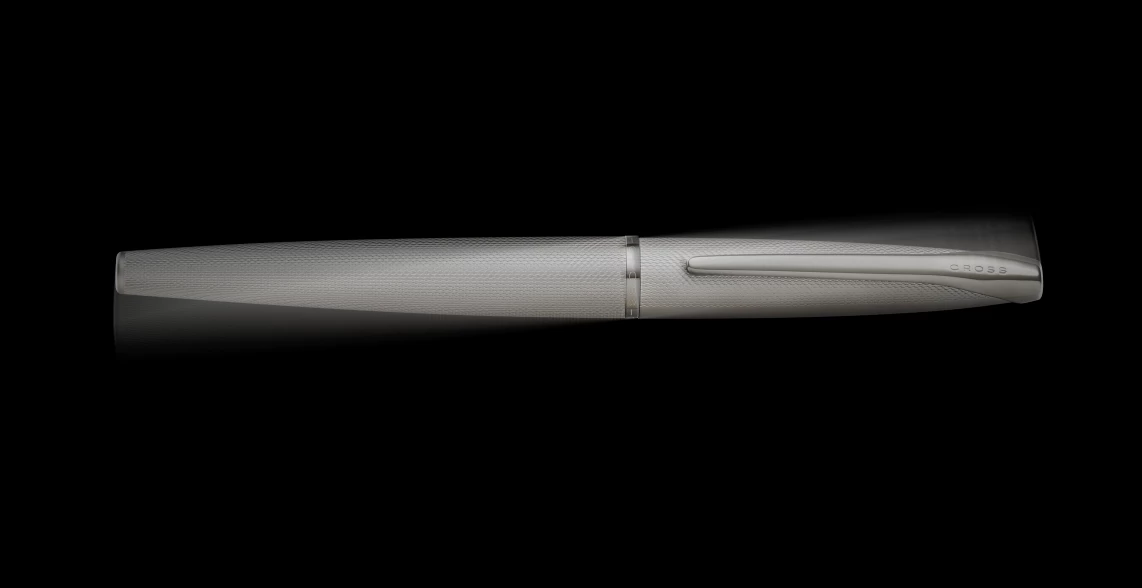
Thanks for writing in. If the object does not have animation towards the end, the blur should not affect it. Looking at the screenshot, it doesn't look like there's blur applied to it. I can see all the details on the body shell clearly. For testing, can you render the last frame with the Motion Blur disabled and compare? It'll give you a better picture.

Let us know how it goes.


Thanks,
Nishu

Translate
Known Participant
Jun 25, 2025 12:43 PM UTC

I have a very simple animation, I have used the blur toggle on the time line. When the animation stops the final frame once rendered is blur. How do I fix this please!!?

Translate
thepixelsmith
Community Expert
Community Expert
Jun 25, 2025 3:31 PM UTC

I'm assuming the last keyframe of your layer's movement is located at the last frame of your animation.

Move this last keyframe of motion 1 frame before the ending frame of your timeline.

Motion blur follows through to the last frame of actual motion a layer. 

Translate
Jerron Smith | www.thepixelsmith.com