
Participant
December 5, 2017
Answered

Fixing videodropouts, is it possible?

  • December 5, 2017
  • 1 reply
  • 290 views

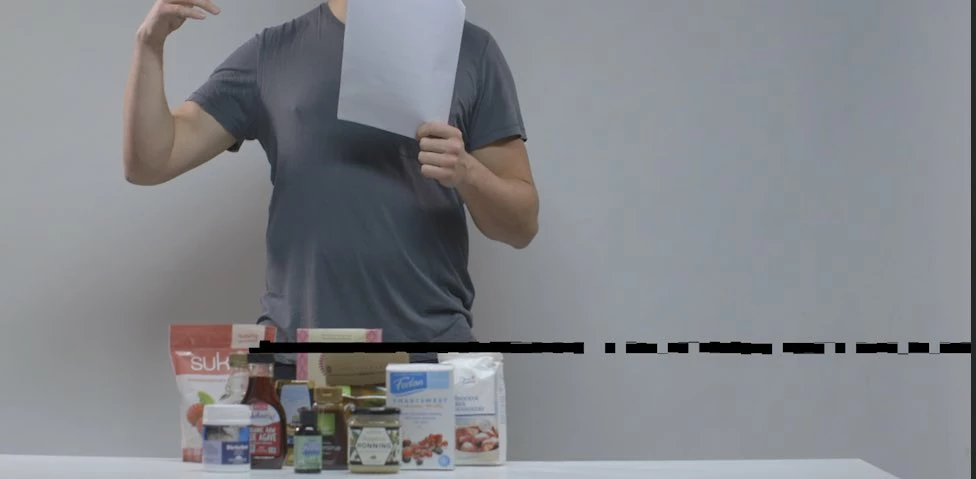
Got some videonoise on some footage because of faulty drive. It happens on a couple of frames, now and then (see picture) Is there any way to automatically make AE look for video anomalities and fix this somehow?

Thanks for any advice. Would love to fix this without having to reshoot.

Anders
This topic has been closed for replies.
Correct answer Dave_LaRonde

I've done this on crummy, dropout-laden Beta SP video and it's a pain to fix.  But this technique works:

Duplicate the video layer & mask around the dropout.  Move the duplicated & masked layer above the original.  Now move the duplicated layer either 1 frame backward or forward on the timeline, and make it one frame long.  The dropout is covered, nothing in the video has moved around much, and it should be pretty much an invisible fix.

1 reply

Mylenium
Legend
December 5, 2017

It's fixable, but not automatically, at least not 100%. You can try some RevisionFX plug-ins like RE:Fill, SmoothKit and DE:Flicker and see if the temporal interpolation options work for you, but otherwise you may need to consider otehr techniques from interpolated Timewarp to synthesize some new inbetween frames to using layer duplicates with masks to patch up things to repairing exported frames painstakingly in Photoshop.

Mylenium

Dave_LaRonde
Dave_LaRondeCorrect answer
Inspiring
December 5, 2017

I've done this on crummy, dropout-laden Beta SP video and it's a pain to fix.  But this technique works:

Duplicate the video layer & mask around the dropout.  Move the duplicated & masked layer above the original.  Now move the duplicated layer either 1 frame backward or forward on the timeline, and make it one frame long.  The dropout is covered, nothing in the video has moved around much, and it should be pretty much an invisible fix.