Participant
December 27, 2018
Answered

Flat, Stroked Graphics in 3D?

  • December 27, 2018
  • 2 replies
  • 1383 views

Howdy, folks!

I'm working on a project right now that requires some 3D animation displayed as a flat, stroked graphic.

I've not had any luck on ol' Youtube.

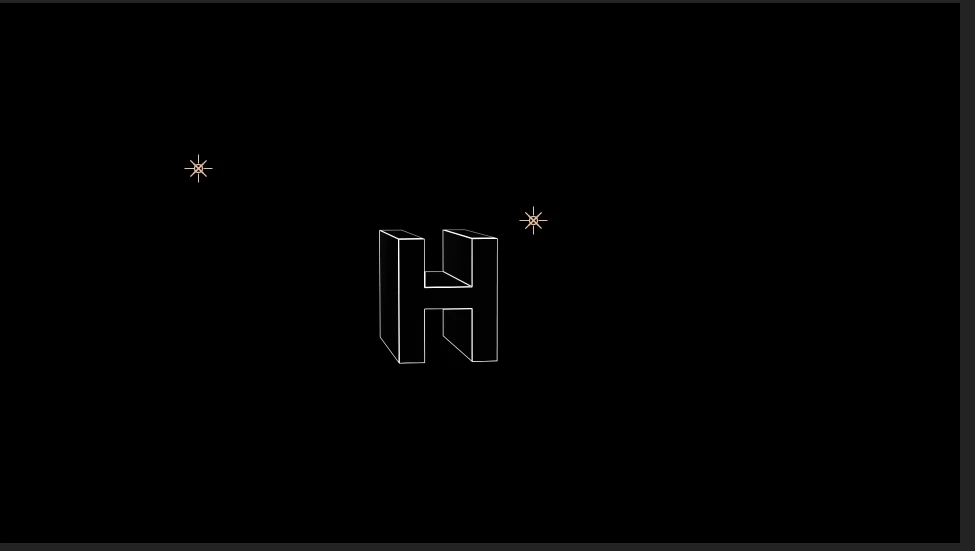
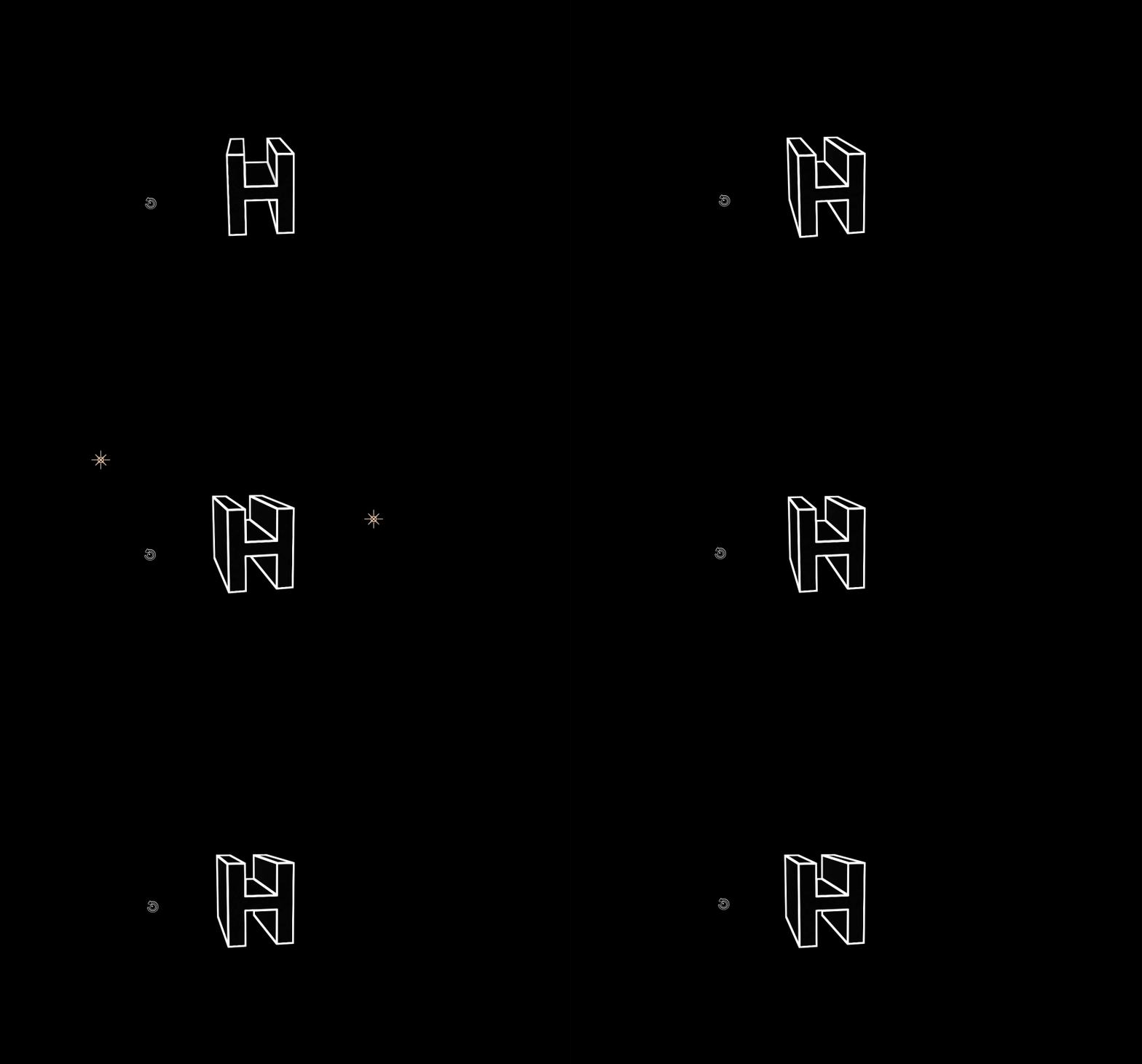
Here's an example I made:

The goal is to be able to control the rotation of these individual letters/shapes like a 3D shape (Without just extruding each shape and frame in Illustrator like I did for the example).

I'm on a tight deadline (and, consequently, pretty freaked out), so any and all help is greatly appreciated!

This topic has been closed for replies.
Correct answer Roei Tzoref
This is close! Any way to have the extrusion edges stroked as well?

Many ways to make extrusion in AE:

1. C4D renderer

2. Shatter effect

3. C4D Live 3D Pipeline

I would start with C4D Renderer because it's fairly simple and keeps everything native in Ae.

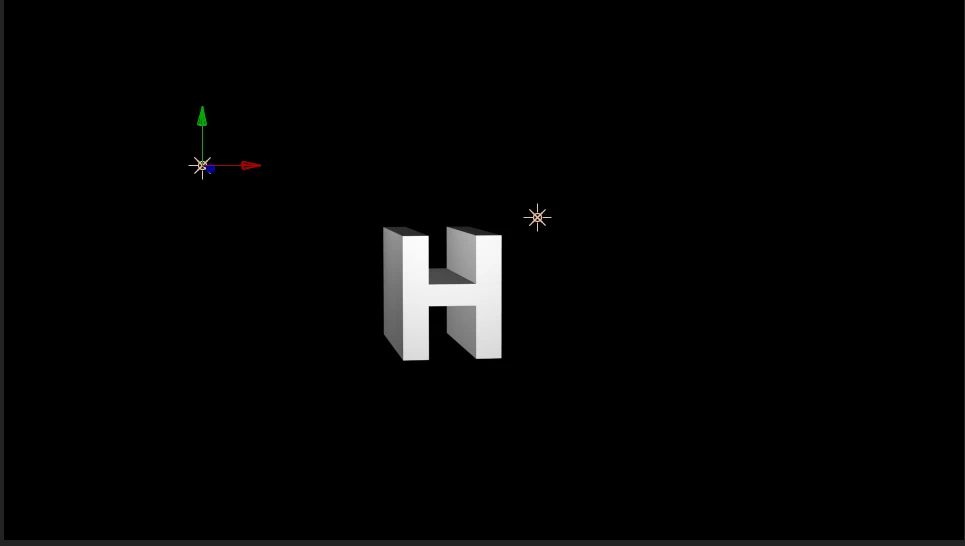
1. set the text as 3D. switch to the C4D renderer. add extrusion in the geometry options

2. create two point lights to define the edges properly

3.add an adjustment layer with find edges set to invert

4. add minimax for thicker edges. set to maximum and Alpha and Color. the lights will effect the quality of edges you get so you can adjust the lights if needed

here's the project file:
3D_Stroke.aep - Google Drive

2 replies

Roei Tzoref
Legend
December 27, 2018
Community Expert
December 28, 2018

https://forums.adobe.com/people/Roei+Tzoref  wrote

See if this helps:

https://forums.adobe.com/message/9289002?et=watches.email.outcome#9289002

Roei ---

Great suggestion - Find Edges.

Text layer with stroke and fill, convert to shape, delete original text layer, make shape layer 3D, add a camera, add lighting, export to C4D, import, add C4D file to new Comp, open in C4D lite, in Increase extrusion depth, add Find Edges....

With the proper settings, you can get about 90% the way there in just a couple of minutes.

Roei Tzoref
Roei TzorefCorrect answer
Legend
December 28, 2018
This is close! Any way to have the extrusion edges stroked as well?

Many ways to make extrusion in AE:

1. C4D renderer

2. Shatter effect

3. C4D Live 3D Pipeline

I would start with C4D Renderer because it's fairly simple and keeps everything native in Ae.

1. set the text as 3D. switch to the C4D renderer. add extrusion in the geometry options

2. create two point lights to define the edges properly

3.add an adjustment layer with find edges set to invert

4. add minimax for thicker edges. set to maximum and Alpha and Color. the lights will effect the quality of edges you get so you can adjust the lights if needed

here's the project file:
3D_Stroke.aep - Google Drive

Mo Moolla
Legend
December 27, 2018

Hi Miles

Do this:

1 Create a new comp

2. Type out your text

3. Enable Per-Character 3D for that layer

4. Add an animate function like rotation, skew, scale or whatever u need to get the effect you want

5. Go to the range select and choose which letters you wan to animate e.g if the letter spells ADOBE and you only wanted to apply the rotation to the letters DOB set the start selector value to before the letter D and the end value to after the Letter B, Now only these will rotate in 3D space. In my example my start range was the letter M and end was the letter E (in the word ME).

You can addd as many animate options you want like stroke, fill, tracking etc

See pics and hope this helps

Let me know how it goes

Mo

Participant
December 27, 2018

This actually solved a future problem I was going to have with this project, thanks!

My main issue is getting the edges of the 3D shapes to be stroked AND consistently sized when rotating.

Here's another example:

Community Expert
December 27, 2018

You can quickly turn a shape layer or a text layer into an extrusion if you make the layers 3D and add a camera, then save the file and use the File>Export>C4d exporter. You can then adjust the extrusion on C4D lite.

You cannot easily create a wireframe model in AE without resorting to 3rd Party effects. You should be able to fairly easily create wireframe models in Blender (http://blender.org) and render an image sequence you can use in AE. You can even set up camera moves and animations and export them. I hope this helps a bit. Sorry, I know of no easy way unless you pay for something like Element 3D. Even extruding a text layer will not give you the kind of wireframe 3D look you desire. You would have to build that by hand using a bunch of 3D shape layers.