Participant
May 16, 2019
Answered

Flowing Wavy Lines in After Effects

  • May 16, 2019
  • 4 replies
  • 24711 views

Hi everyone!

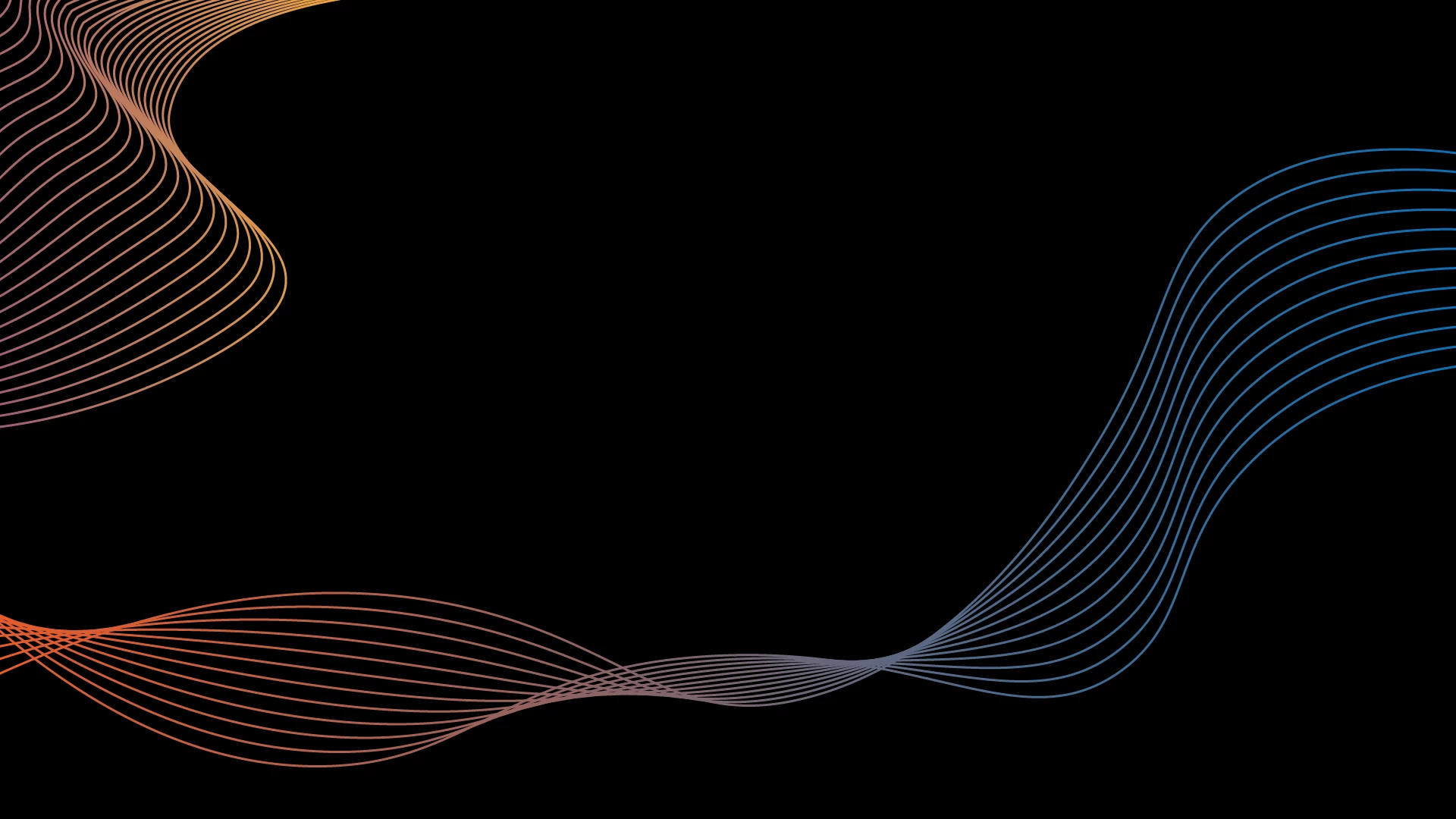
I was recently asked to create a flyer for a client and I designed a graphic which involves drawing two curvy lines and then using object blend tool in Illustrator to create a cool design, I have attached an example of the effect for reference below. The client is going to be using a similar graphic on the screen at his event which is currently static and I thought it would be really cool if I could animate them in After Effects so it flows in a wavy like form but after trying multiple different ways I can't seem to figure it out.

Basically I want the first and last lines to move randomly and independently from each other with a number of lines between them moving equally spaced between the first and last lines. I can obviously repeat the lines using the Repeater in After Effects and make a straight line wavy using Wiggle Paths but either the lines are perfectly synchronised with each other or they're so random it just looks like a bunch of messy lines wiggling.

I don't know whether what I'm wanting to do is possible but it would be really cool if it was.

Thanks for your help in advance.
This topic has been closed for replies.
Correct answer Theodoros Tziatzios

Matthew, your are thinking correctly but you're lacking the element of time.

Try using the Echo effect.

Create a single shape line with Wiggle Paths. No repeater.

Just apply the "Echo" effect (Effects -> Time -> Echo) and try the following options:

  • Echo Time (seconds) -0.085
  • Number of echoes: 10
  • Starting intensity: 1,00
  • Decay: 0,85
  • Echo Operator: Add

Feel free to experiment with the settings.

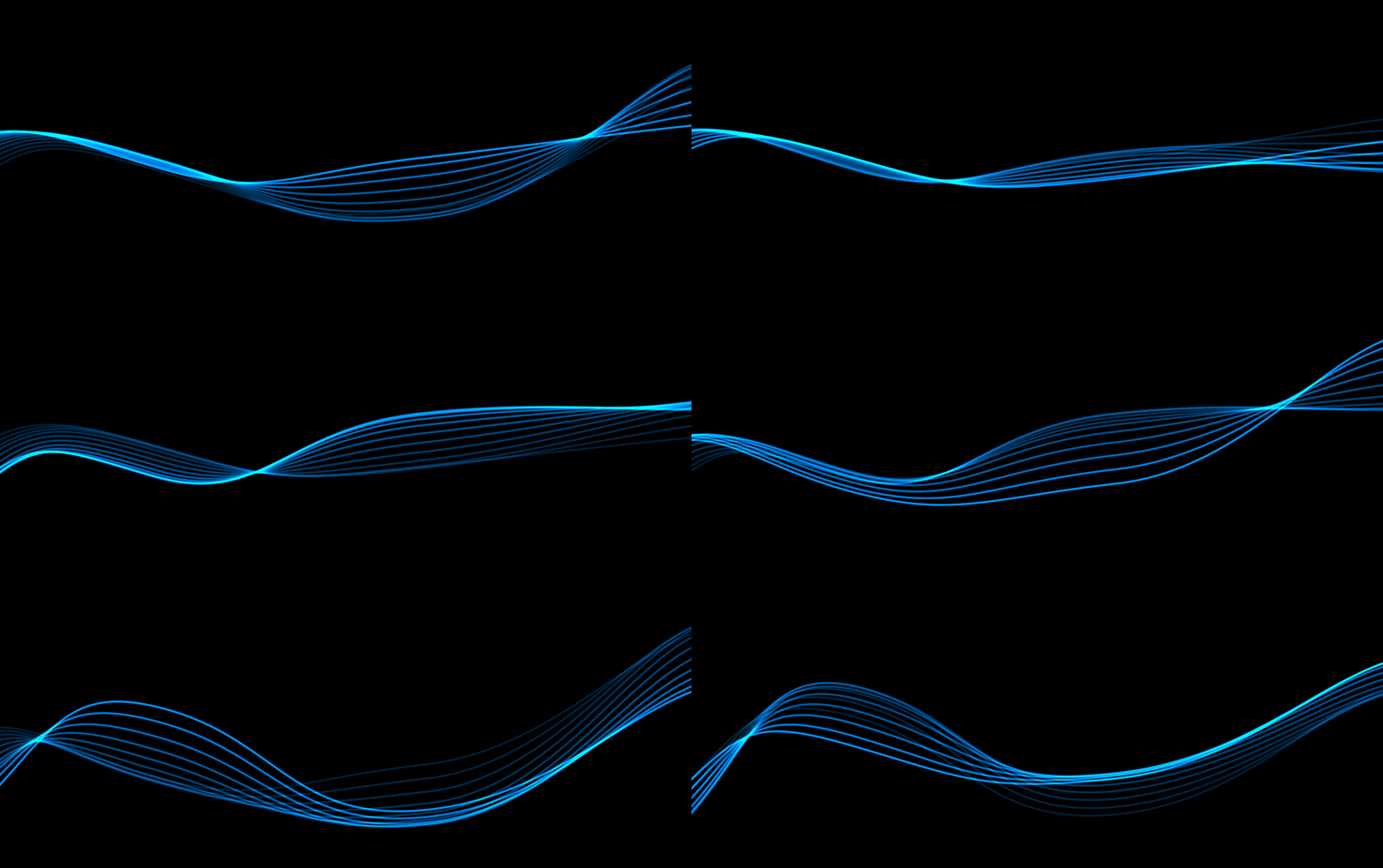
This is what I got 

If you want to have more precise control over the wiggling, you can connect the path points of your shape to Nulls (with your path selected go to Window -> Create Nulls From Paths.jsx). You can then add a wiggle expression to the position of each null and control them separately.

Hope this helps.

4 replies

Participant
October 8, 2020

Just come accross this post and is exactly what i was looking for, love the smoothness and the fading effect. I have been trying to replicate this look but coming no where to close to it. Would you be ever so kind as to let me know your exact settings for the wiggle paths that you add to the line, for some reason when I use the echo settings you have above they dont follow the line and are just randomly all over the place. Thank you.

Participant
August 10, 2020

Hi!
How i can loop Flowing Wavy Lines?

I tried to do it with this https://www.motionscript.com/design-guide/looping-wiggle.html

but i can't loop the line? Can anyone help me ?


Theodoros Tziatzios
Theodoros TziatziosCorrect answer
Participating Frequently
May 17, 2019

Matthew, your are thinking correctly but you're lacking the element of time.

Try using the Echo effect.

Create a single shape line with Wiggle Paths. No repeater.

Just apply the "Echo" effect (Effects -> Time -> Echo) and try the following options:

  • Echo Time (seconds) -0.085
  • Number of echoes: 10
  • Starting intensity: 1,00
  • Decay: 0,85
  • Echo Operator: Add

Feel free to experiment with the settings.

This is what I got 

If you want to have more precise control over the wiggling, you can connect the path points of your shape to Nulls (with your path selected go to Window -> Create Nulls From Paths.jsx). You can then add a wiggle expression to the position of each null and control them separately.

Hope this helps.

Kyle Hamrick
Community Expert
Community Expert
May 17, 2019

Trapcode Form would be the way I'd approach this personally, but the solution TheodorosGR just posted is also a great one.

Mylenium
Legend
May 17, 2019

I don't know whether what I'm wanting to do is possible but it would be really cool if it was.

Sure it is. just not without plug-ins (unless you care to animate each line separately, that is) and not using your current methodology. What you need is some plug-in like Trapcode Form that can modulate a static particle field using maps or internal turbulence functions.

Mylenium

mjhyneman
Participant
April 14, 2020

Is there a way in form to have lines moving around and then have icons or particles move across the lines as they animate? I have a project where the client is married to this idea of sheet music lines moving and then having "notes" move across the lines as they twist and turn. Any help would be appreciated.