
Participating Frequently
November 17, 2017
Answered

Font Ligature option missing in After Effects

  • November 17, 2017
  • 2 replies
  • 7552 views

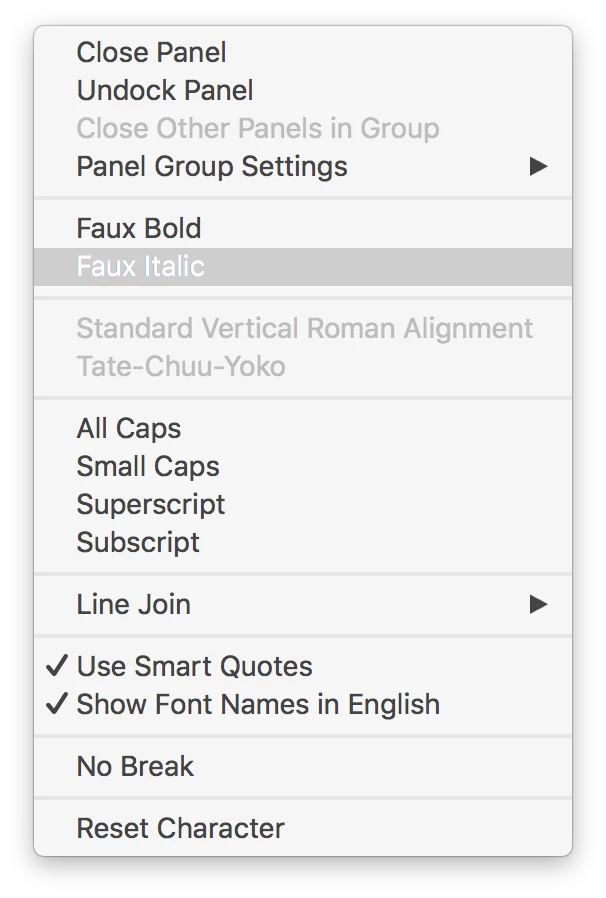
I am using an OpenType Font in After Effects but the ligature is not translating from my Photoshop file.

I would prefer to keep my text live and not convert to outlines.

I do not see a way to enable ligatures in After Effects despite seeing that it is possible via the Adobe documentation.
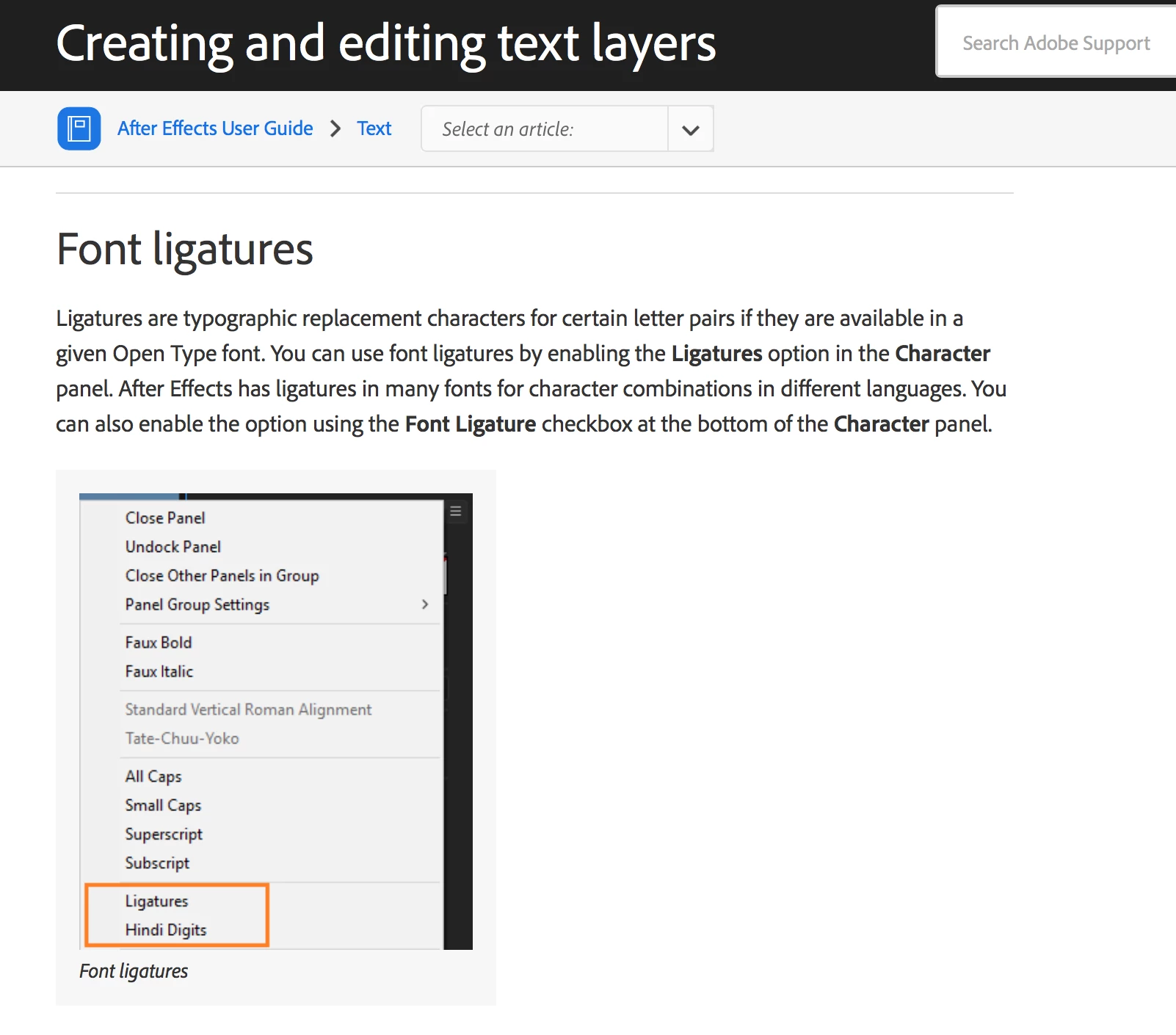
According to this AE support page ligatures are supported for OpenType Fonts.

Creating and editing text layers in After Effects

This topic has been closed for replies.
Correct answer Szalam

The reason I ask is because ligatures are available in the release of After Effects that came out this October (called CC 2018 in the title bar). If you're using an earlier version, it won't work.

2 replies

Szalam
Community Expert
Community Expert
November 17, 2017

What version of After Effects are you using?

Participating Frequently
November 17, 2017

The fi ligature is working just fine in Photoshop.

Disappears in After Effects when I make that layer live.

Tried pasting in this text directly into After Effects text layer but comes in without the ligature.

Szalam
Community Expert
SzalamCommunity ExpertCorrect answer
Community Expert
November 17, 2017

The reason I ask is because ligatures are available in the release of After Effects that came out this October (called CC 2018 in the title bar). If you're using an earlier version, it won't work.

Participating Frequently
November 17, 2017

Well F***.
I am using 2017 at the moment and didn't plan to jump in 2018 yet.

Didn't see that fine print anywhere on the article.


Are you basing that on the publish date of this article?