
Question
Freestlye strokes blender for After effects does not appear when importing
I am quite new in 3D, taking advantage of the new 3d features in after effects I wanted to export the white edges of the logo made in blender, using the “freestyle” options.
When rendering through blender if these strokes appear along the edges of my model.
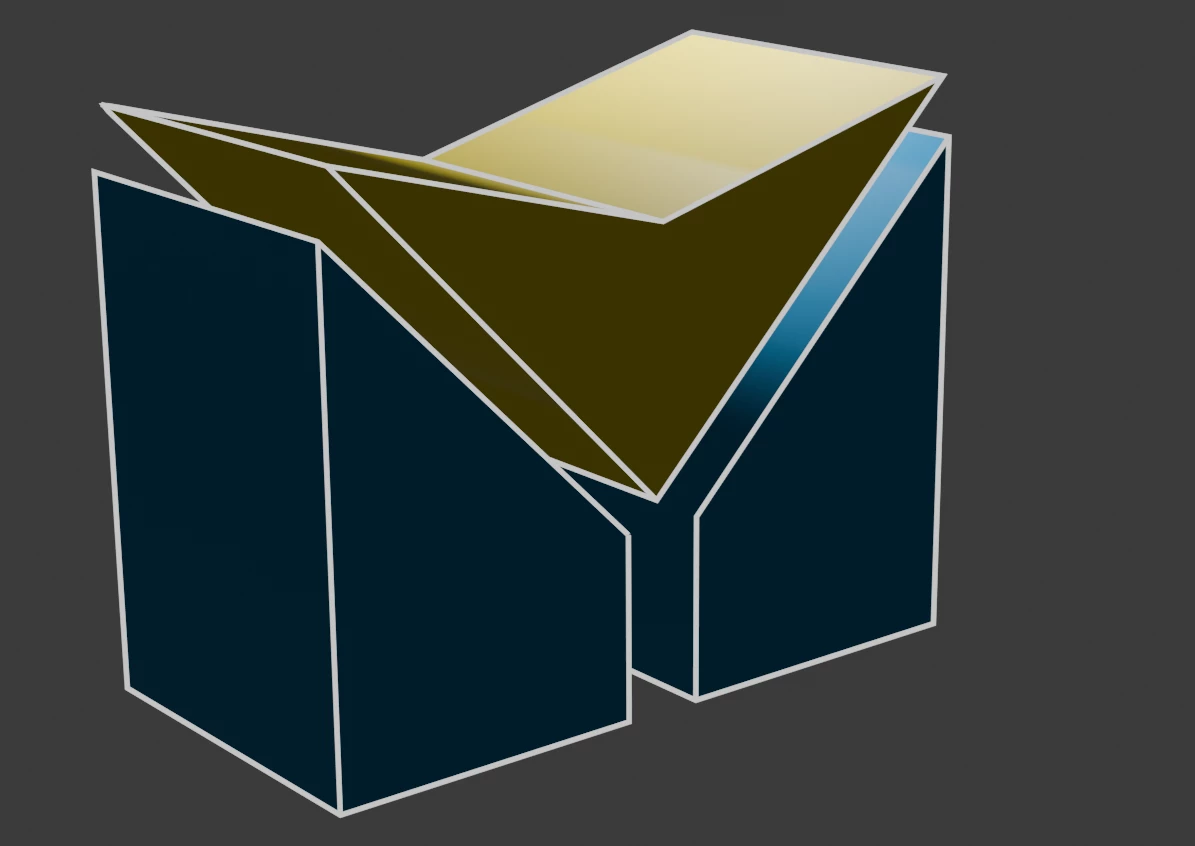
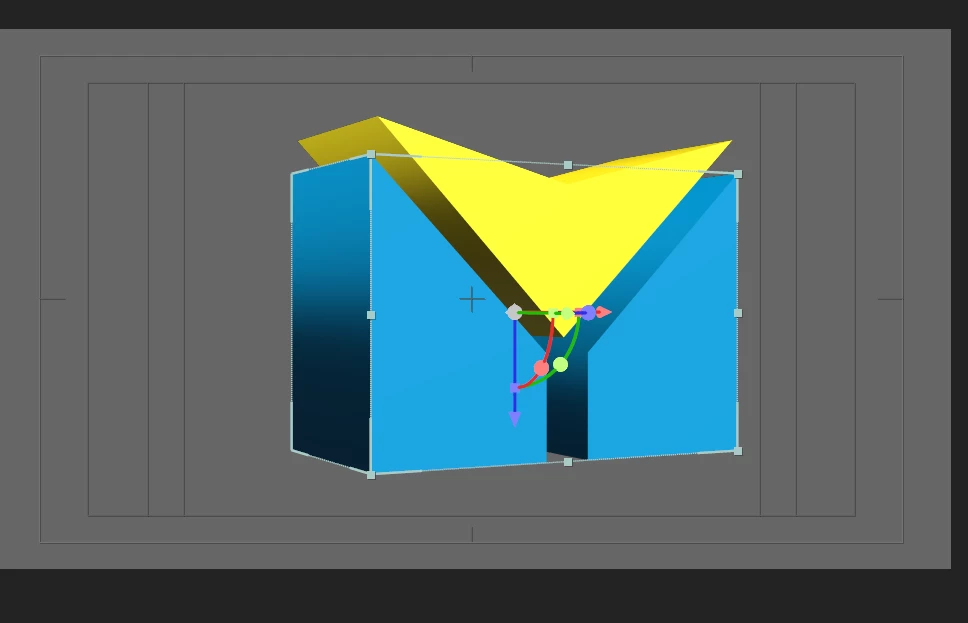
But when importing it as .obj or .glb these white strokes disappear, I don't know if there is any way to include these strokes in the model as such, because what I understand is that the “freestyle” strokes are not attached to the model, but when rendering in blender.
Any way to solve it?
Thank you very much


 AdChoices