Participant
February 22, 2021
Question

Garients not showing properly in After Effects

  • February 22, 2021
  • 2 replies
  • 132 views

Hi everyone, 


I have noticed time and time again that when I open a vector (from Illustrator) into After Effects, that the gradient part shows as black. Any idea why this is?


This being the original .eps

 

And this is how (after I picked the one I want to use) it shows in After Effects:
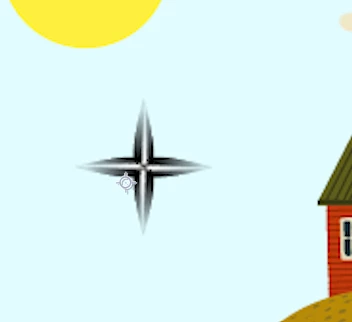


And I know that this particular example is supposed to be on a black background, but this is how it goes with all Illustrator files that have a gradient part in it. Any idea?

This topic has been closed for replies.

2 replies

Community Expert
February 22, 2021

Check your Illustrator gradient. If it has transparency it will come through in After Effects. You have to properly prepare your AI artwork for video. Gradients will come through perfectly if they are prepared properly. Your first screenshot looks like gradients with partial transparency. 

Mylenium
Legend
February 22, 2021

Without any info about your artwork nobody can tell you much, but it seems you have a fundamental workflow misunderstanding here. Some stuff simply doesn't translate to AE and judging from your screenshot that's exactly what happens - you are operating with object-level transparency and blending mode trickery in AI and that won't work in AE once everything gets flattened into a single layer.


Mylenium