


Answered
Getting a weird crop on png layers.
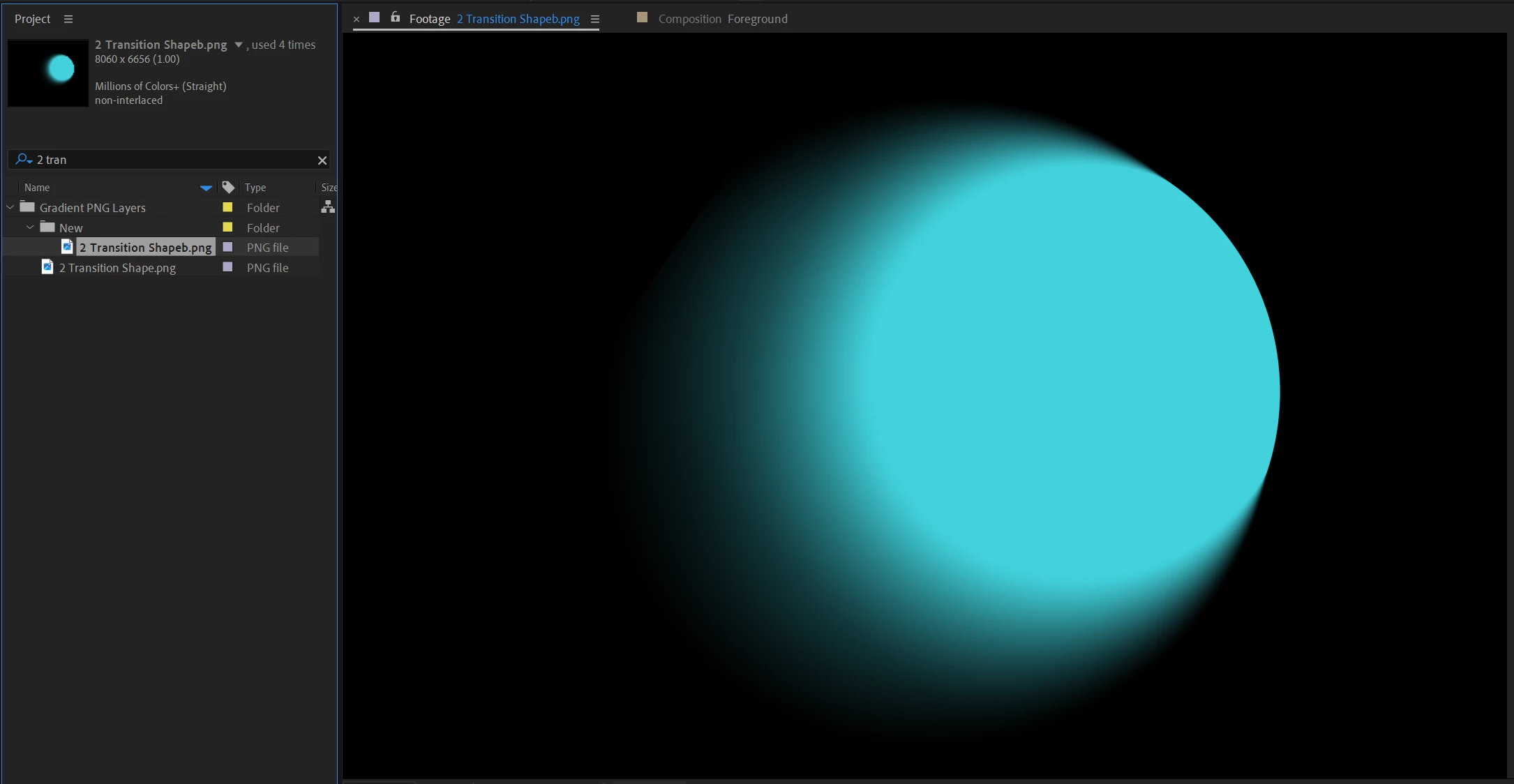
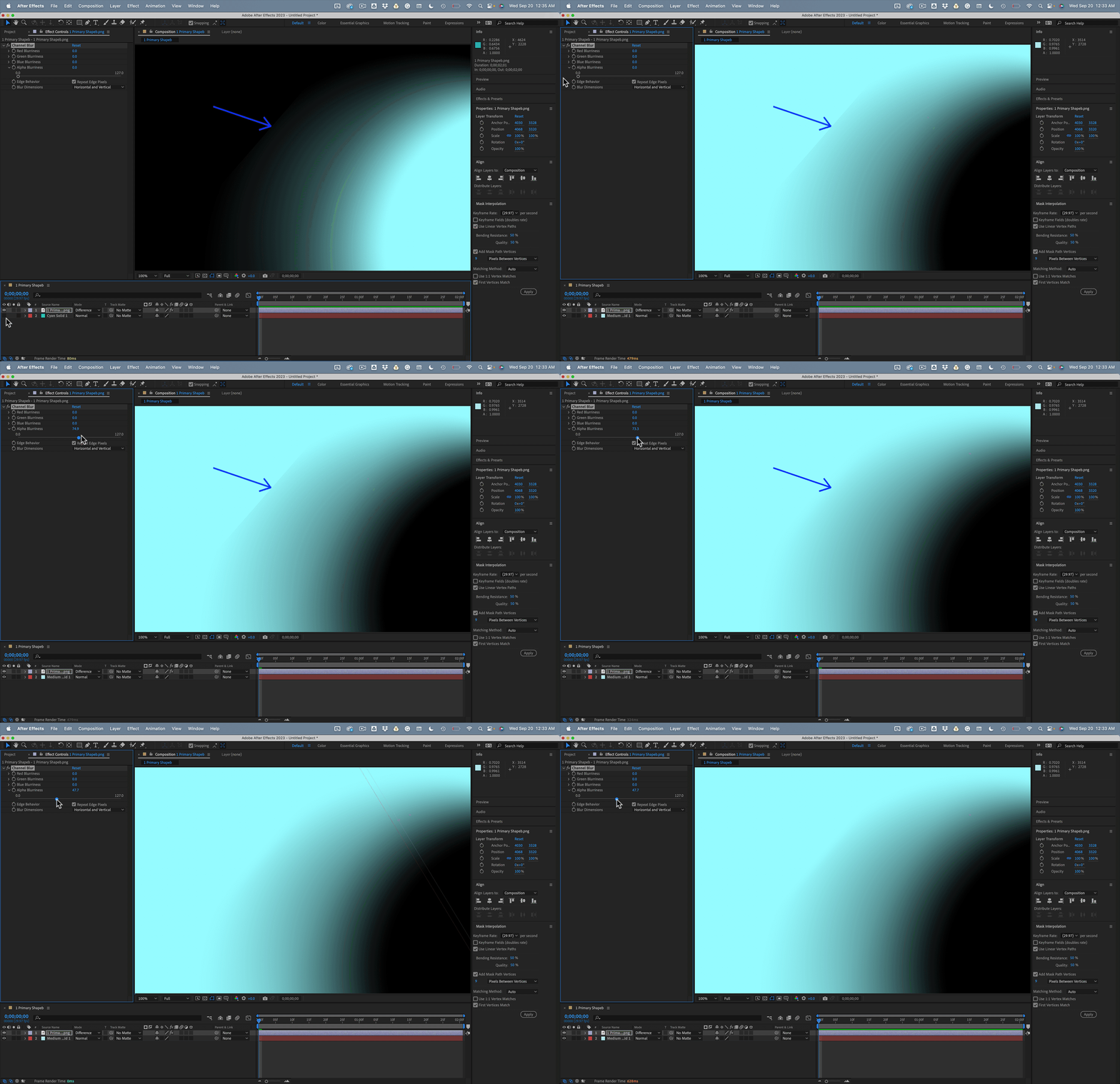
I have this png. When I double-click on it inside of AE, and view it in the Footage panel it looks exactly as it should.
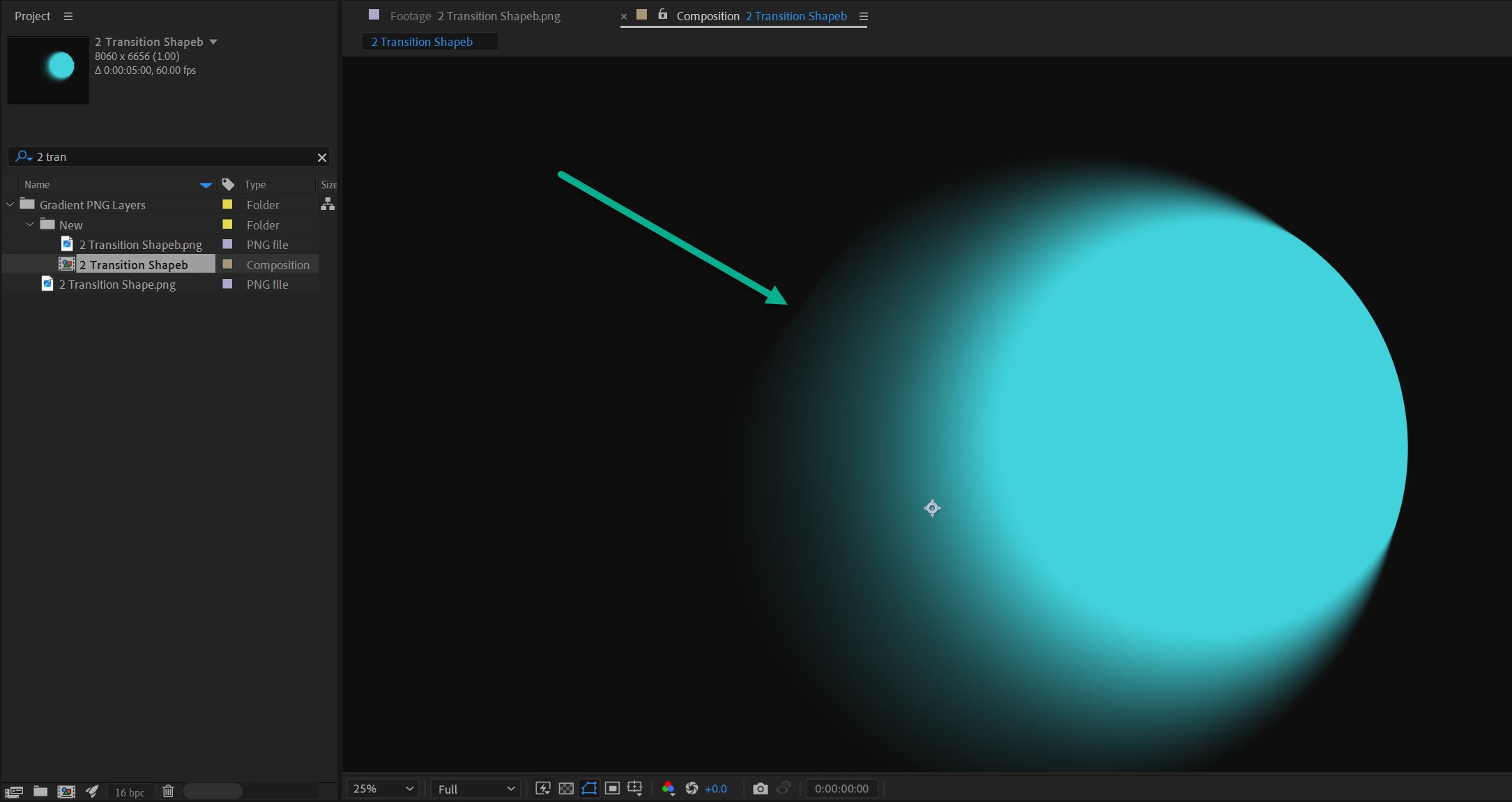
However, the moment I drop it into a comp... I get this edge?
Zoomed in:
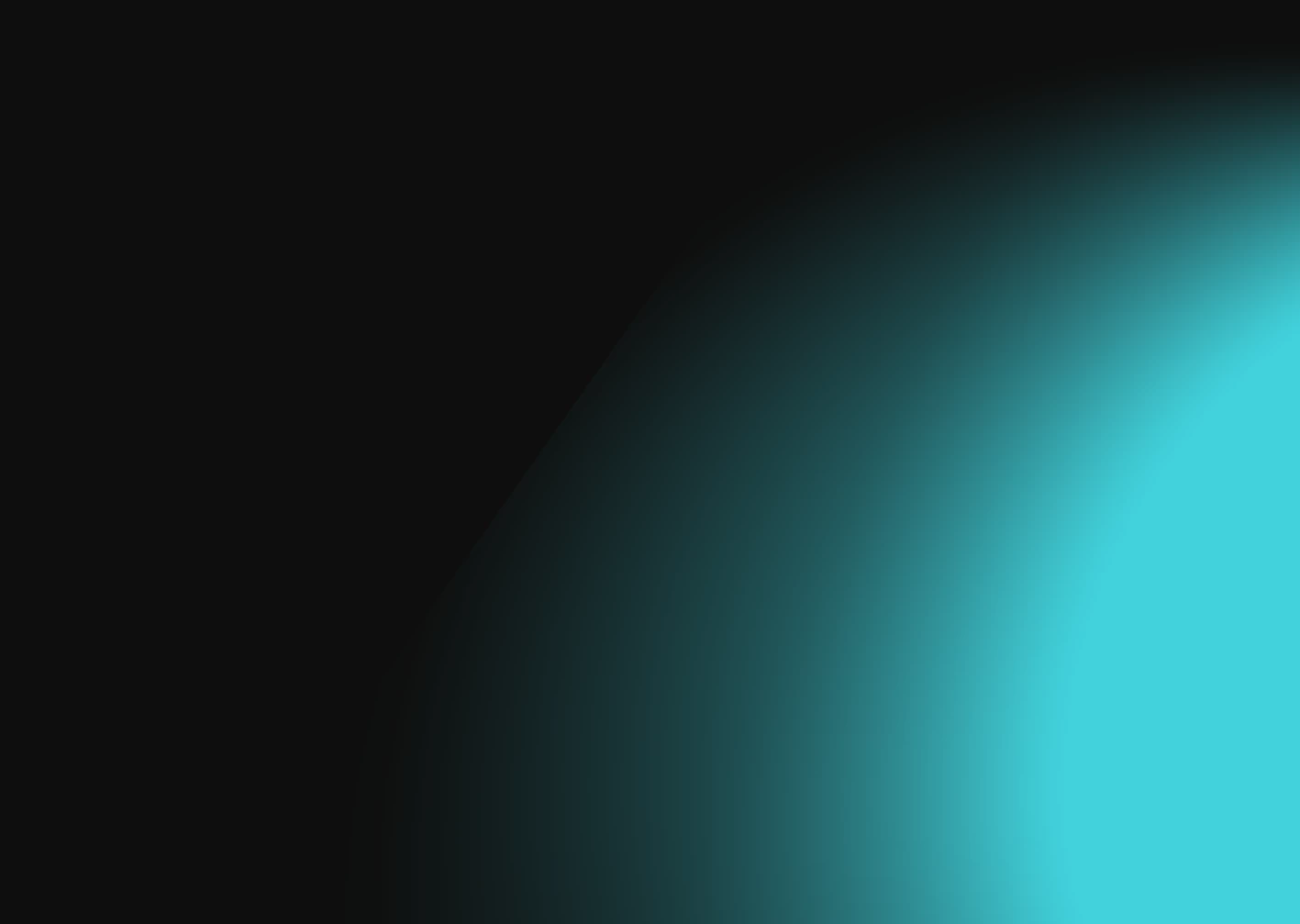
Literally didnt do anything to layer, but drop it into a comp. Didn't make it 3d.. didnt do anything.
Why is this happening?
I need this for a broadcast spot, and its happening on all 3 png layers that make up an animated gradient.
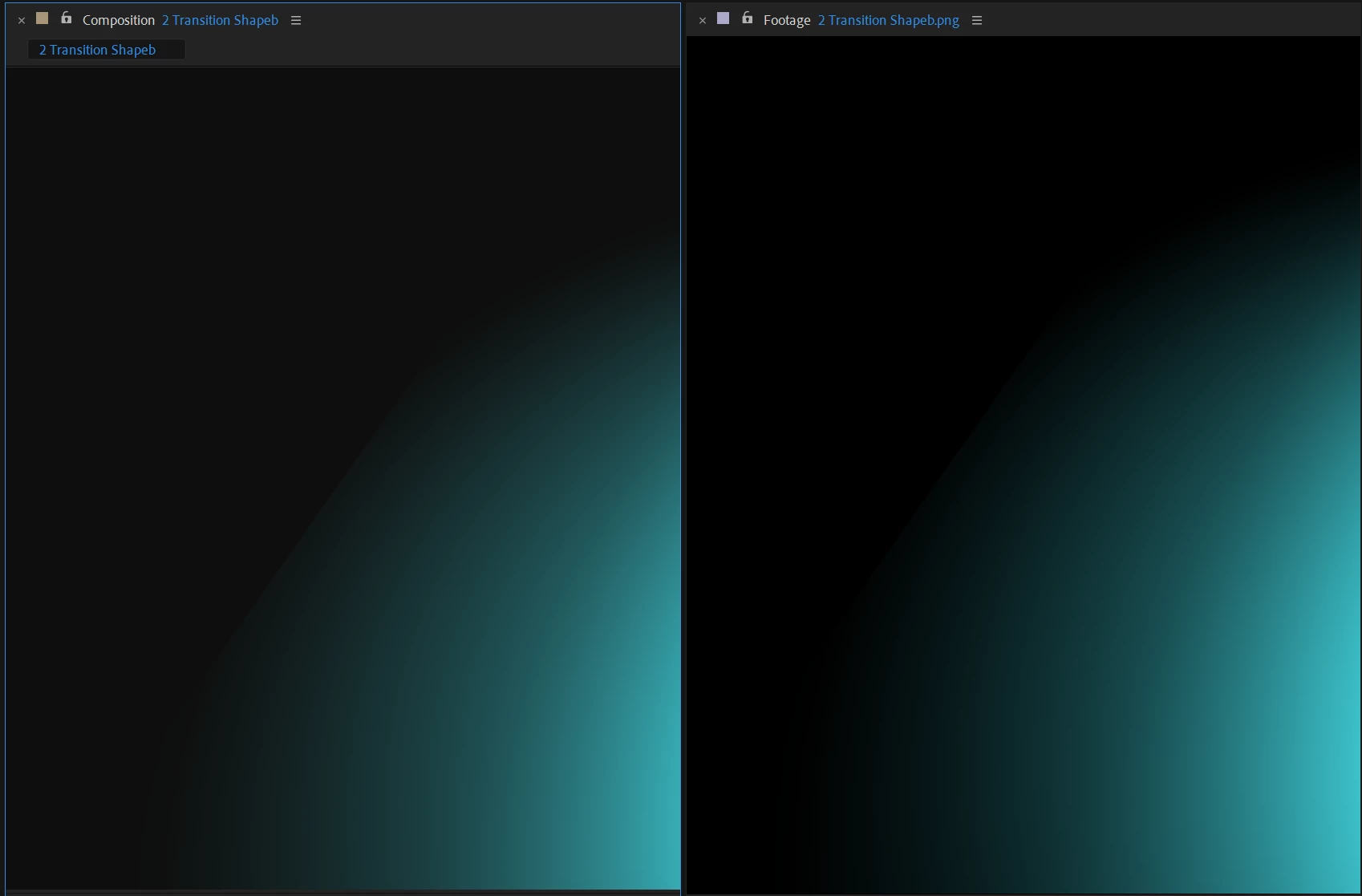
Side by Side (In-Comp vs Footage)
 AdChoices