Participant
March 20, 2021
Question

GIFS won't show

  • March 20, 2021
  • 1 reply
  • 501 views

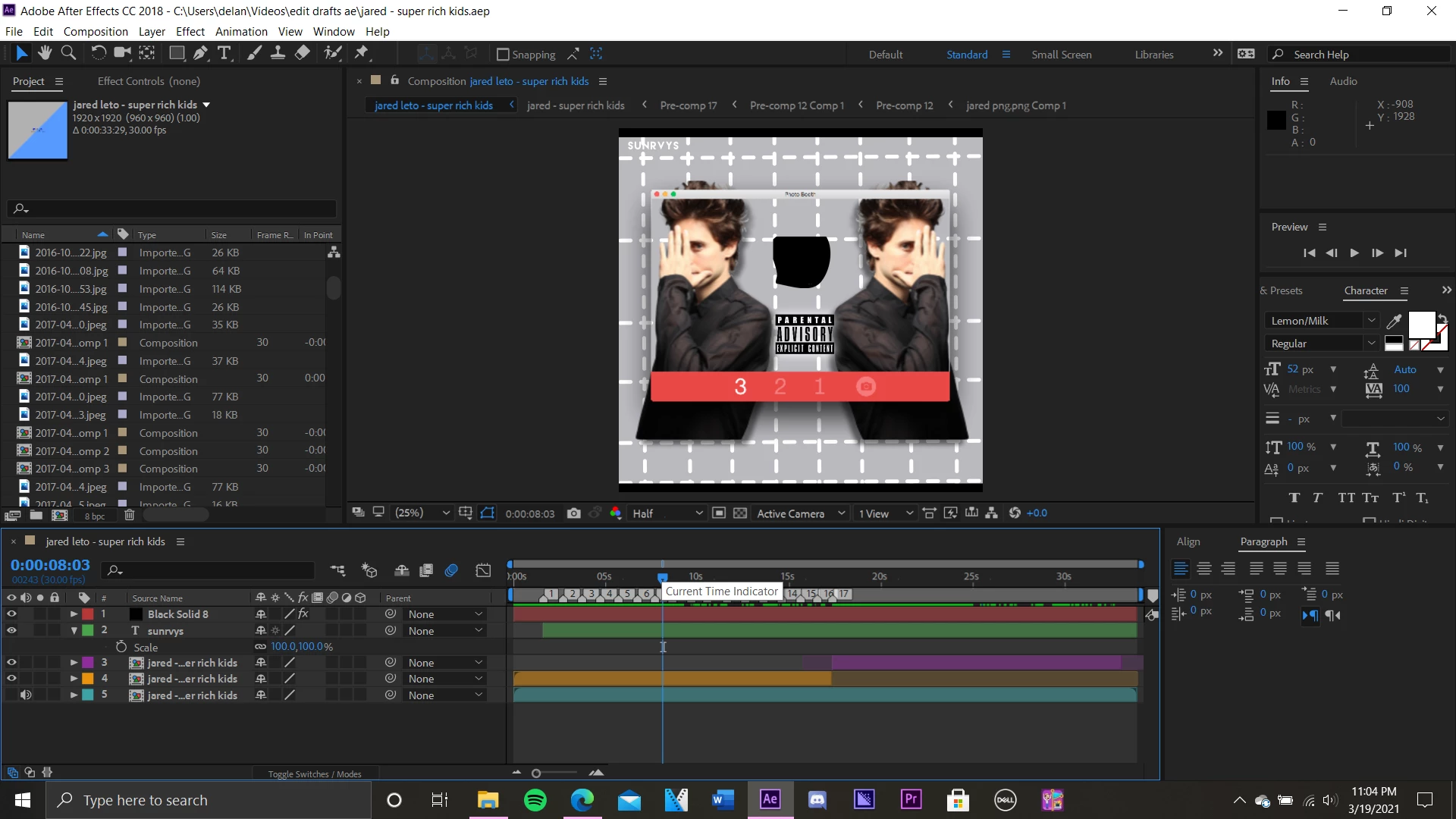
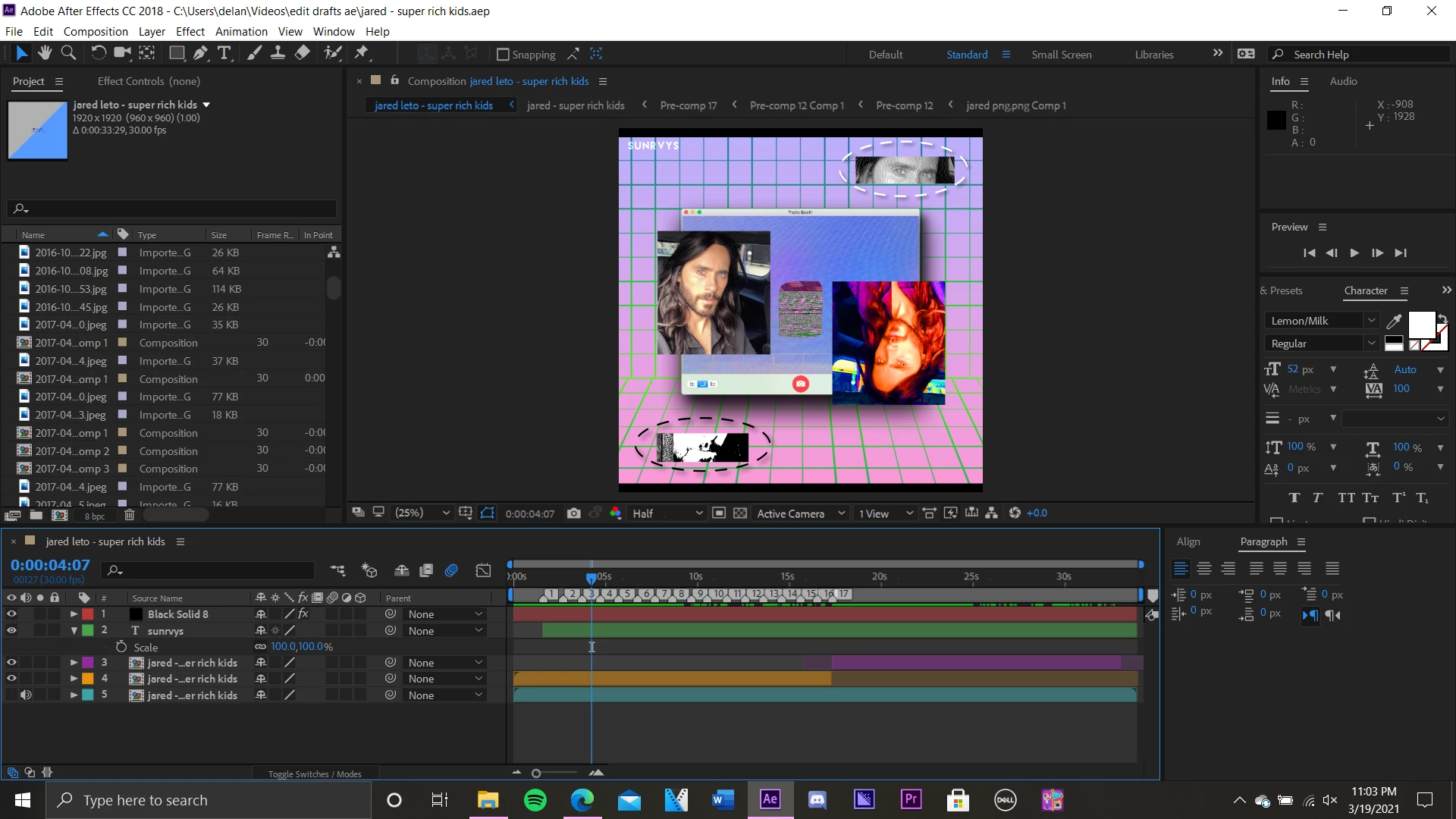
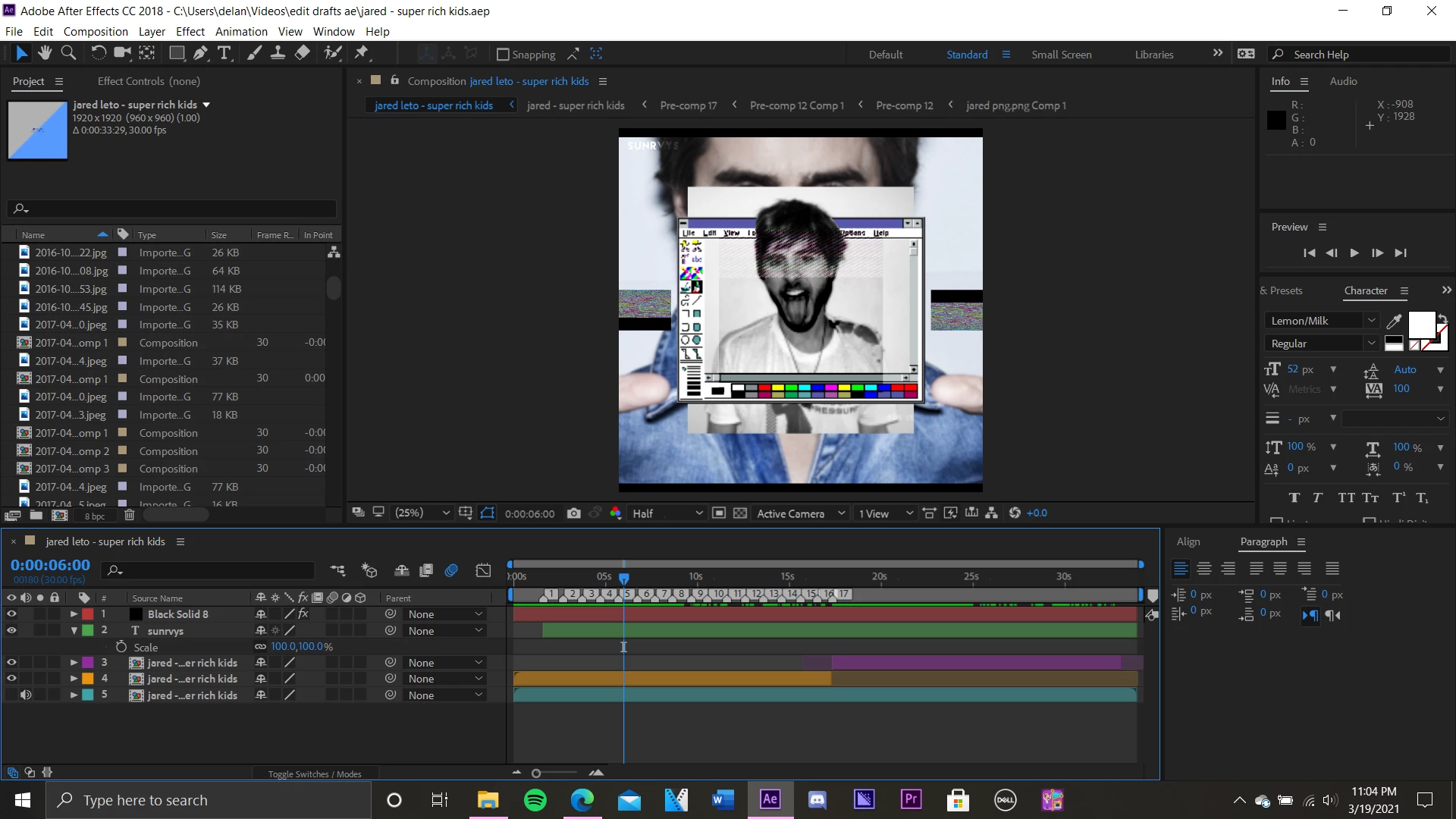
I am working on a project to what at first I was experiencing rendering issues. I attempted to fix the error by emptying my cache, changing the size of my composition (had a settings mismatch error), which led me to check all files used weren't checked for read-only and lastly, I purged all memory & disk cache. After doing so I previewed the project and noticed all the clips in which I used .gifs were now showing static and like the one you see it showed black. Does anyone know how I can resolve this? I was not experiencing this problem until after I purged the cache. 
This topic has been closed for replies.

1 reply

Roland Kahlenberg
Legend
March 20, 2021

Which version of AE? Did you try (a) re-starting AE (b) re-importing the GIFs (c) trashing AE's Prefs?


Very Advanced After Effects Training | Adaptive & Responsive Toolkits | Intelligent Design Assets (IDAs) | MoGraph Design System DEV
Participant
March 20, 2021

I closed the project opened another and went back and now it's just fine, however, I am still experiencing the same rendering error 😕😕

Participant
March 20, 2021

I forgot to mention this is After Effects CC 2018