Inspiring
February 6, 2022
Answered

Glitch export when using greenscreen and transparency

  • February 6, 2022
  • 2 replies
  • 346 views

Dear community, i just using greenscreen to remove background. Then add an image with transparency on layer below it. Sometimes it works, but sometimes it glitches. I have search many time on this community but no success.
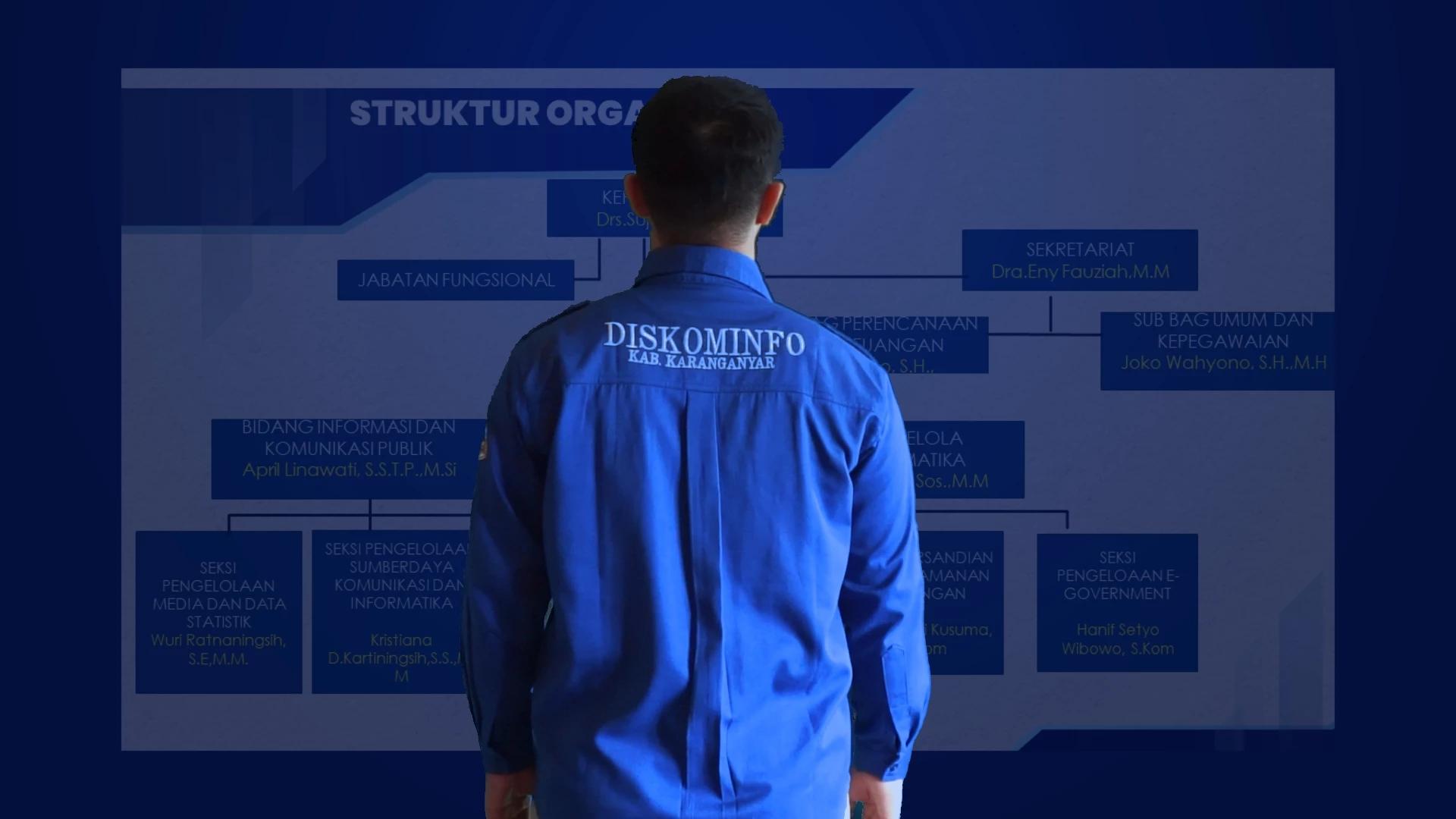
Sometimes it glitches like below :
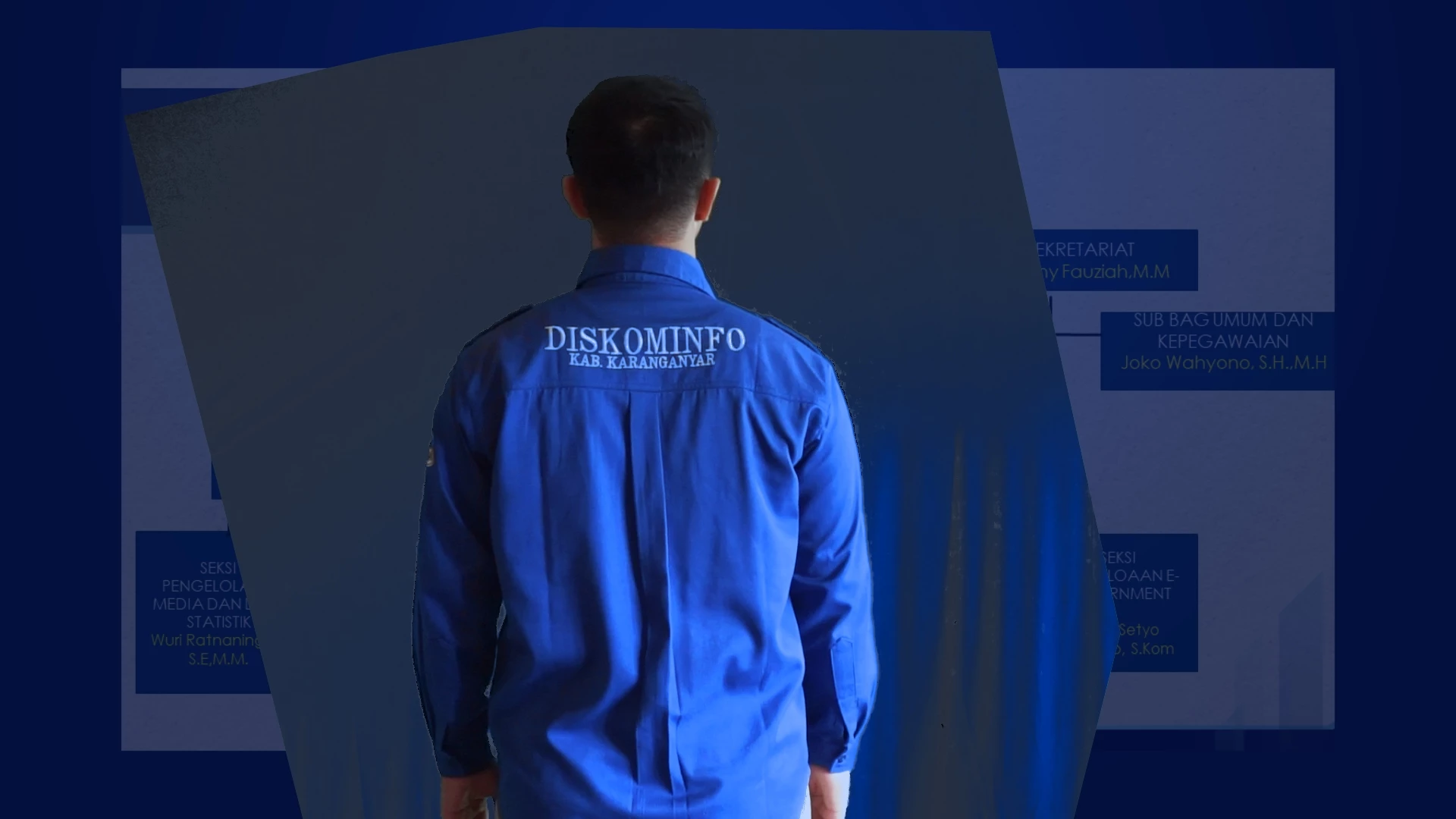
Thanks.

This topic has been closed for replies.
Correct answer Mylenium

Pre-compose your keyed footage.


Mylenium

2 replies

Mylenium
MyleniumCorrect answer
Legend
February 7, 2022

Pre-compose your keyed footage.


Mylenium

Inspiring
February 7, 2022

thanks @Mylenium i'll try it

######Raizen 7, 40Gb Ram, RTX 3060, Win 11 -- All of Software in the world are just tools. Buy it if it works for you :)
Community Expert
February 7, 2022

You could be using MP4 source footage, and the compression is causing decoding problems that foul up the Keylight settings.


You could have memory and cache issues.


You may not have properly set up Keylight on your original footage. 


Without workflow details, source footage details, a screenshot that shows the modified properties of the problem layer, and some AE, system, and OS details, it's impossible to venture anything but a guess. You walked into the shop and told us your car has a problem but you didn't bring the car or let us look under the hood. 

Inspiring
February 7, 2022

Thanks @Rick Gerard my details below :

Footage : .MTS from sony alpha 6000

Memory : 16GB

GPU : Nvidea GTX 1650

CPU : Rayzen 7

here the preview project :

Sometimes works, sometime glitches.

Thanks.

######Raizen 7, 40Gb Ram, RTX 3060, Win 11 -- All of Software in the world are just tools. Buy it if it works for you :)