
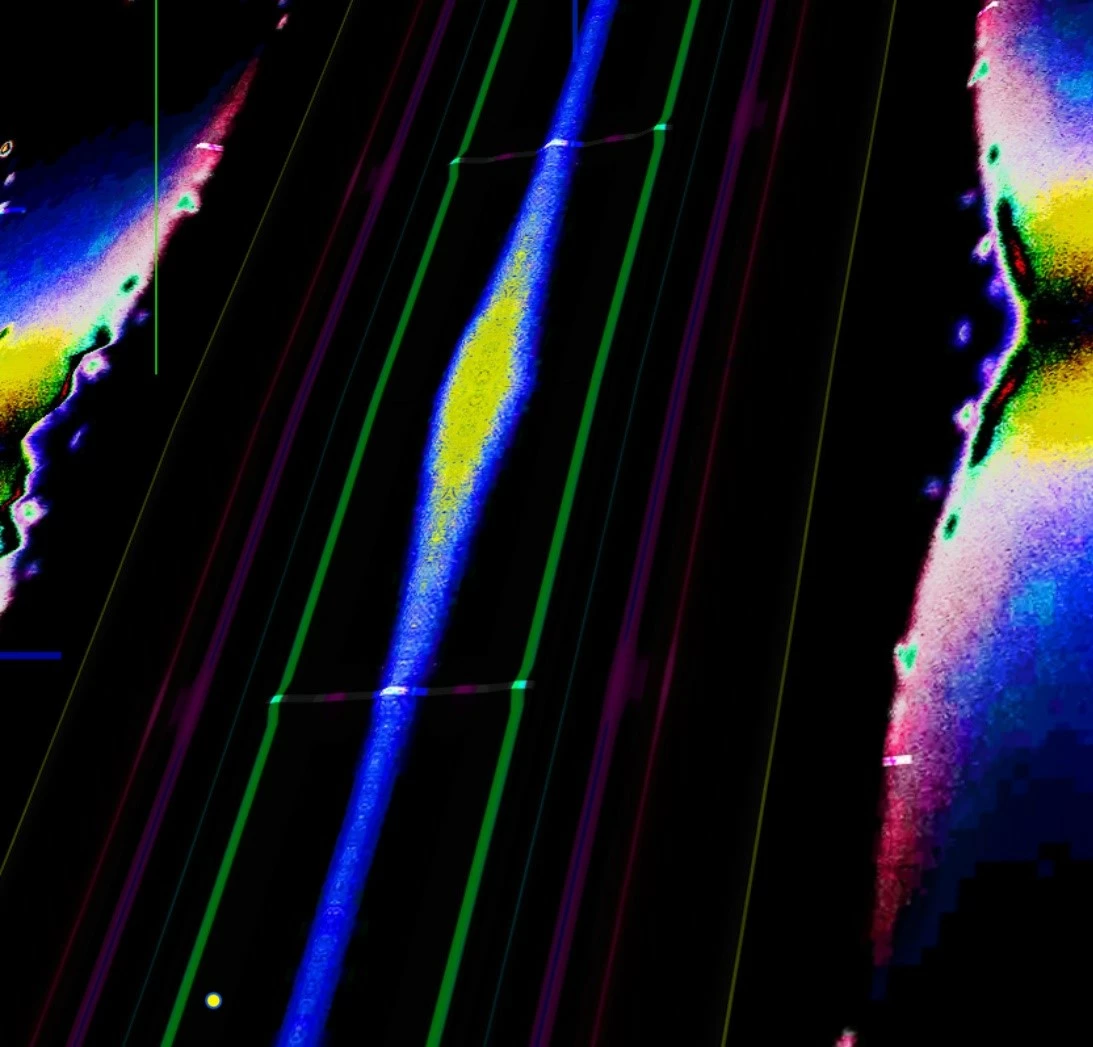
Glow effects in 3D Space is glowing over the edges of the layer frame
- April 18, 2023
- 2 replies
- 1472 views
Hello, sorry if I'm using that channel not correctly.
I have trouble with After effects:
I created a 3D space with a lot of (star picture) layers. classic flight through.
On some picture-based layers I want to add a glow effect. Which works niceley. But for some reason the glow effect is ignoring the frame of the layer and shines out of it. Which normally is great. But in my case i need a clear cut off out of the frame. (Because there are other effects waiting which must not be affected)
I'm an aspiring beginner. Means still learning the magic how alpha masks work in AE. Here my two possibly solution-leading questions:
1) How can I set something somewhere, that no effect is leaving the frame of a picture layer (without trying to mask something and bring that in sync with flying pictures)?
2) can I enlarge the layer around the picture (to give over-shining glow effects enough space to spread out) or must a picture be seen as a fixed layer structure (since layer adjustments for size etc. are greyed out when clicking on the picture)?
In the attached pic you can the the shadow on the red background which comes from the glow effect.
I found out a lot already, but this is really freaking me out now and I would be very happy about any help!
Best
Daniel
 AdChoices