Participant
September 28, 2023
Answered

Got a problem with a multiple views
  • September 28, 2023
  • 1 reply
  • 617 views

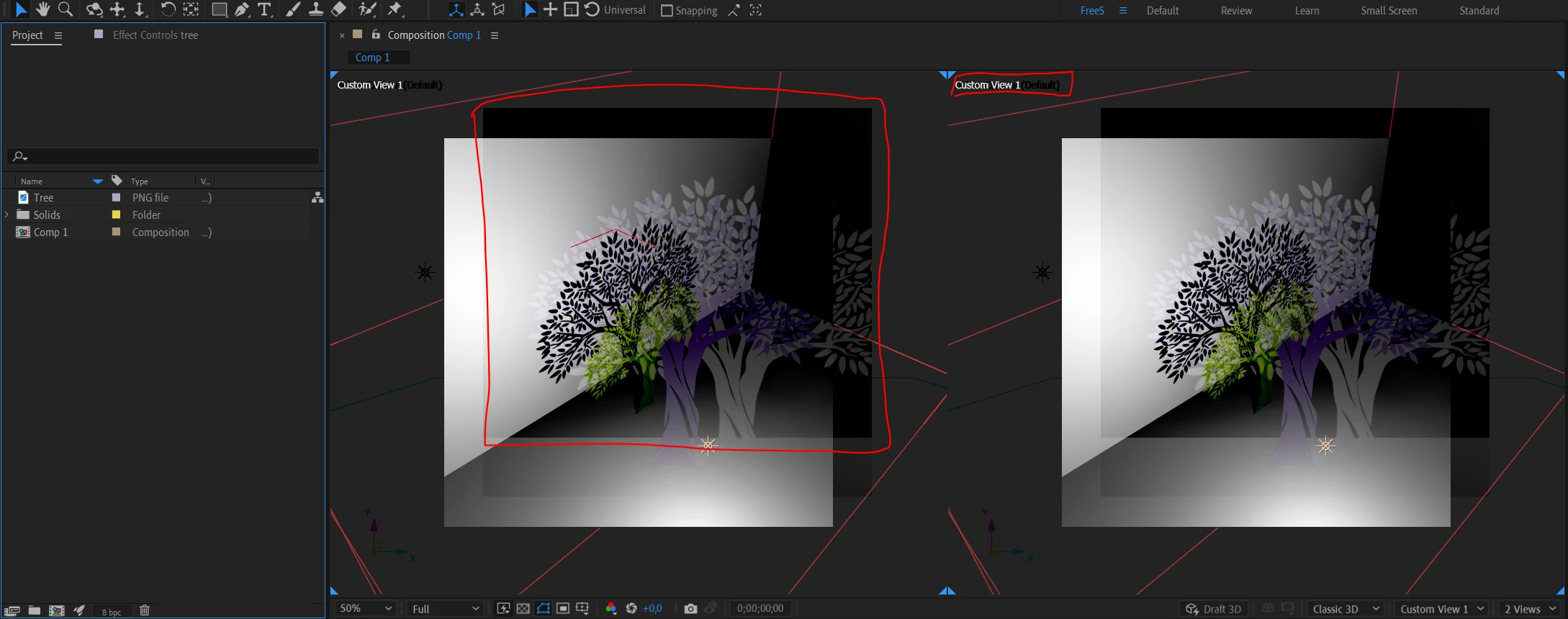
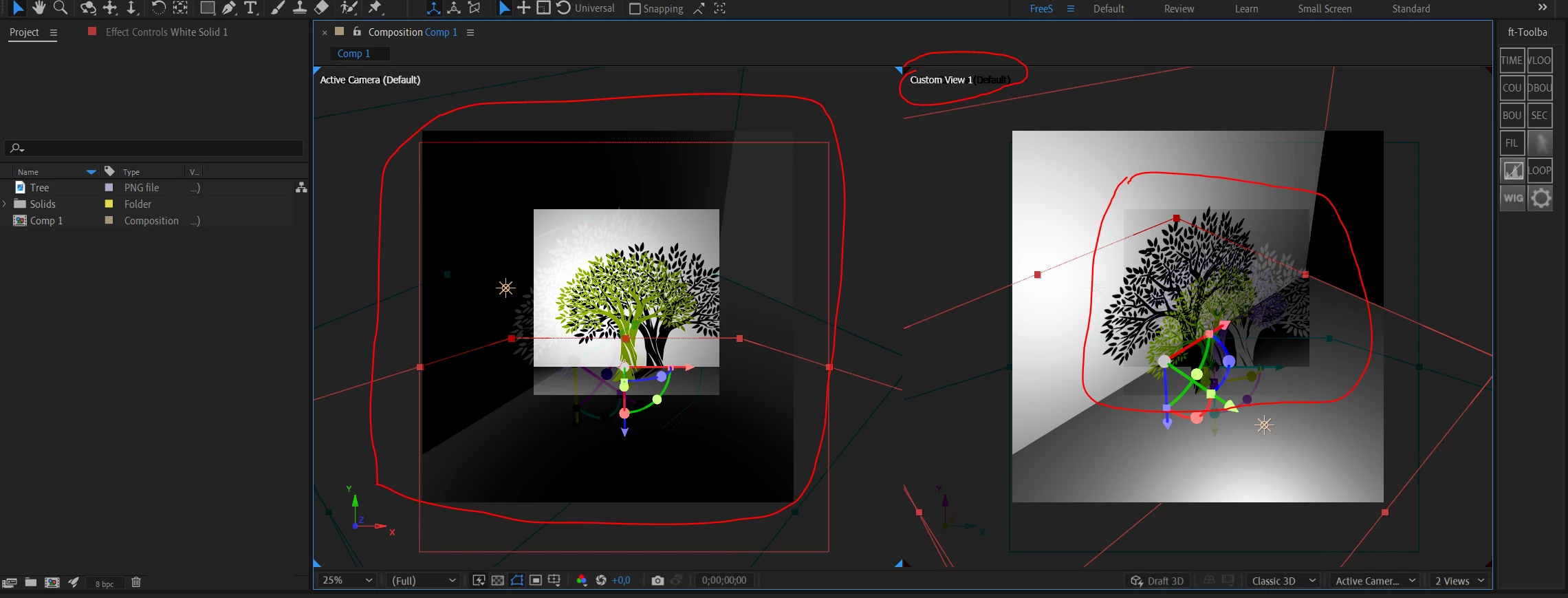
Here on the screenshots you could see that whenever I use multiple view option there's always pops out something like shadow of the original layer and it's kind of interrupt working on the projects. Also I don't know why but sometimes I can't choose the exact view that I need, instead I have them both selected as shown on pictures. Please help me figure this out. AE ver 23.5 ram for AE use 10 GB

This topic has been closed for replies.
Correct answer BeeLive

That's got me stumped.  My next guess is some sort of caching issue.  Is there anyone you can share the project with to see if it occurs for them?  Alternatively, I'm happy to take a look if you'd like to DM me and we can trade emails and project files.


UPD: eventually the whole problem was about my nvidia driver, I just needed to update it because previous was somehow broken so I had problem with graphics in Ae, thanks to your support I came up with that idea and I'm sorry that problem was so obvious. Have a great day.

1 reply

ShiveringCactus
Community Expert
Community Expert
September 29, 2023

Hard to be certain when I can't see the timeline, but my guess is you have some 2D layers - possibly an adjustment layer which is why they are always appearing face on.

BeeLiveAuthor
Participant
September 29, 2023

Thanks for the reply, here is a full screenshot and I don't have any adjustment layer, this shadow thing pops out everytime whether I work on 2D or 3D projects with multiple view. Still I didn't find the solution or someone who had the same issue. Anyway, appreciate your time, thanks.

ShiveringCactus
Community Expert
Community Expert
September 30, 2023

That's got me stumped.  My next guess is some sort of caching issue.  Is there anyone you can share the project with to see if it occurs for them?  Alternatively, I'm happy to take a look if you'd like to DM me and we can trade emails and project files.