fhtl0
Participant
March 8, 2025
Question

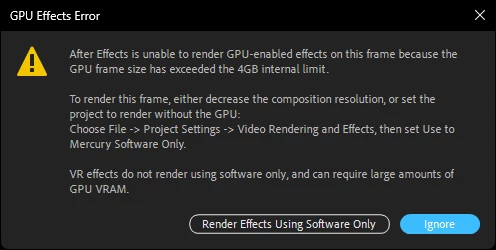
GPU Effects Error

  • March 8, 2025
  • 1 reply
  • 361 views

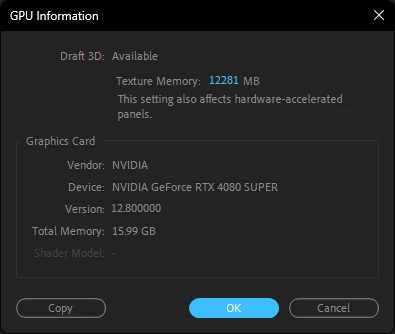
I keep getting this on my project and i tried different after effect versions and all of them shown the same problem Between My gpu is 4080 super


1 reply

nishu_kush
Legend
March 11, 2025

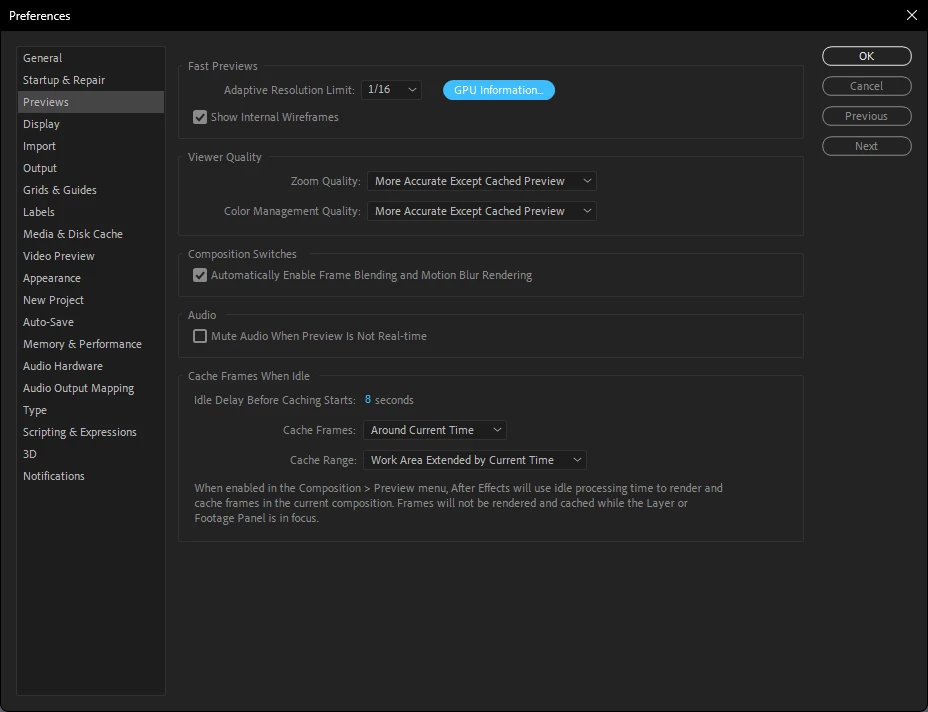
Could you share some details about your project? What are the properties of the media (frame rate, frame size, format/codec) if used in the project? What's the comp resolution and which effects are used? Are there any third-party plug-ins being used?

Let us know. Moving this thread from Bugs to Discussions for troubleshooting.


Thanks,
Nishu

fhtl0
fhtl0Author
Participant
March 11, 2025

FHTL0
nishu_kush
Legend
March 14, 2025

Thanks for sharing the screenshots. I see there is no preview in the Composition panel. To fix this, please try the following steps:

1) Close After Effects
2) Go to the Device Manager (Run >> devmgmt.msc)
3) Select Display Adapter, Right click on the "Intel UHD graphic card".
4) Select "Update Driver"
5) Select "Browse my Computer"
6) Select "Let me Pick from a list of available drivers on my Computer".
7) Select "Microsoft Display Adapter".

😎 Launch After Effects


For your original issue, try disabling the third-party plug-ins temporarily (go to Effect menu > Manage Effects > disable all third-party plug-ins).

Let us know how it goes.


Thanks,
Nishu