
GPU Effects Error - After Effects has encountered a failure related to GPU-enabled...
Thanks in advance for any help.
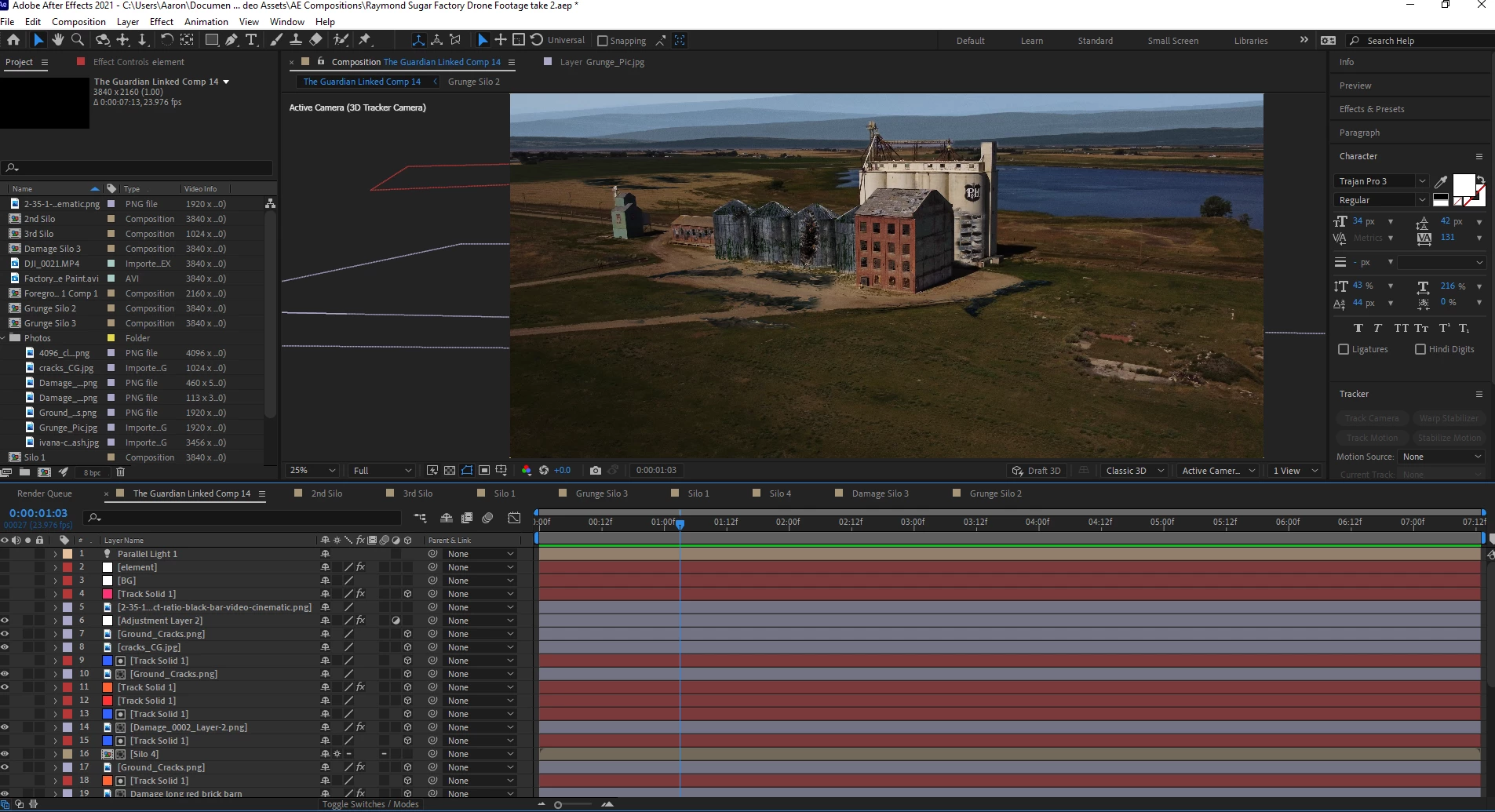
I'm having issues with AE not handling a render. I have a fairly decent computer. It's a PC, windows 10 64 bit, AMD Ryzen 7 3700x 8 core, 64 GB RAM, Samsung 970 Evo Plus SSD NVMe M.2.
Everything is fine in my setup, and rendering works well even with Element 3D. The error messages come when I add in a light to affect a 3D model in Element 3D. That's when I get the error messages below.
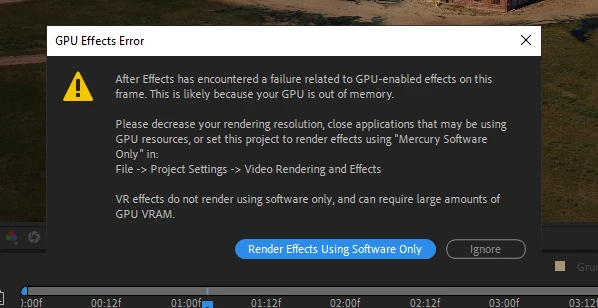
For this error, I have task manager open and my GPU is not being used at all, so I'm not sure why it would say its out of memory. I've also tried using "mercury software only" and my viewer just goes blank and I don't see my work.
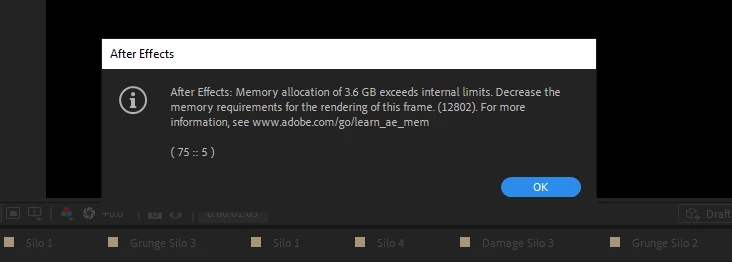
I hit ignore on the first prompt. I follow the prompts, go to https://helpx.adobe.com/go/learn_ae_mem, and I read this:
Error: “Memory allocation of [n] GB exceeds internal limits...”
Decrease the memory requirements for the rendering of this frame.
I might be ignorant on this stuff, so I apologize. But I've tried changing how much RAM I allocate to AE, and I'm not sure exactly how to "decrease the memory requirement for the rendering of this frame". I've tried reducing the viewer render quality to 25%.
I'm at a loss as you can see, and hopefully I'm making some sense and there's a fix to all of this.
Title edited by Mod.
 AdChoices