Question
Gradient turns grey/black and white when create shape form vector layer
I am trying to animate illustration from Ai (.ai file layers are prepared - every single part of the animation is on a separet layer) so I can make lottie file from After Effects (Bodyovin plug in).
The issue I'm getting is:
When I try to create a shape from vector layer (illustration created in Ai) all of the gradients I used turned gray , black or dissapear. The gradients are simple - linear gradient with only two colrs.
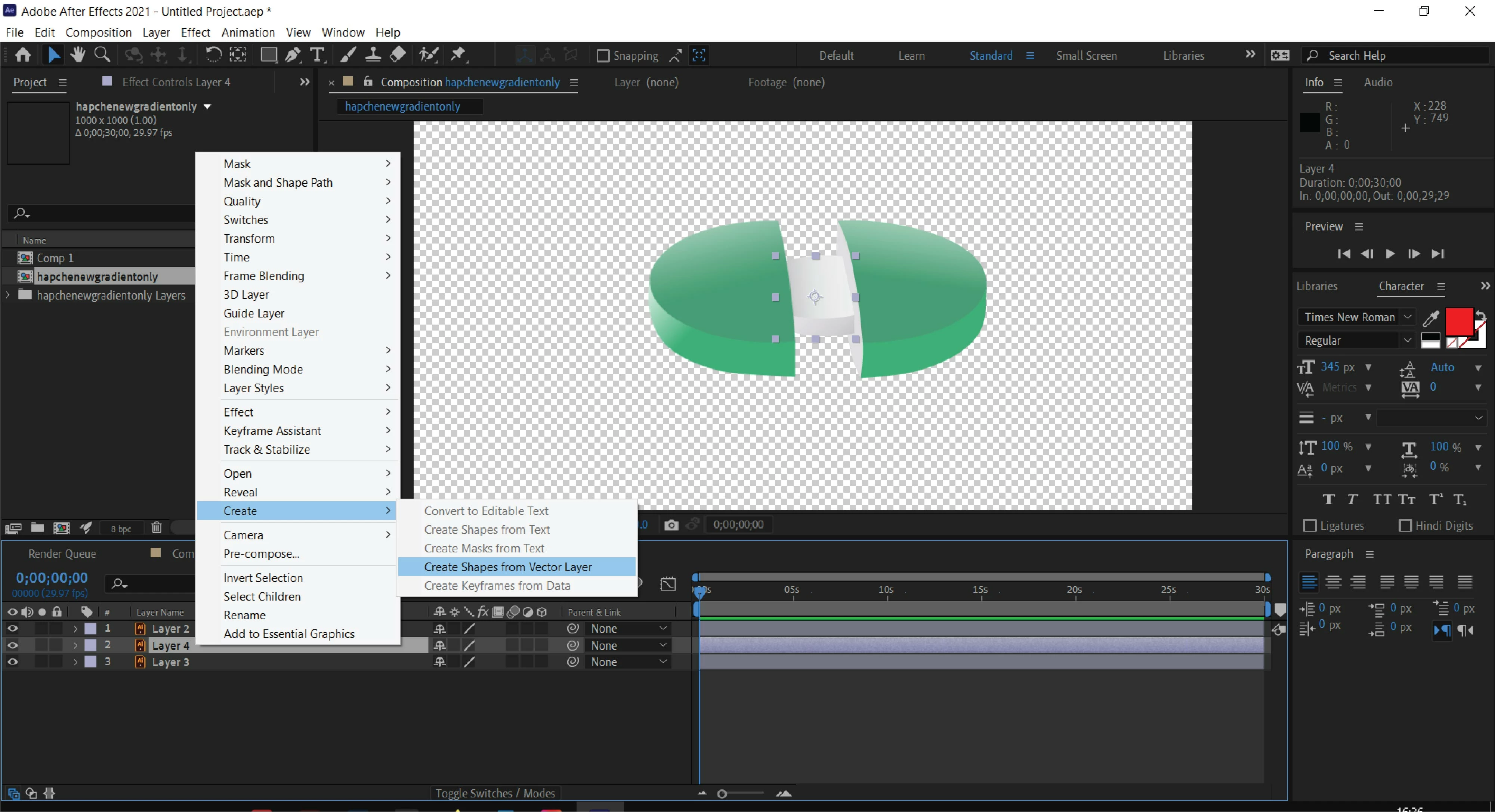
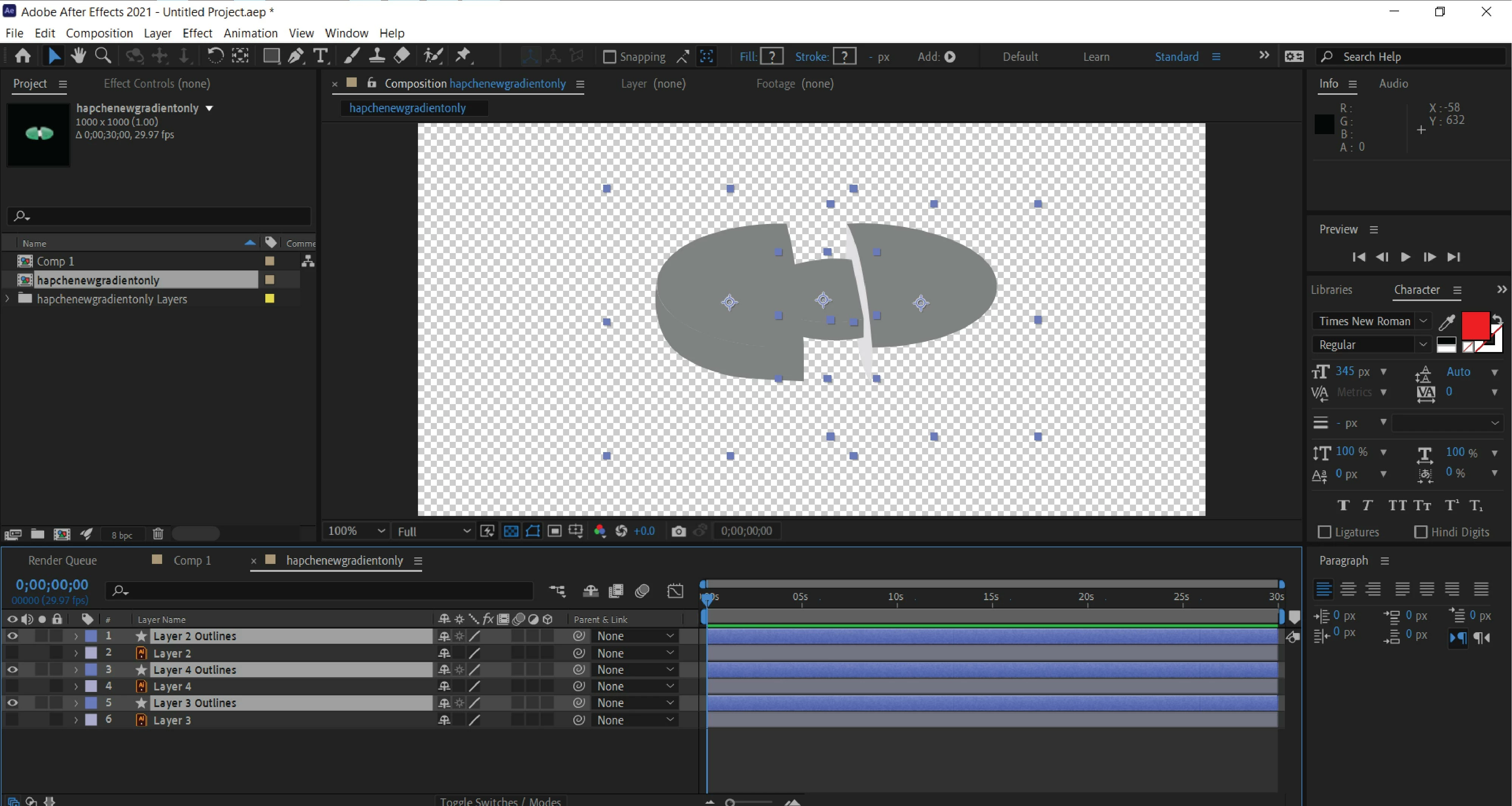
I have tested another thing in Ae : Creted two simple shapes (rectangles) and apllied gradient to it (simple gradient with two colors blue and white) after that tried to render the file with bodymovin and the prewiew shows the gradient only black and white. Please I need help.
 AdChoices