
Participant
July 22, 2020
Question

Gradients in Transparent Animated GIFS

  • July 22, 2020
  • 2 replies
  • 2303 views

Hey All,


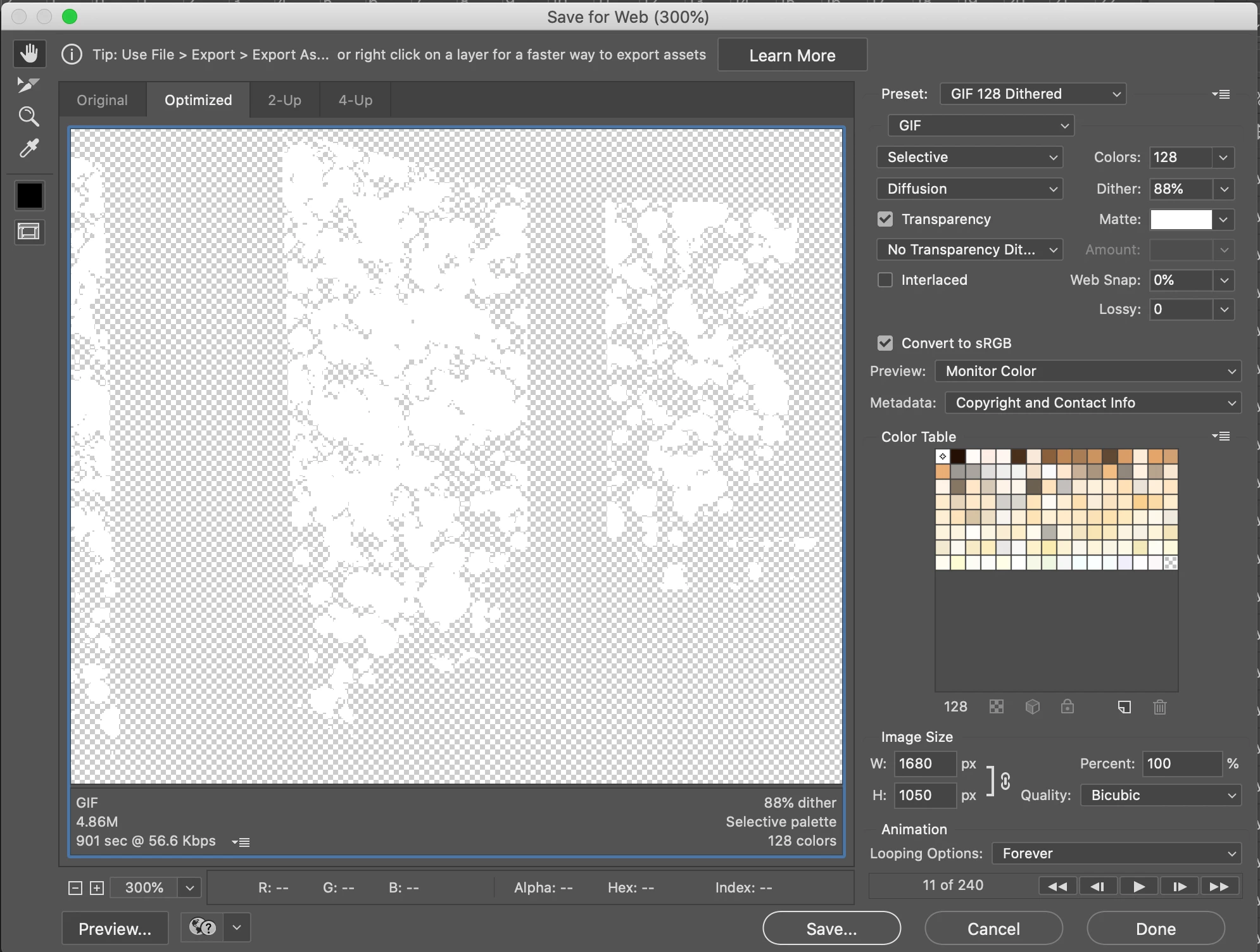
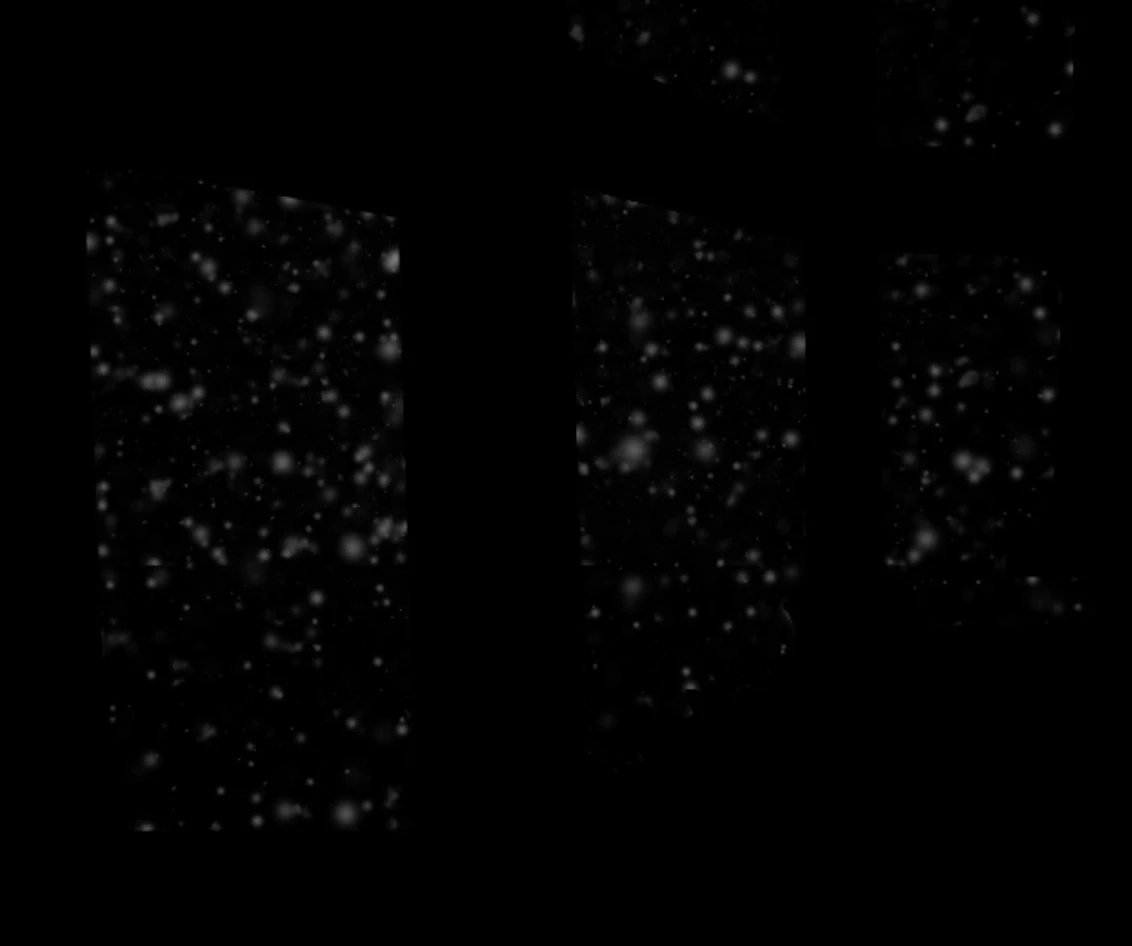
I am currently trying to create an animated GIF in photoshop of snow falling on a transparent background. The issue I am running into is that the gradient of each snowflake is becoming a solid fill, so i just have a bunch of white circles in the final product. I attached 2 images, one of how its looking when im trying to export it as an animated gif, and one with a black background to show what the snow looks like. It seems to export fine with a background behind it but when I try to do so with transparency im running into this issue. Can anyone advise?
This topic has been closed for replies.

2 replies

Mylenium
Legend
July 23, 2020

As Roland already said, it's a limitation of the format. Only exactly one color in the index table can be transparent. You need to rethink your workflow.


Mylenium

Roland Kahlenberg
Legend
July 23, 2020

GIF support for transparency only goes as far as On or Off - with no intermediate transparency values. You'll get more info here - https://community.adobe.com/t5/animate/export-an-animated-gif-to-be-transparent-specific-issue-below/td-p/10771334?page=1

Very Advanced After Effects Training | Adaptive & Responsive Toolkits | Intelligent Design Assets (IDAs) | MoGraph Design System DEV