

Greenscreen to Transparent Background
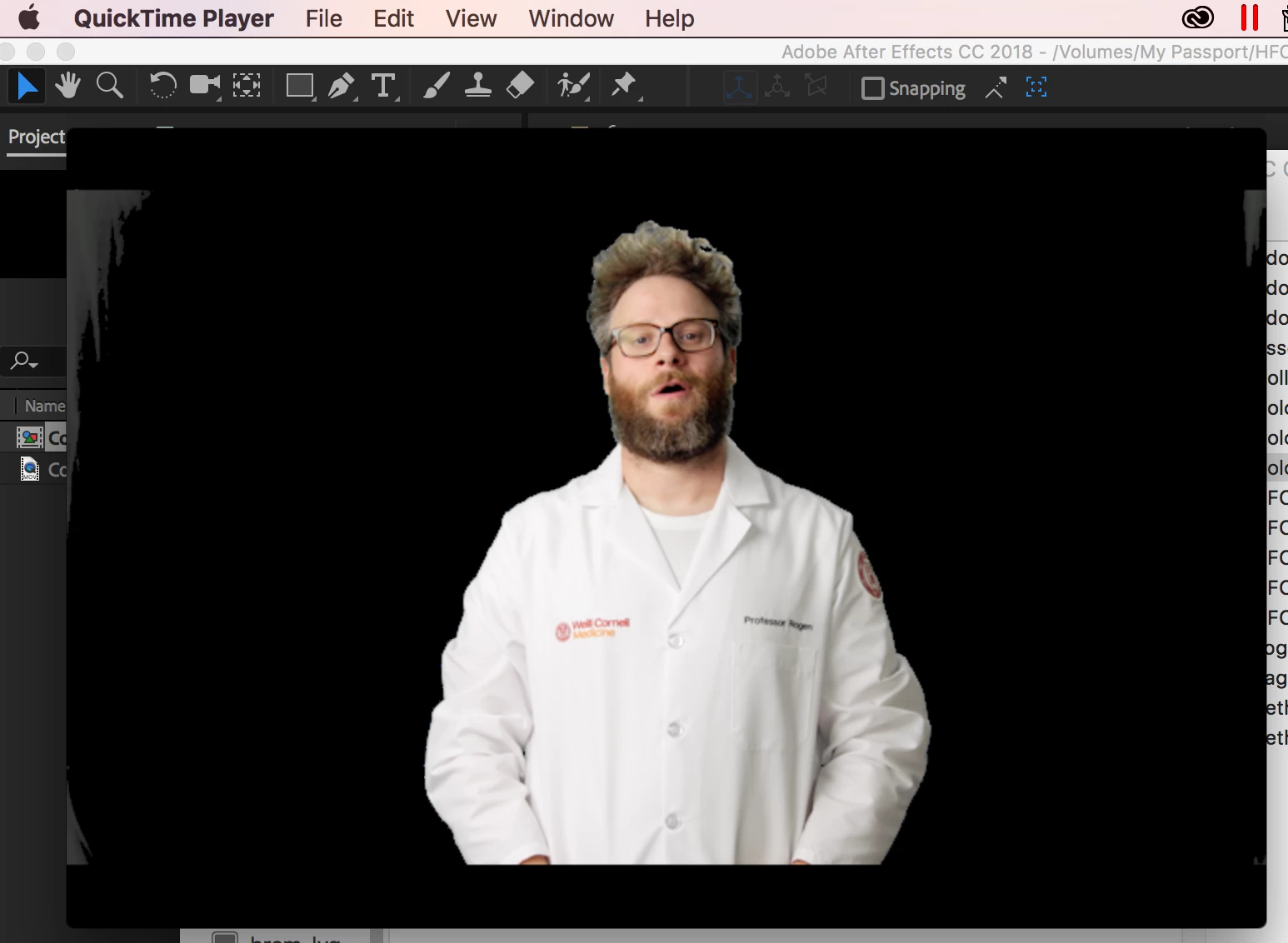
Hi! I have a video of a person standing in front of a Greenscreen. I imported it into After Effects, used the Keylight Effect to get rid of the green and the background turned black. Then when I clicked the Toggle Transparency Grid Button, the background turned transparent just like I wanted it! Then when I went to export it, I chose Quicktime, but there was no "Png" option to choose from in the Codek drop down (which is what a lot of the tutorials told me to do). I selected 32 bits for the depth and tried to export but the black background always remains in the exported version. I need there to be no background behind the person at all. Any idea how I can achieve this? First image is what the background looks like in AE, second image is how it looks when I try to play it in Quicktime.
Thanks!

 AdChoices