markusj42947678
Participant
March 28, 2023
Answered

Half- transparent layer from both sides?

  • March 28, 2023
  • 1 reply
  • 248 views

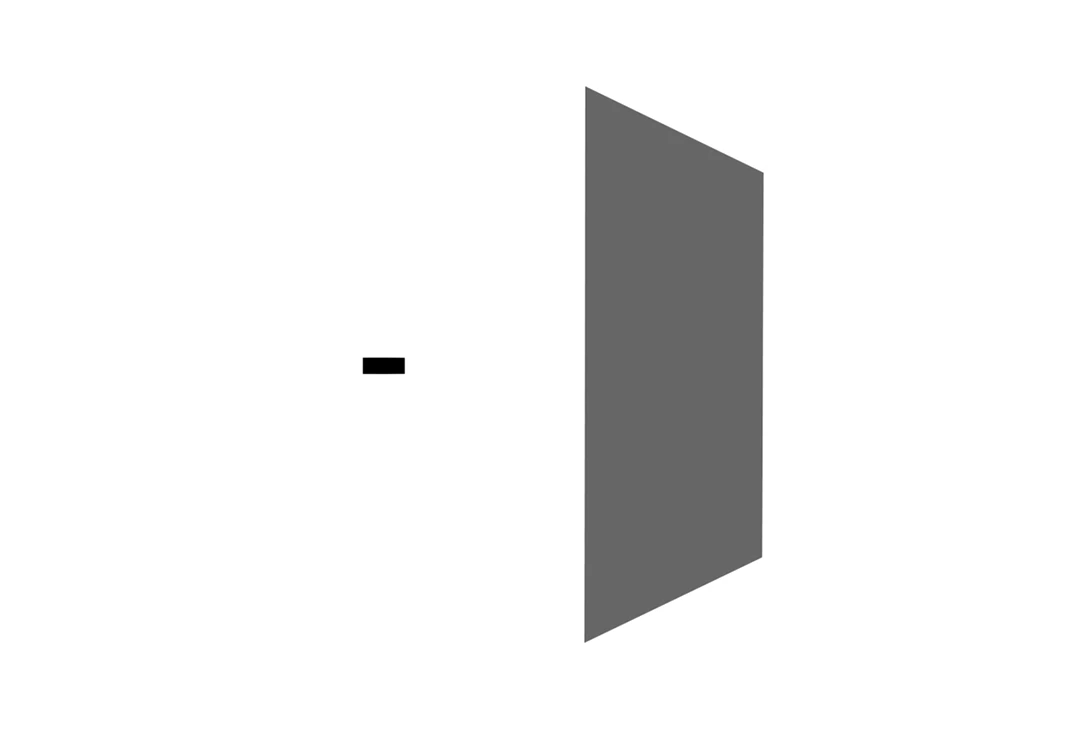
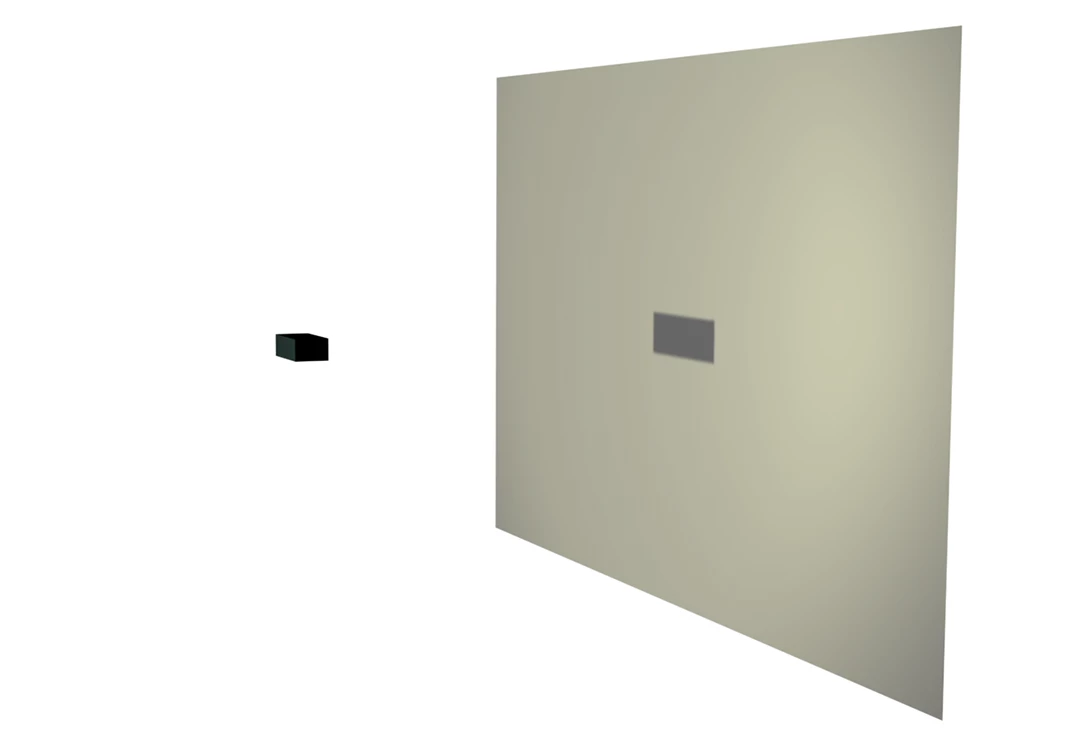
I'm wondering how to get a half-transparent layer to look the same from the back side. I'm trying to simulate a situation with a light source illuminating an object that casts a shadow on a half-transparent screen. Like for example in a shadow puppet show. 


The issue can be seen in these two screenshots. One with the front of the screen visible (object and shadow visible) and the other viewing the screen from behind. I would expect the same colored screen and the shadow to be visible also from the back as it is half transparent (opacity set to 50%).  I suppose there might be some simple way to solve this? Thank you!
 

This topic has been closed for replies.
Correct answer Mylenium

You need to adjust the light transmission parameter of the layer material. Generally, though, there are limitations to this stuff with AE's simple renderer. In the end it may be much more efficient to just fake the shadow entirely by using a duplicate of the source layer and moving it on top of the light screen with only a few pixels offset.


Mylenium

1 reply

Mylenium
MyleniumCorrect answer
Legend
March 28, 2023

You need to adjust the light transmission parameter of the layer material. Generally, though, there are limitations to this stuff with AE's simple renderer. In the end it may be much more efficient to just fake the shadow entirely by using a duplicate of the source layer and moving it on top of the light screen with only a few pixels offset.


Mylenium

markusj42947678
Participant
March 28, 2023

Ok, thanks! Seems that the light transmission parameter is not available in Cinema 4D rendering (no wonder i missed it), but only in the Classic 3D renderer. This is a bit unfortunate, but i will move on and fake the shadow on the other side as you suggested.