
Marlie1998
Participant
October 19, 2022
Question

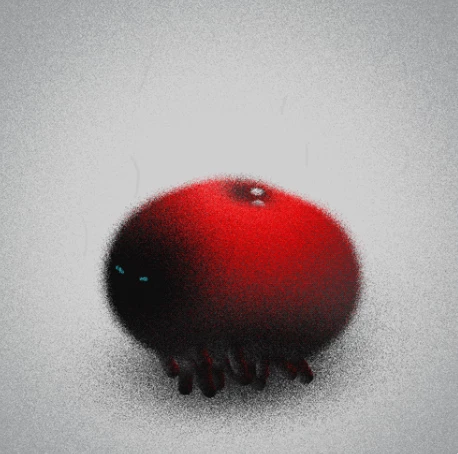
Have been trying to achieve this fuzzy/ grainy animation look

  • October 19, 2022
  • 1 reply
  • 424 views

So please be patient if the terms I use are not industry standard, I have only been teaching myself AE for a little over a year and still have plenty of gaps in my knowledge.I have been trying to achieve this "fuzzy" look in my animations. i have tried things like making a glow with disolve and dancing dissolve but it doesnt even look close. i also dont know what to look up to watch some tutorials. Can anyone direct me to a youtube video or briefly explain how to achieve this look? (here is the link to the actual gif/ video if needed: https://pin.it/7oARNCS)


This topic has been closed for replies.

1 reply

Mylenium
Legend
October 19, 2022

The noise looks like scaled down instances of Fractal Noise which are a) used as an overlay for the texture and b) as a displacment map input to offset the pixels from their inital positions and get the fuzziness. So there you have it. It's a combination of the two. Put together your noise map in a pre-comp, apply it with the Dispalcement Map effect in the parent comp and also use a second duplicate in a blending mode like Multiply on top. Then tweak the parameters as you need., including adjusting the colros and contrast of the main image to be displaced, as apparently this only looks good if there are some distinct harsh edges and delineated areas.


Mylenium

Marlie1998
Participant
October 19, 2022

Wow, that was quick. Thank you so much for your help! That was exactly what I needed. I truly appreciate it!