
Participant
December 3, 2024
Question

HDR10 workflow

  • December 3, 2024
  • 1 reply
  • 130 views

Hello! I have been given a Prores 444 file with the image characteristics. HDR10 with ITU-R BT.2020
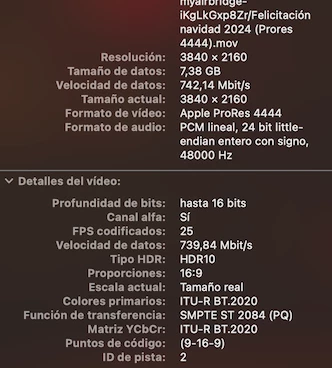
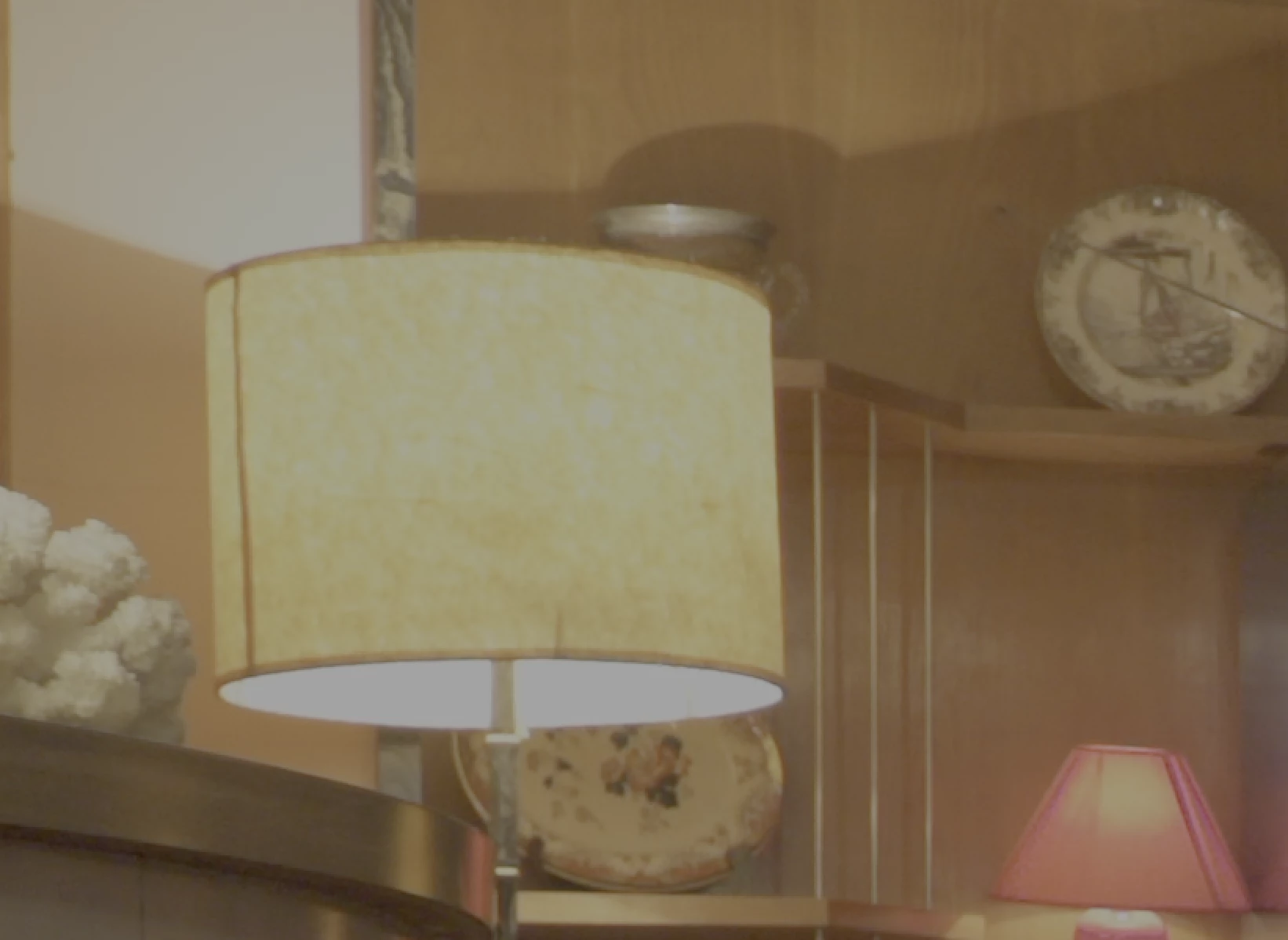
If I import it into AE (16-bit project) the color profile assigned to it is: REC. 2100 PQ (and it won't let me change it)

And it looks washed out and grainy in the viewfinder.
If I change the viewfinder color space to ITU-R BT.2020 the highlights burn out.
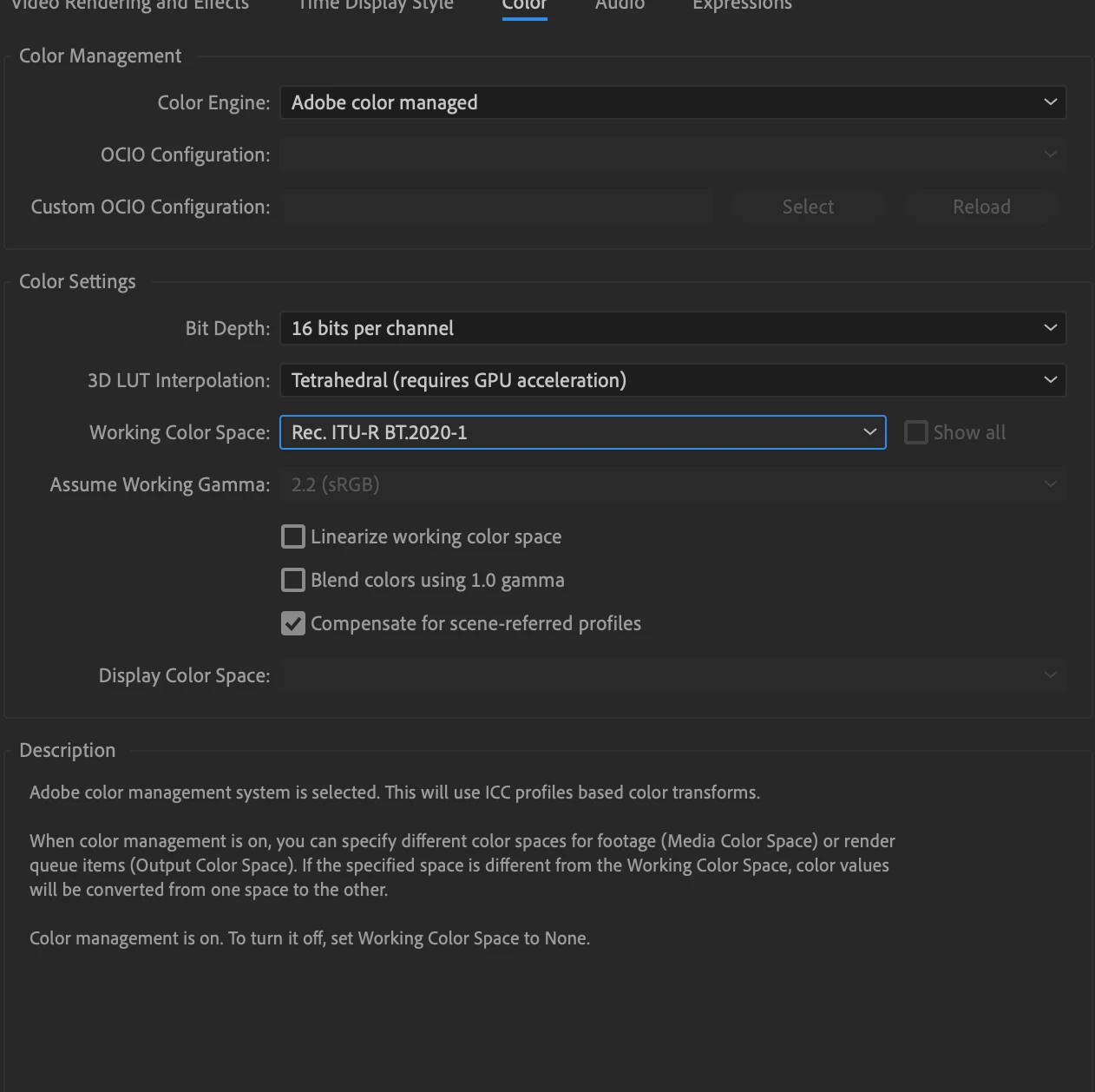
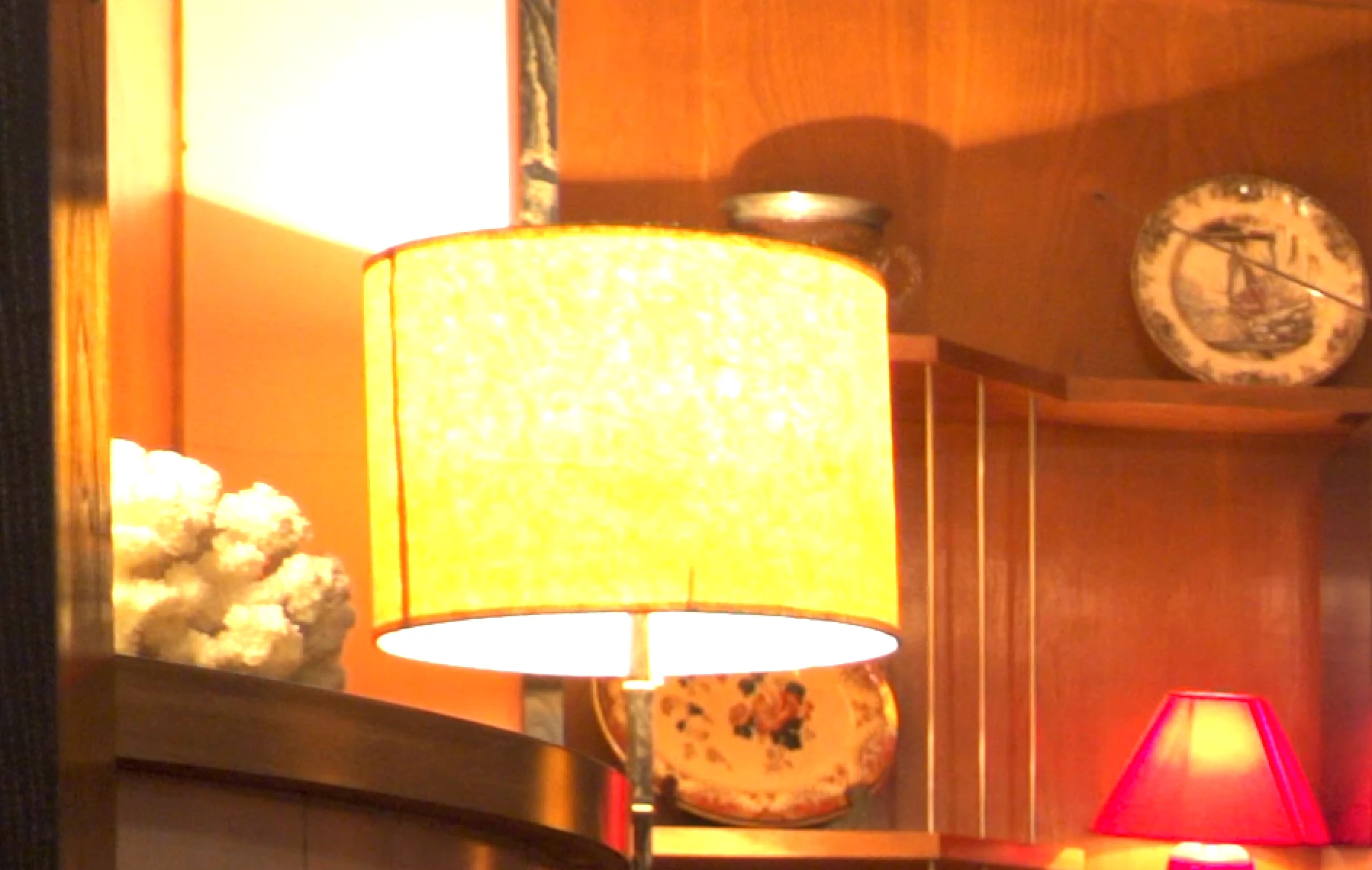
Either of those two options rendered in Encoder do not give a good result.

How can I get a render respecting the HDR and the original color?

Thank you very much!

This topic has been closed for replies.

1 reply

nishu_kush
Legend
December 3, 2024

What happens if you change the working color space to None?

For exporting using Media Encoder try:

  • Navigate to Export Settings > Video tab > Encoding Settings & set Profile to High10.
  • Change Export Color Space to Rec. 2100 HLG & try to export.

Hope this helps. Let us know if you have any questions.


Thanks,
Nishu

Participant
December 4, 2024
quote

What happens if you change the working color space to None?

First image. Washed out and grainy

Export with this base and mentioned settings in ME produces washed out and grainy video too in output


Thanks!