
Participant
August 8, 2021
Question

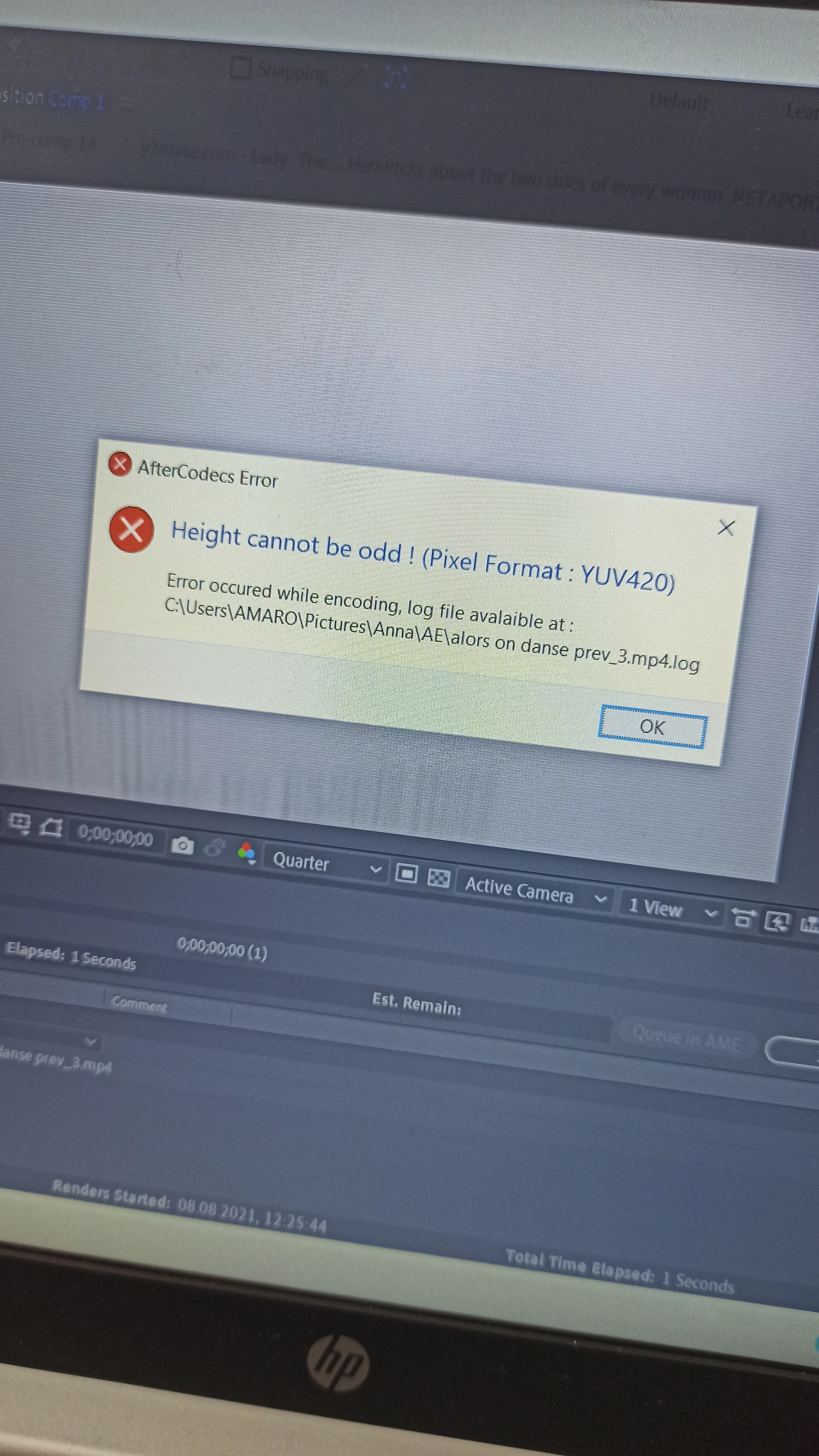
"Height cannot be odd" render error

  • August 8, 2021
  • 3 replies
  • 6497 views

(sorry for the picture quality)

Hello, I'm looking for solution of this problem. The whole editing process went just fine and there wasn't a single problem, but this is what occurs everytime I try to render the project. It only occurs when I'm rendering using AfterCodecs (mp4), it's fine with AVI. I've never had this problem before. 
This topic has been closed for replies.

3 replies

Participating Frequently
October 30, 2021

Just change the size of the composition to a standard size

Community Expert
August 8, 2021

MPEG compressed files (H.264) cannot have an odd number of horizontal or vertical pixels because the compression is calculated in blocks of 4 pixels. If you set up a composition with an odd number of pixels it will be stretched. It is a video standard that you cannot break. Simple as that. When you start customizing frame size, frame rate and render settings you have to follow the rules so it is important to understand the rules. This is one of those rules you cannot break when you are using any codec that quantizes the color values and compresses them to reduce the file size.

Mylenium
Legend
August 8, 2021

Impossible to know much without any info about actual render settings, your project and so on. Perhaps it means what it says, perhaps it's a fluke. In any case, even on an abstract level all MPEG-based footage can only have resolutions that are multiples of 2 in either direction. It's an inherent limitation in how the compression works. So if indeed you use an odd resolution, this would have to be fixed first. Anything more will require proper details.


Mylenium