
Participant
February 3, 2025
Answered

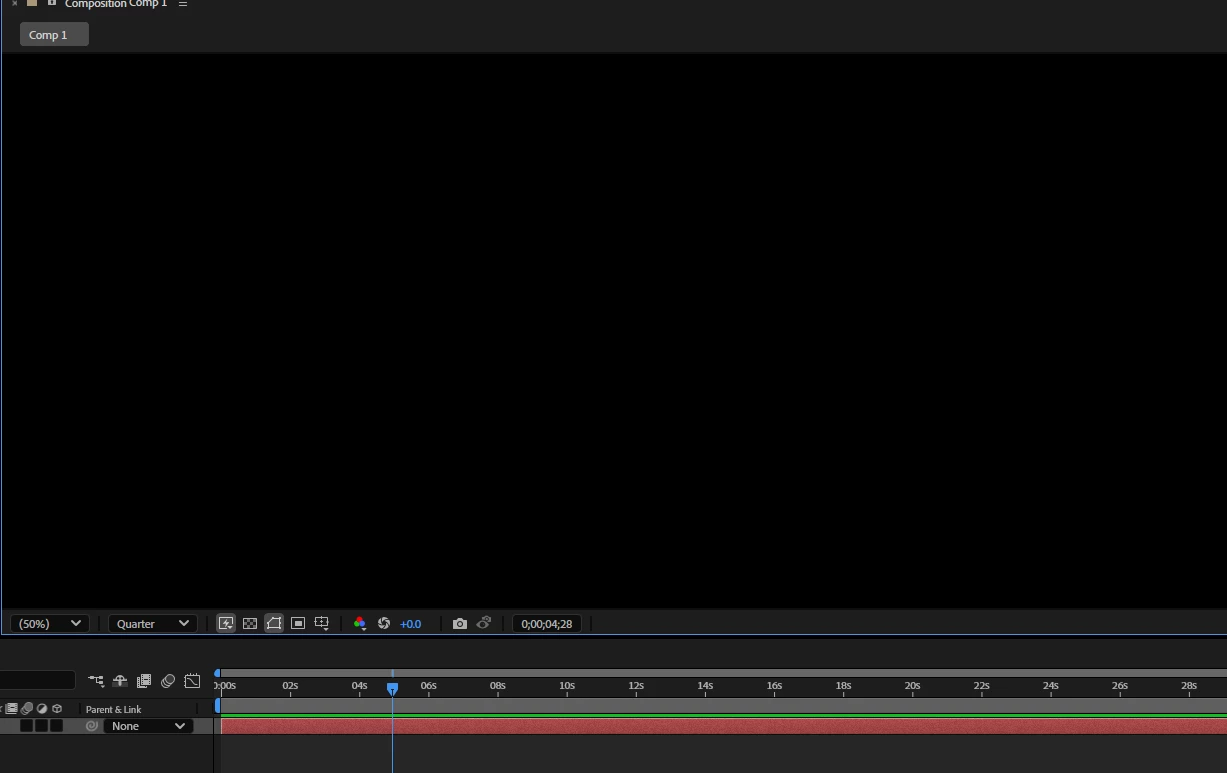
Hello, I have a problem with the program; I can't see anything in the Composition window.

  • February 3, 2025
  • 1 reply
  • 359 views

My laptop HP VICTUS specs are:


CPU (Processor):

Intel Core i7-13700HX - 13th Gen  - 16 cores (8 Performance cores + 8 Efficiency cores) / 24 threads -  2.1 GHz (Performance cores) - Up to 5.0 GHz - 30 MB Intel Smart Cache


GPU (Graphics Card):
NVIDIA GeForce RTX 4060 (Laptop GPU) - Ada Lovelace -  8 GB GDDR6 - Ray Tracing & AI Features: Supports Ray Tracing and NVIDIA DLSS 3 


RAM (Memory):  

32 GB DDR5 - 4800 MHz


no i dont have tha CAPS LOCK on. 
 

Correct answer nishu_kush

Please try the following steps:

• Close After Effects
• Go to the Device Manager (Run >> devmgmt.msc)
• Select Display Adapter, Right click on the "Intel UHD graphic card".
• Select "Update Driver"
• Select "Browse my Computer"
• Select "Let me Pick from a list of available drivers on my Computer".
• Select "Microsoft Display Adapter".
•  Launch After Effects.
 
Let us know.


Thanks,
Nishu

1 reply

nishu_kush
Community Manager
nishu_kushCommunity ManagerCorrect answer
Community Manager
February 3, 2025

Please try the following steps:

• Close After Effects
• Go to the Device Manager (Run >> devmgmt.msc)
• Select Display Adapter, Right click on the "Intel UHD graphic card".
• Select "Update Driver"
• Select "Browse my Computer"
• Select "Let me Pick from a list of available drivers on my Computer".
• Select "Microsoft Display Adapter".
•  Launch After Effects.
 
Let us know.


Thanks,
Nishu

Participant
February 8, 2025

Sorry for the late response. I tried it, and it really works, thanks! Now, my question is: when I make this change, the resolution changes, making everything look huge. How can I keep the same resolution, or do I have to buy a monitor?