
Participant
April 20, 2022
Question

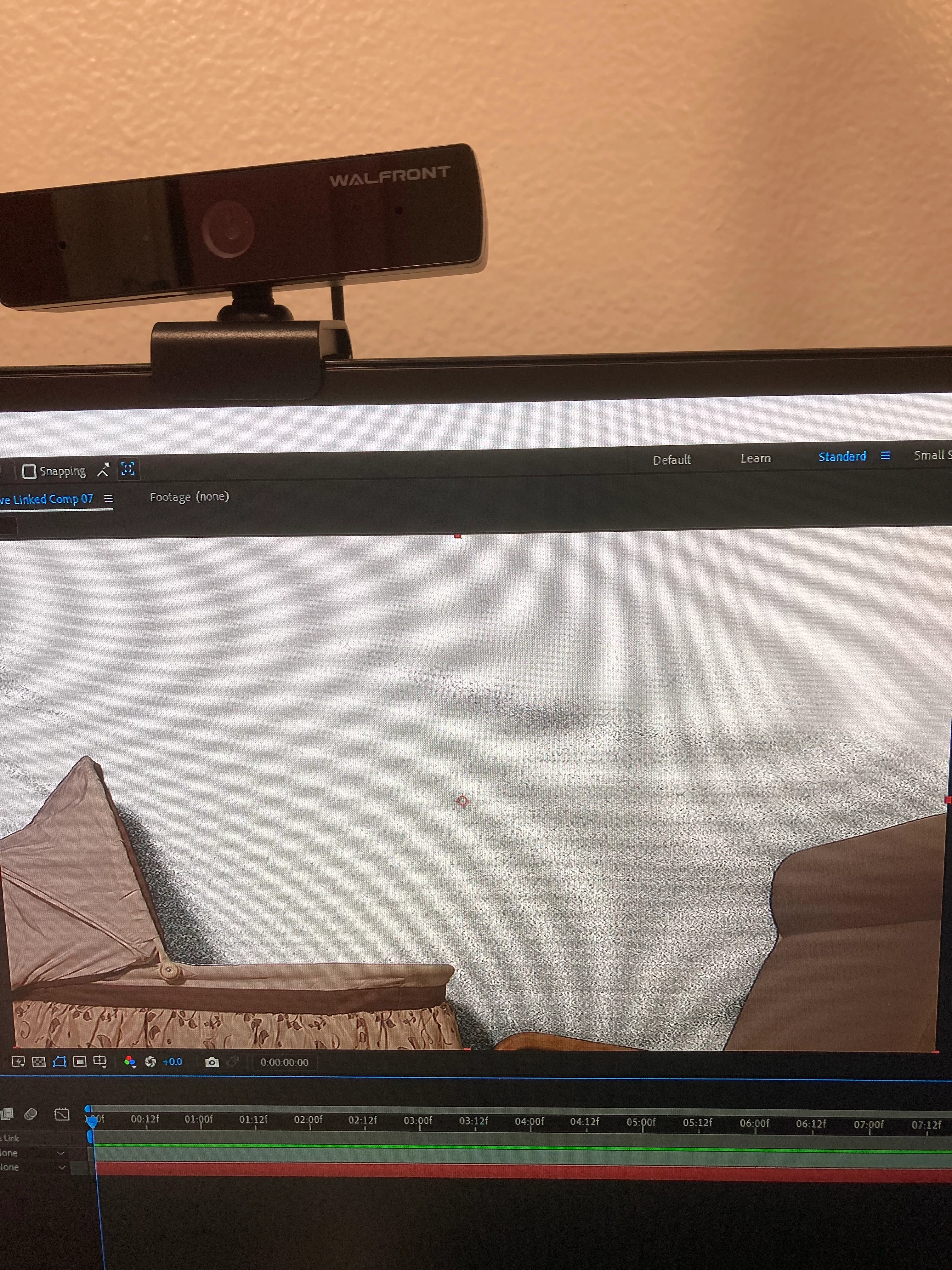
Help! Poorly lit Blue Screen causing noise!
  • April 20, 2022
  • 3 replies
  • 207 views

Hi! I'm a student just learning After Effects, I have a school project due soon and I can't at the blue screen to work even after researching and trying different quick fix methods. Attached is some photos of the problem.

This topic has been closed for replies.

3 replies

Mylenium
Legend
April 20, 2022

Totally doable. You just need to draw a few masks, both for referencing them as garbage mattes in Keylight and a bit of manual cleanup. Rick already pointed you to his tutorial and there's enough others out there as well.


Mylenium

Community Expert
April 20, 2022

Post a screenshot of a frame of the footage and I will show you my approach. This should be a fairly straightforward job for Lumetri first to smooth out the blue then Keylight to pull the key and repair the edges as long as the footage is not heavily compressed. You will probably also need a mask.


If that doesn't do it there may be other approaches like Rotobrush. It all depends on the footage.


The lighting and keying problems are different but maybe this tutorial I produced last February will give you some ideas. It demonstrates a combination of techniques used to generate a good composite from a poorly lit scene.

This tutorial shows just one possible approach to the problem.

Participant
April 20, 2022