

Help to remove white fringing on footage
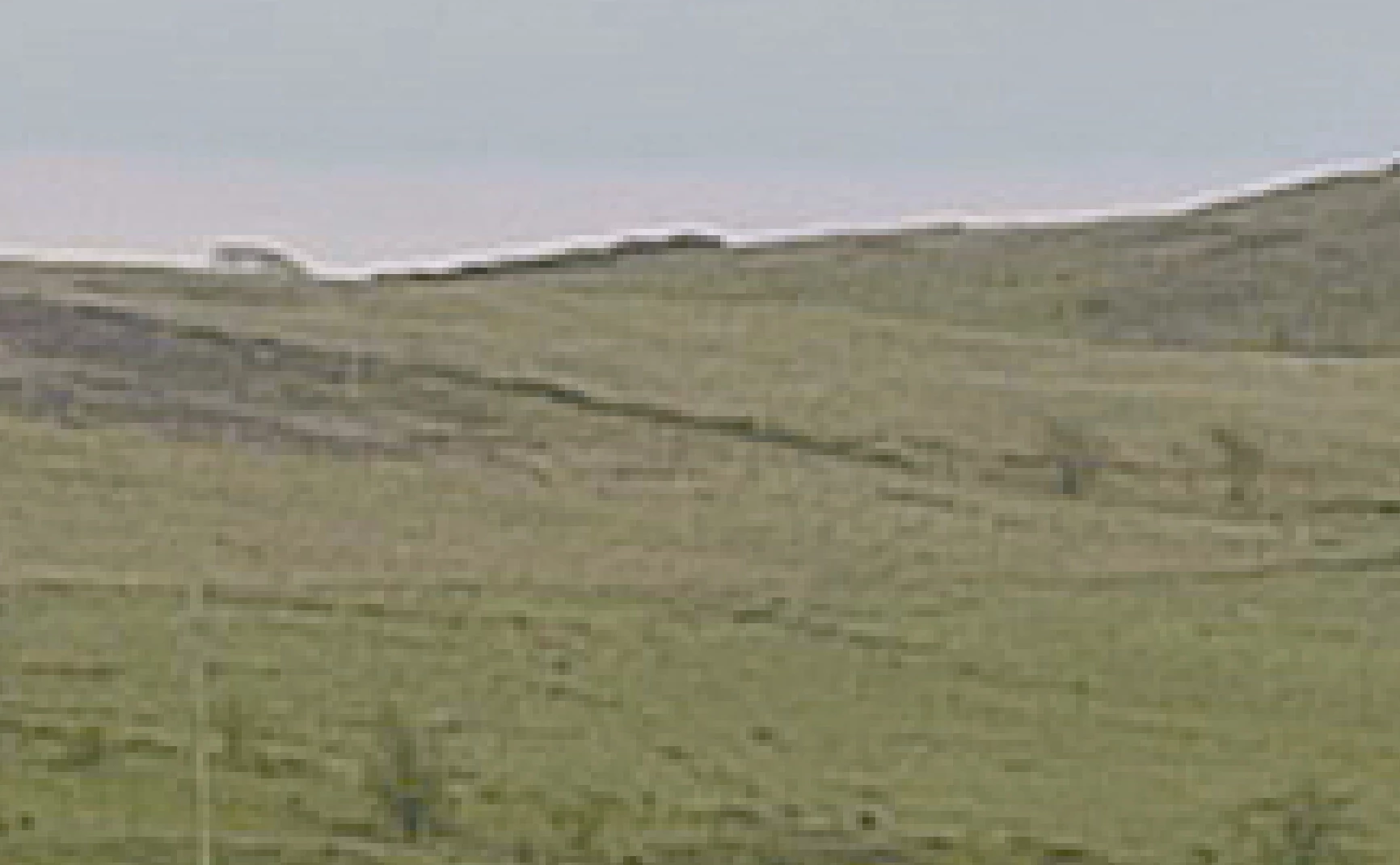
I have a lot of footage I have taken with my Panasonic GH5, V-Log L 4K 10-bit 4:2:2 and I noticed that when I import it to After Effects, there is white fringing around contrasting edges of objects . It is there before I apply any effects and I am not sure if this is an AE issue. I have read several posts of similar issues but I have found no way of fixing it.
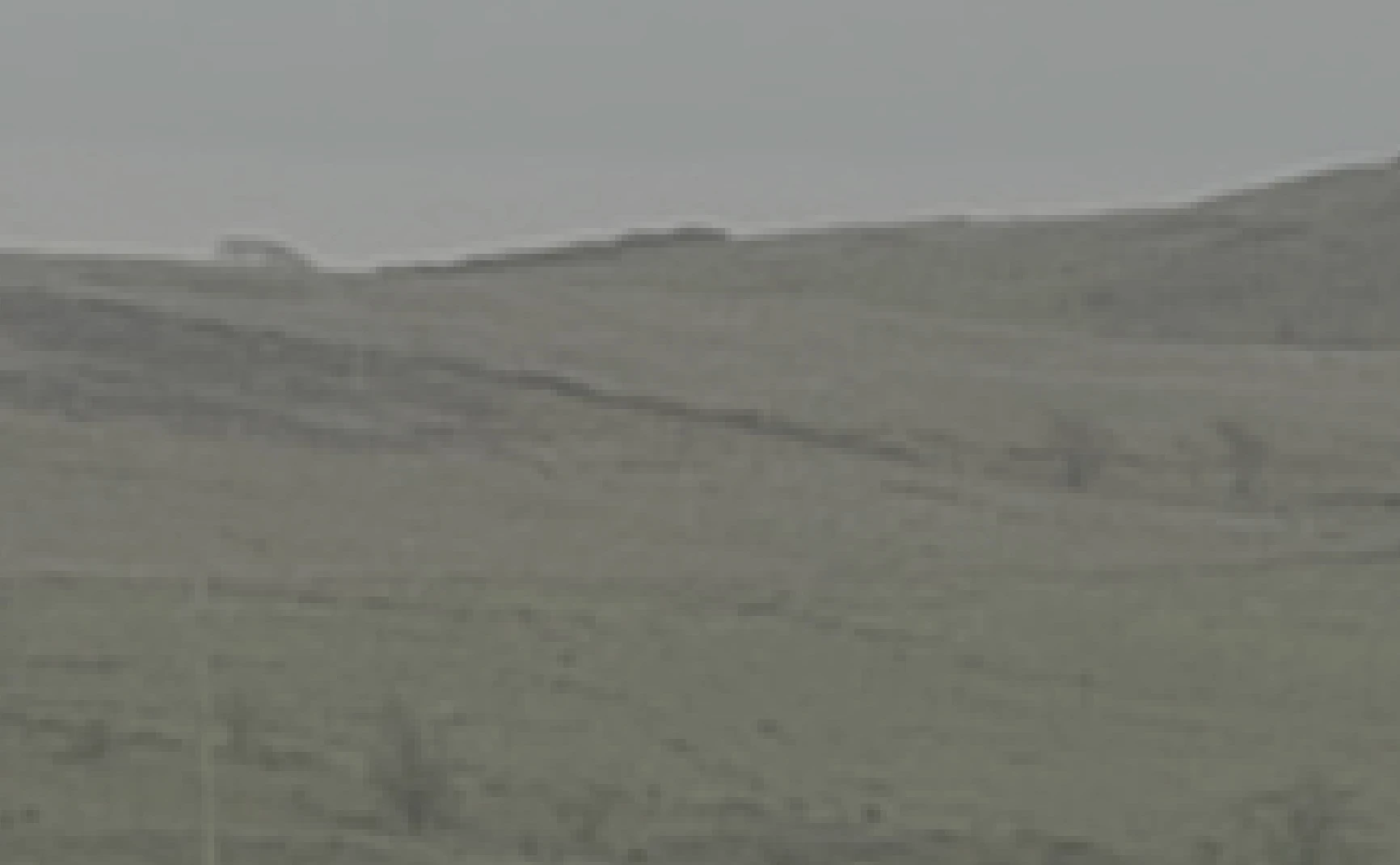
Here is an image at 800% crop to show it along the top of this hillside in this video, and to show its not my effects, here is an unedited and an edited image to show the issue was there before I added any effects:
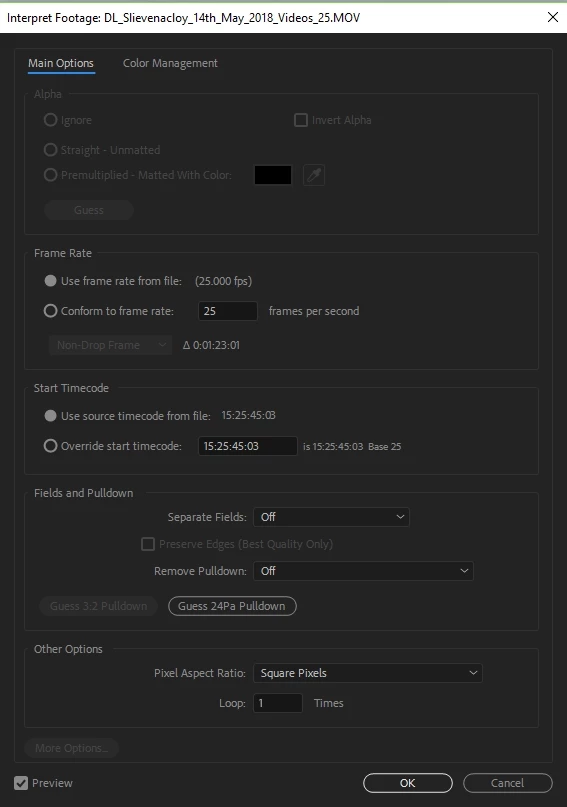
I don't know if it matters to this issue, I read when searching on this white fringing, to check the Alpha channel, on Composite Interperate Footage -> Main but the Aloha settings can't be set/changed:
Can anyone help?
 AdChoices